
Try the GTA AI Filter in Lorka AI
Follow the steps below to get an image that has a GTA-inspired style with Lorka’s AI image generator in seconds, which you can share on your socials and with friends.
3 Steps to enter the Grand Theft Auto World 🎮
1️⃣Upload your image
Add a clear photo you'd like to transform into GTA-style art.
2️⃣Pick a preset or add a prompt
Choose a ready-made GTA style or describe your own custom scene.
3️⃣Generate and download
Preview your GTA-inspired portrait, poster, or loading screen and save it.
Popular presets:
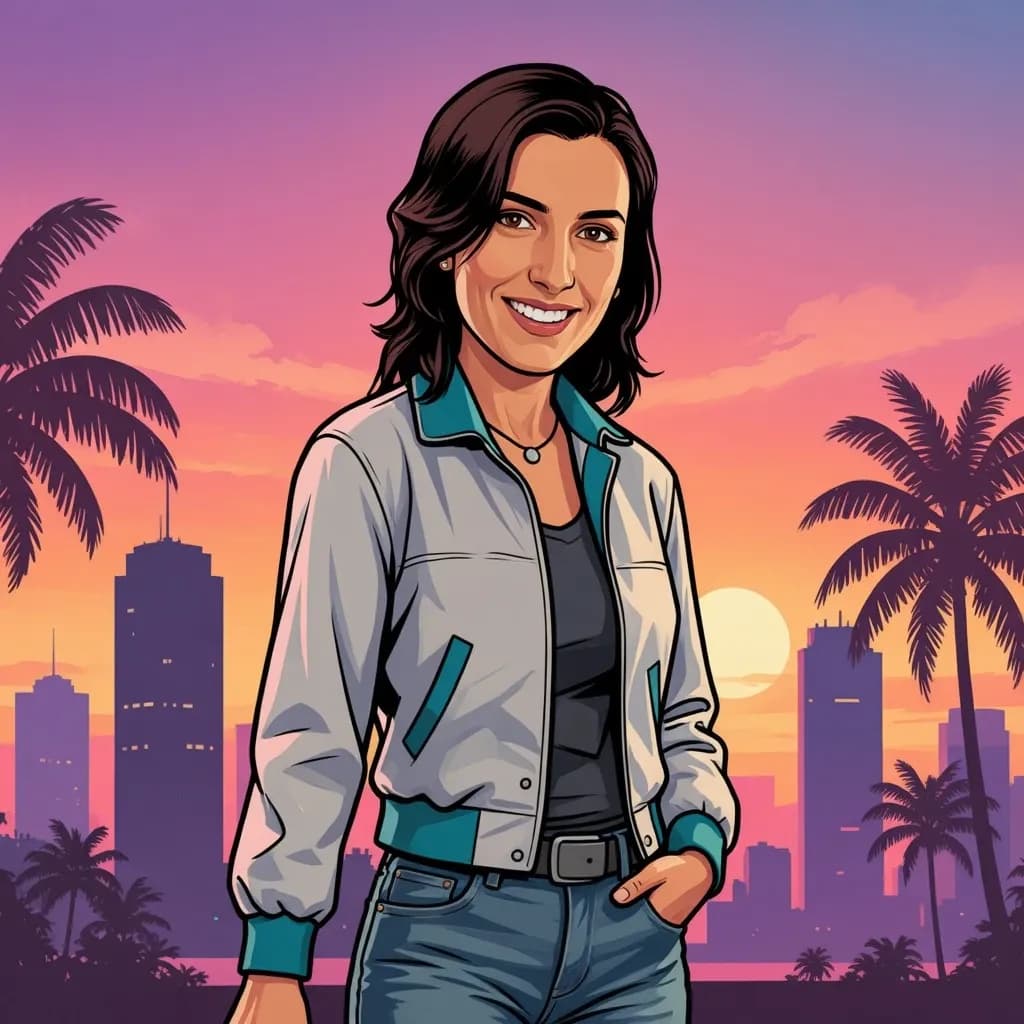
GTA Cover · Vice City Sunset · Neon Alley · Loading Screen · Getaway Driver · Beach Lifestyle · Helicopter Shot · Action Poster


Create a Free GTA-style image now🚔
Access Lorka AI Image Generator an create a GTA-style image
Upload your imageWhat Is the GTA AI Filter Trend?
The unofficial fan-inspired GTA AI filter trend turns ordinary photos into art inspired by Grand Theft Auto's iconic look and growing GTA 6 hype. Here’s how this style can transform your photos into an image fit for a video game cover:
💬Bold outlines, comic-style detail
Thick linework and stylized shading give every portrait a hand-drawn, poster-ready finish.
🎞️ Cinematic compositions
Wide angles, dramatic framing, and confident poses make each image feel like a scene out of the latest GTA game, not just a photo.
🌆 Sunset and Vice City palettes
Warm pinks, purples, and golds channel the retro-futuristic glow fans associate with Vice City.
🔦 Neon city lighting
Glowing signs, wet streets, and moody nightlife tones bring a Los Santos-after-dark energy to any shot.
🏃🏻♂️➡️ Action-poster energy
High-stakes framing and bold typography-ready compositions turn a simple photo into a movie-poster moment.
Best Photos to Upload for GTA-Style Results
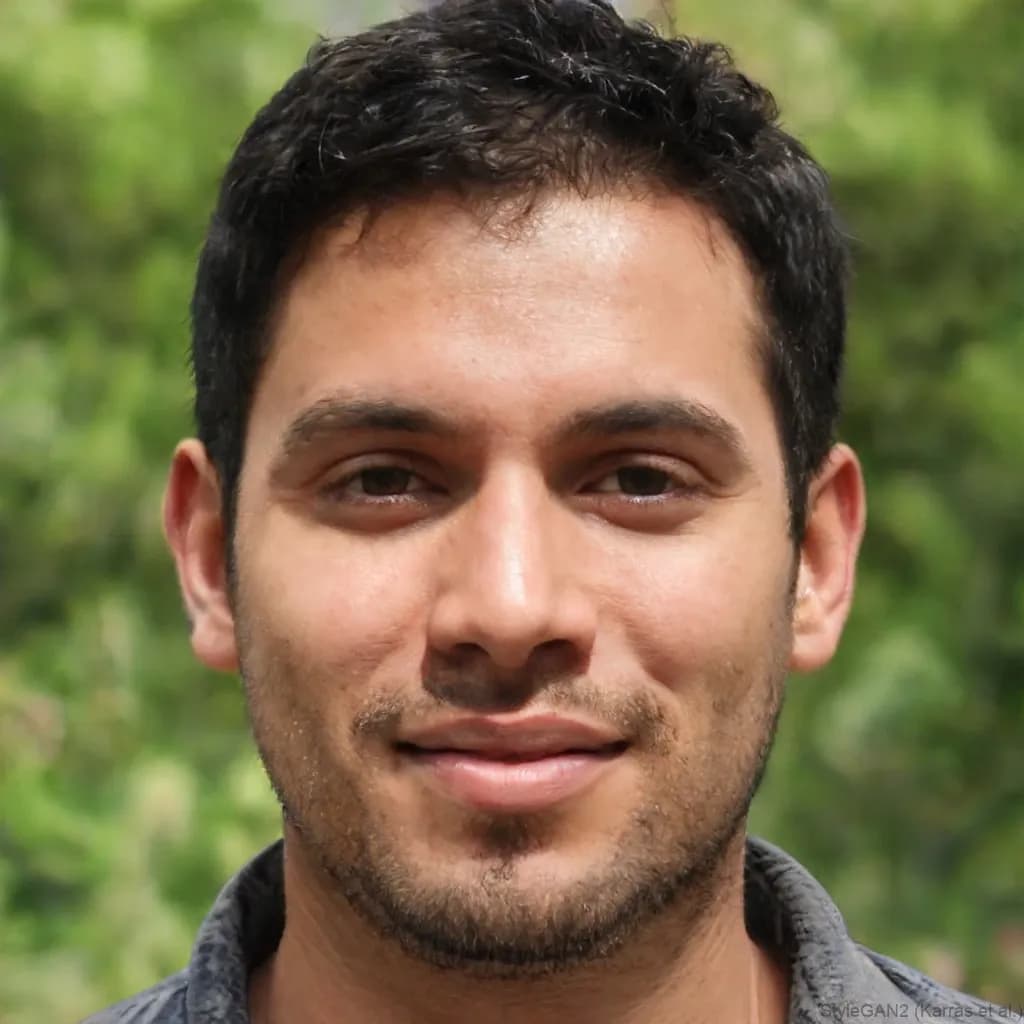
For better results, you should use a well-lit photo that gives it enough detail to build a strong stylized result. To do this, upload a photo into the image generator with:
- A clear, visible face
- Decent, even lighting
- A visible pose (not just a headshot)
- Minimal blur or movement
- Portrait or mid-shot framing
Avoid: Heavy filters, sunglasses, group photos, low-resolution images, and extreme close-ups
Adding images with these elements into the GTA image generator can limit how accurately the style translates.
GTA Prompts You Can Copy
Copy any prompt below, paste it into our image generator alongside your uploaded photo, and adjust details like clothing, colors, or setting to make it your own.
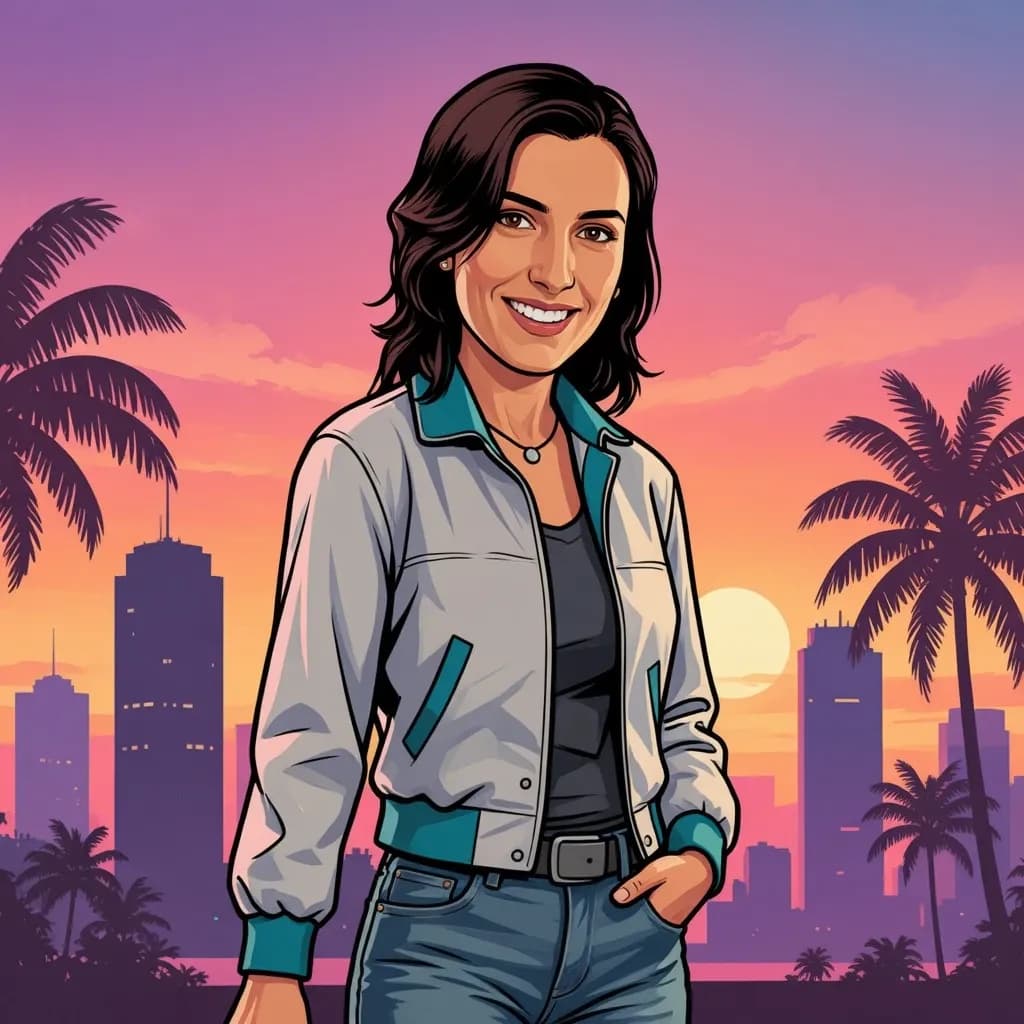
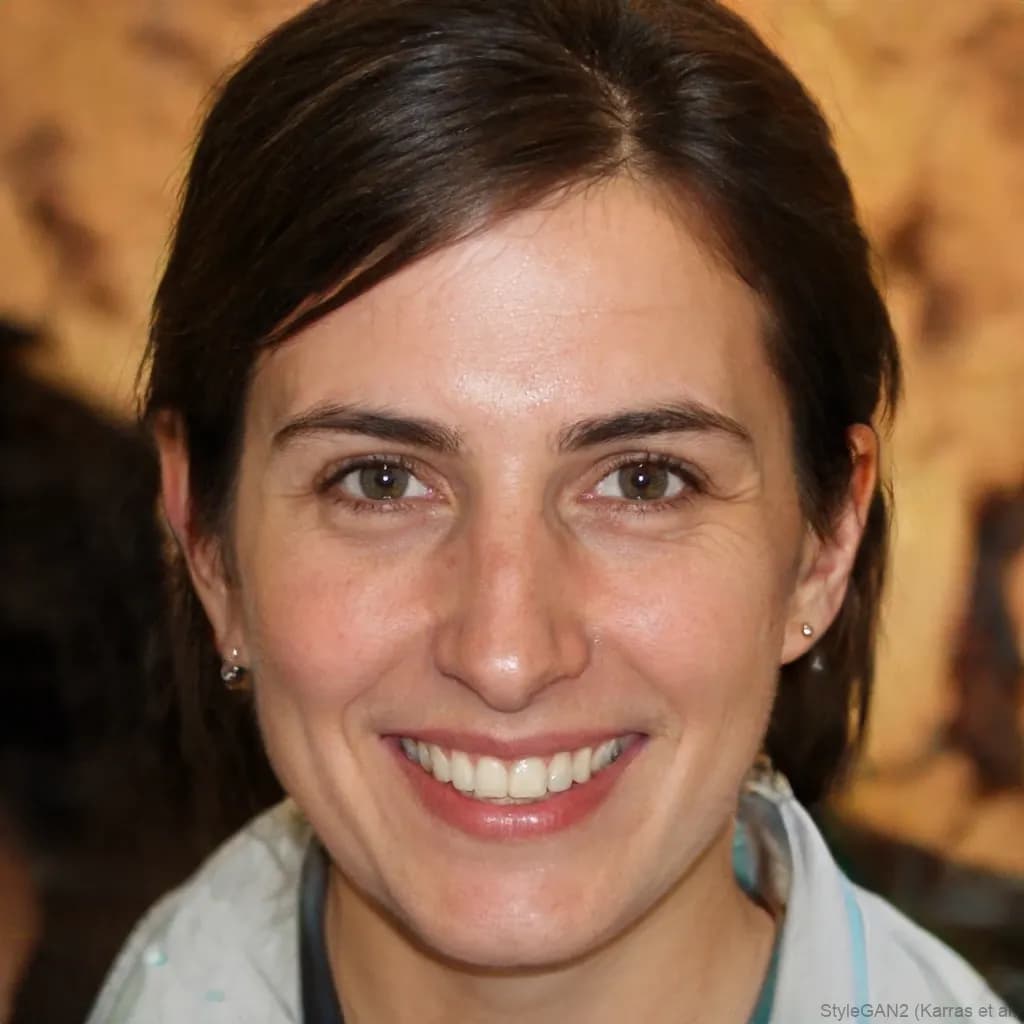
Loading-screen portrait
Turn this photo into a GTA-inspired loading-screen portrait. Preserve the person's facial features and expression. Use a low-angle shot from chest height, dramatic side lighting, and a blurred city skyline background. Bold outlines, cel-shaded coloring, a confident stance, and a cinematic mood.
Try the Loading-screen portrait Prompt ✍🏻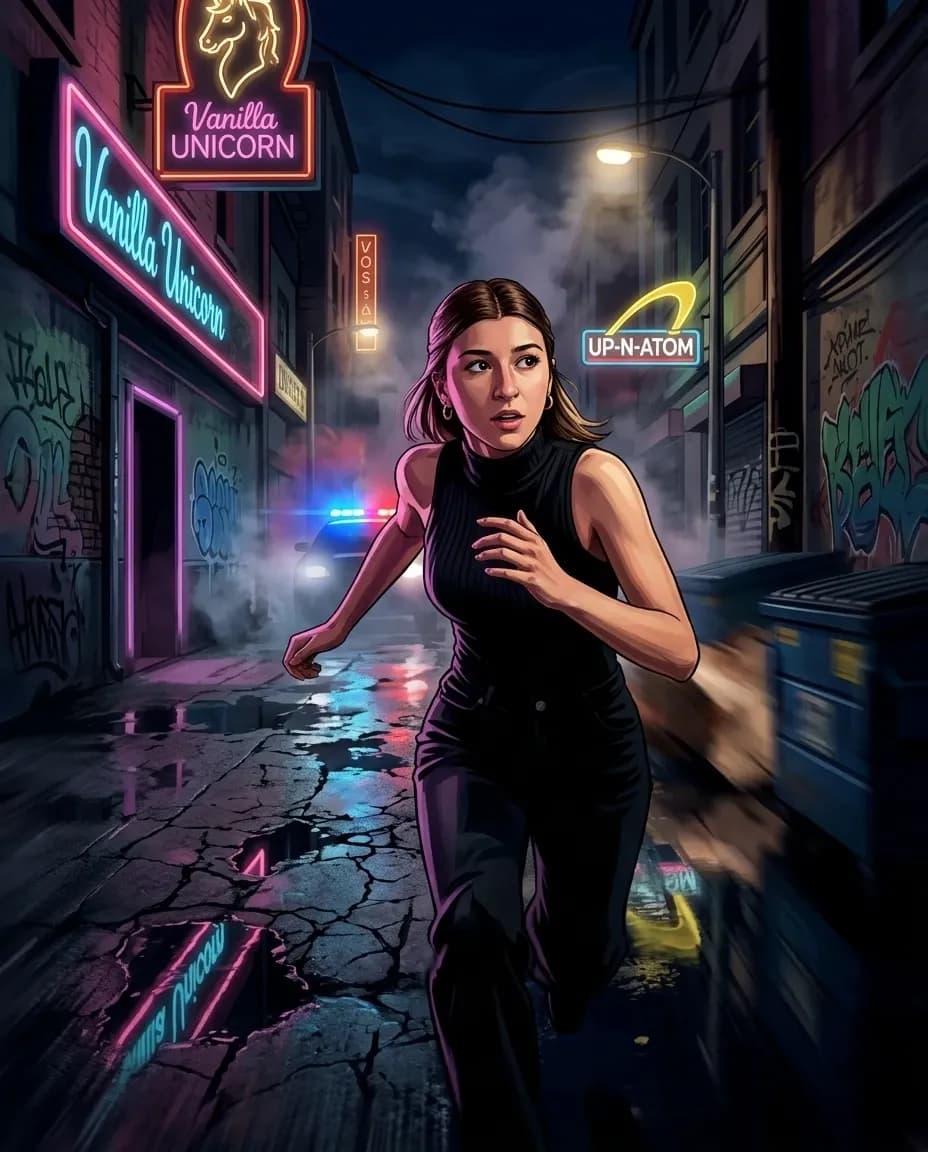
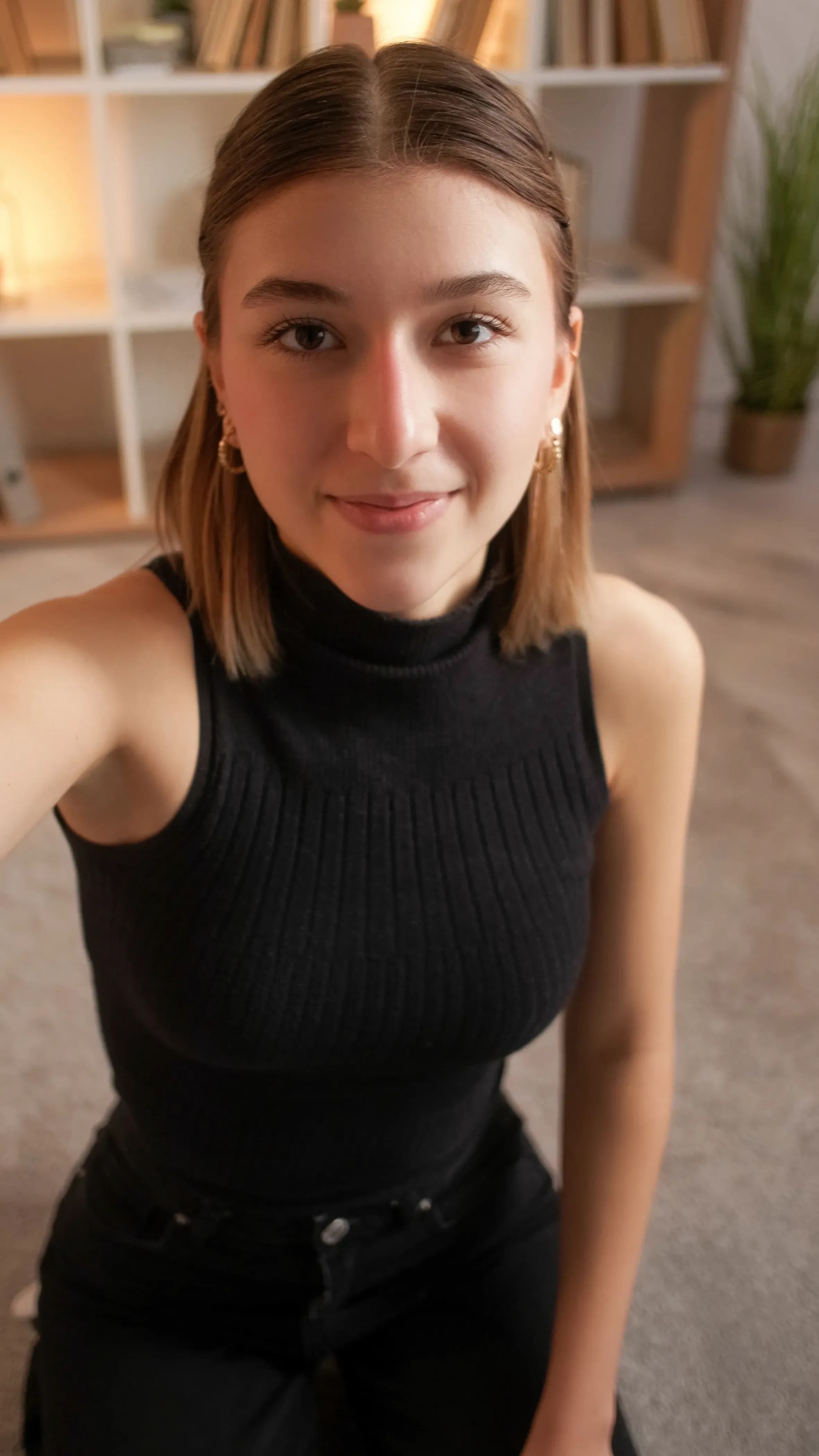
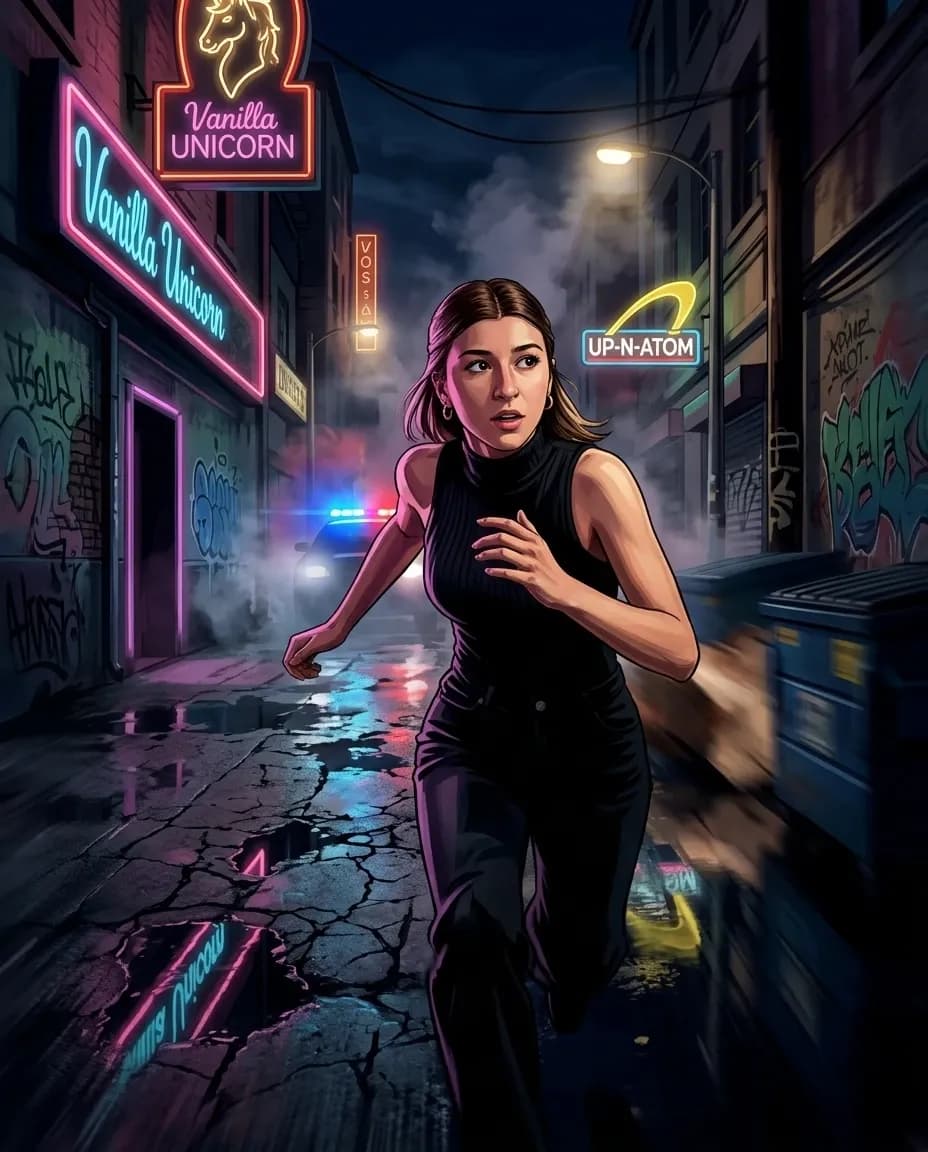
Neon alley chase
Use the provided reference photo as the highest-priority facial reference. The individual sprinting through a narrow urban alley in Los Santos at night. Camera positioned behind and slightly below him creating a dynamic chase perspective. Neon signs reflecting on wet pavement. Graffiti-covered walls. Police lights visible in the distance. Motion blur emphasizing movement. Dramatic shadows. High energy GTA action artwork. Rockstar promotional illustration quality. Ultra detailed environment. AAA game artwork. 1080x1350.
Try the Neon alley chase Prompt ✍🏻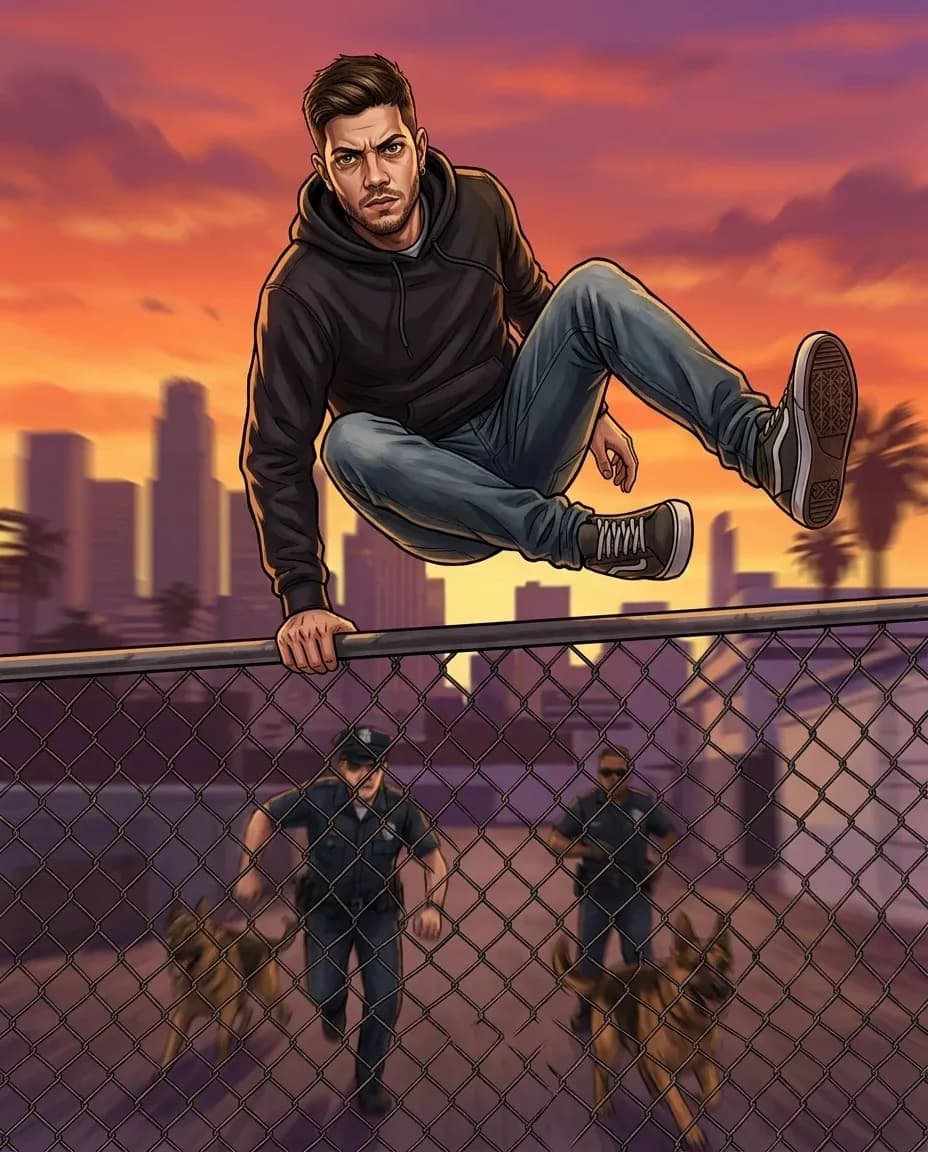
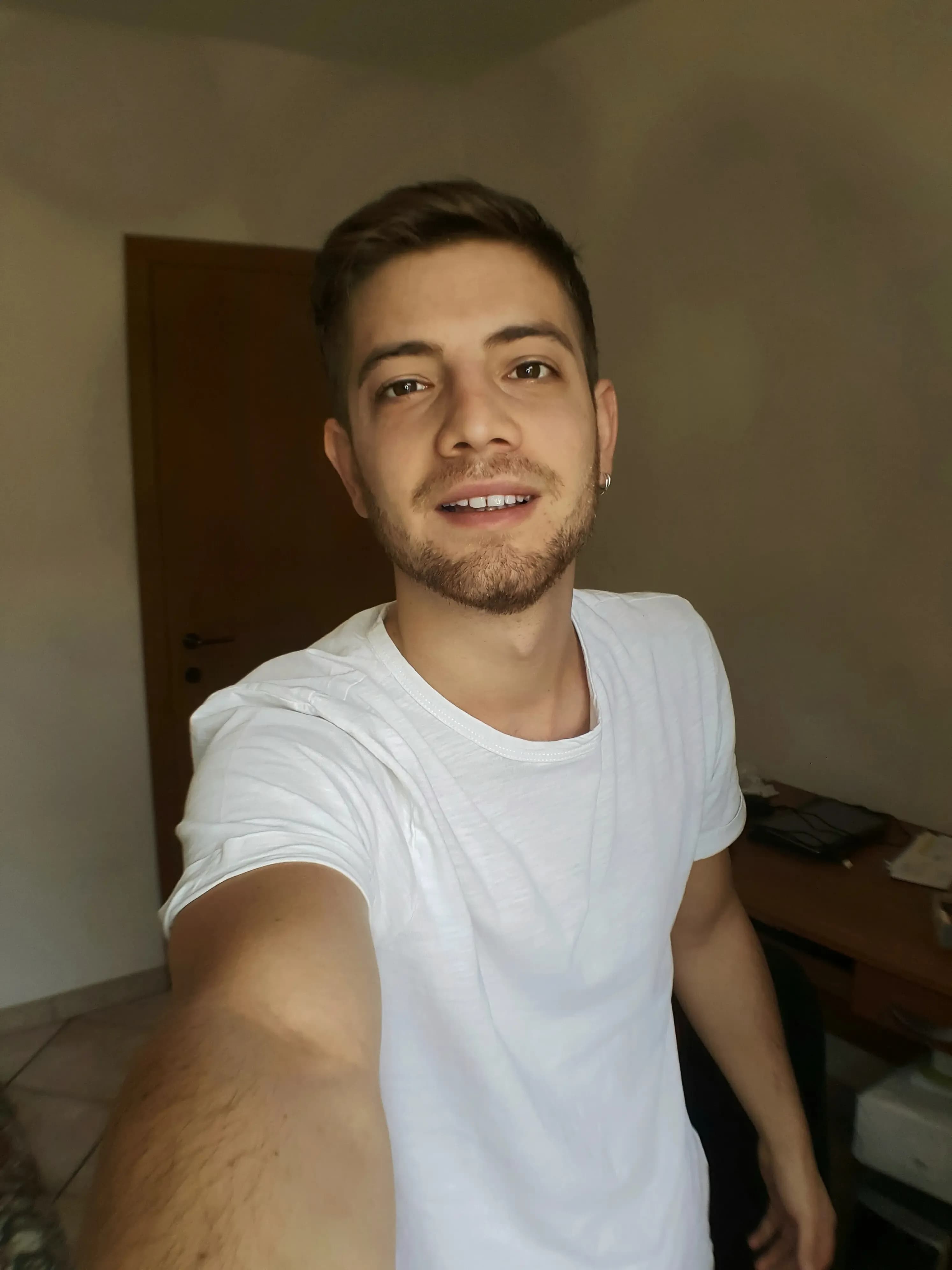
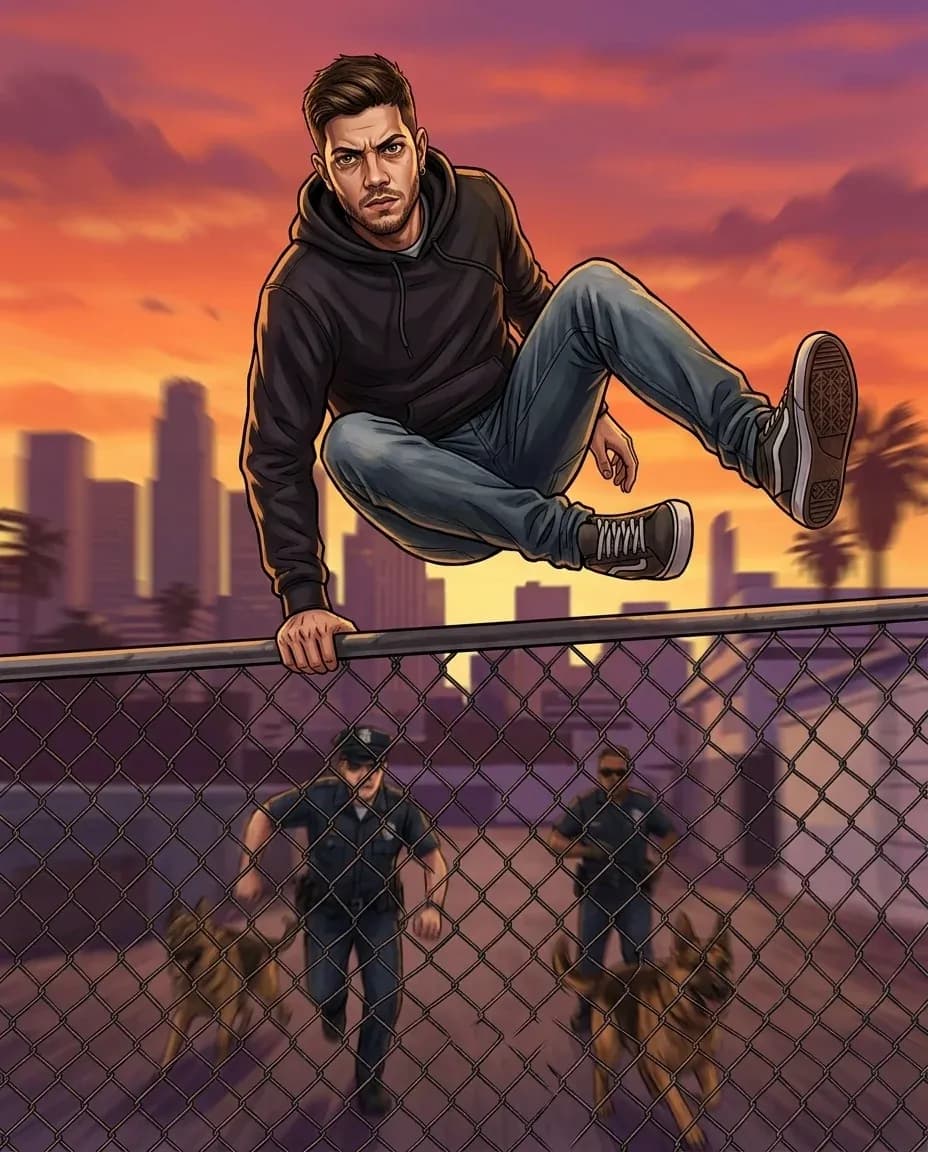
Fence-jump pursuit scene
Use the provided reference photo as the highest-priority facial reference. The individual mid-air while jumping over a chain-link fence during a pursuit. Camera positioned below the fence looking upward. Dynamic action pose. Los Santos skyline in the background. Sunset sky with orange and purple tones. Motion blur on the environment while the individual remains sharp. Cinematic action moment. Rockstar Games key art style. GTA promotional artwork quality. Ultra detailed illustration. AAA quality. 1080x1350.
Try the Fence-jump pursuit scene Prompt ✍🏻Example GTA-Style Scenes
Take a closer look at the different scenes the GTA AI filter can create with your photos and a detailed prompt.
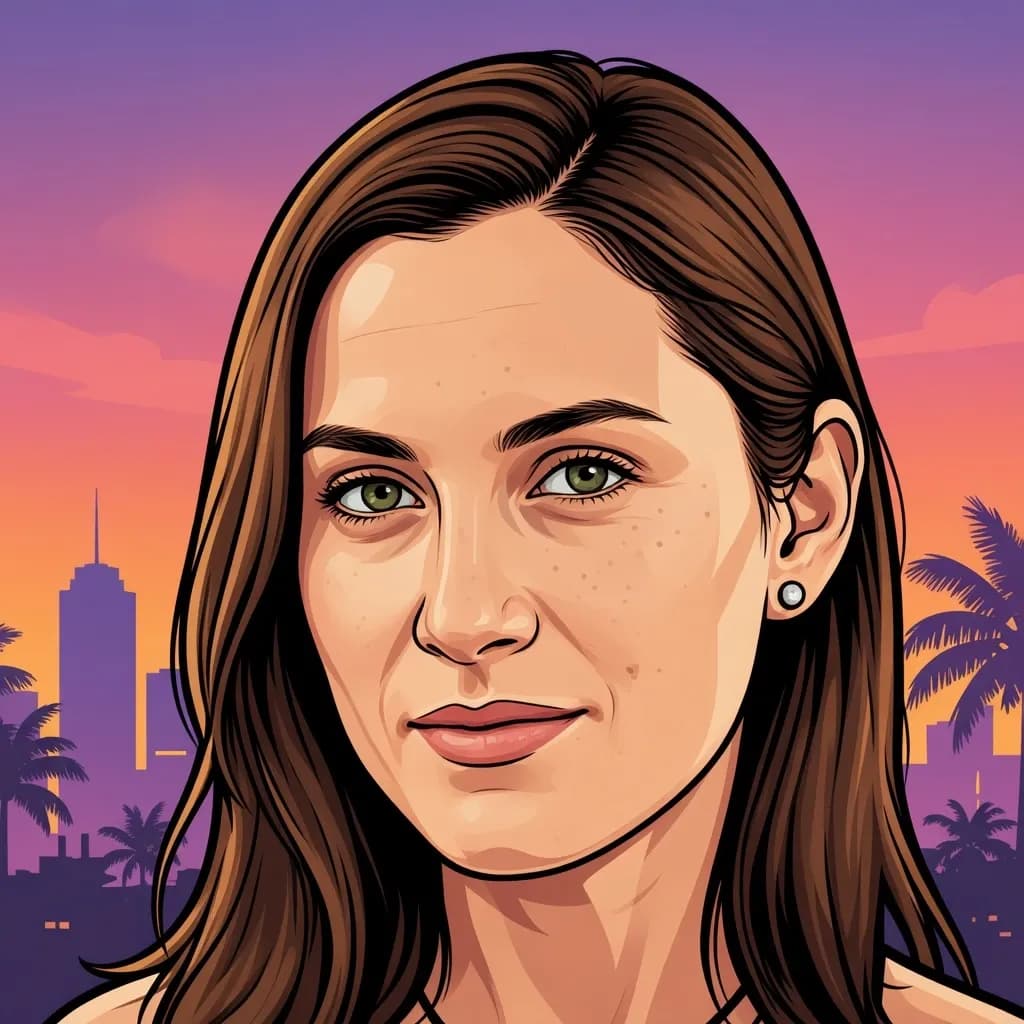
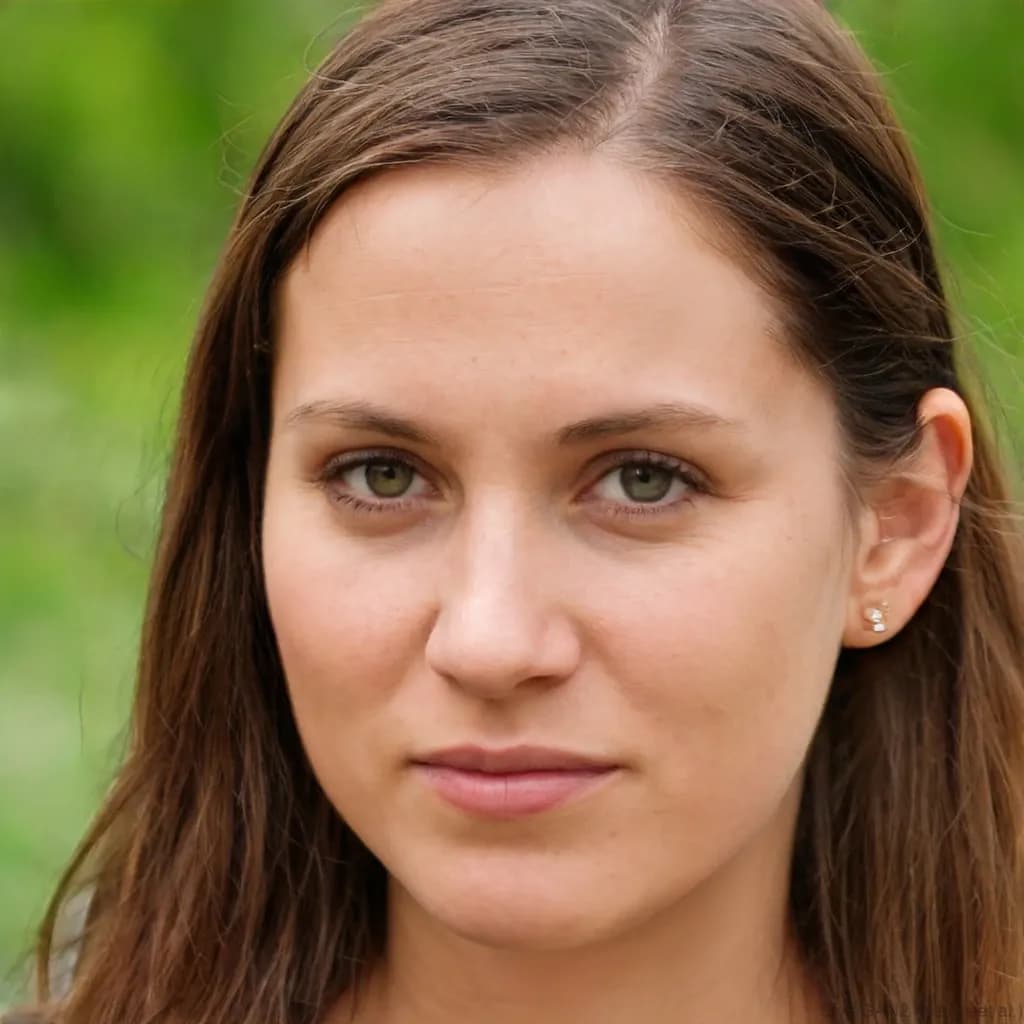
Skyline hero cover
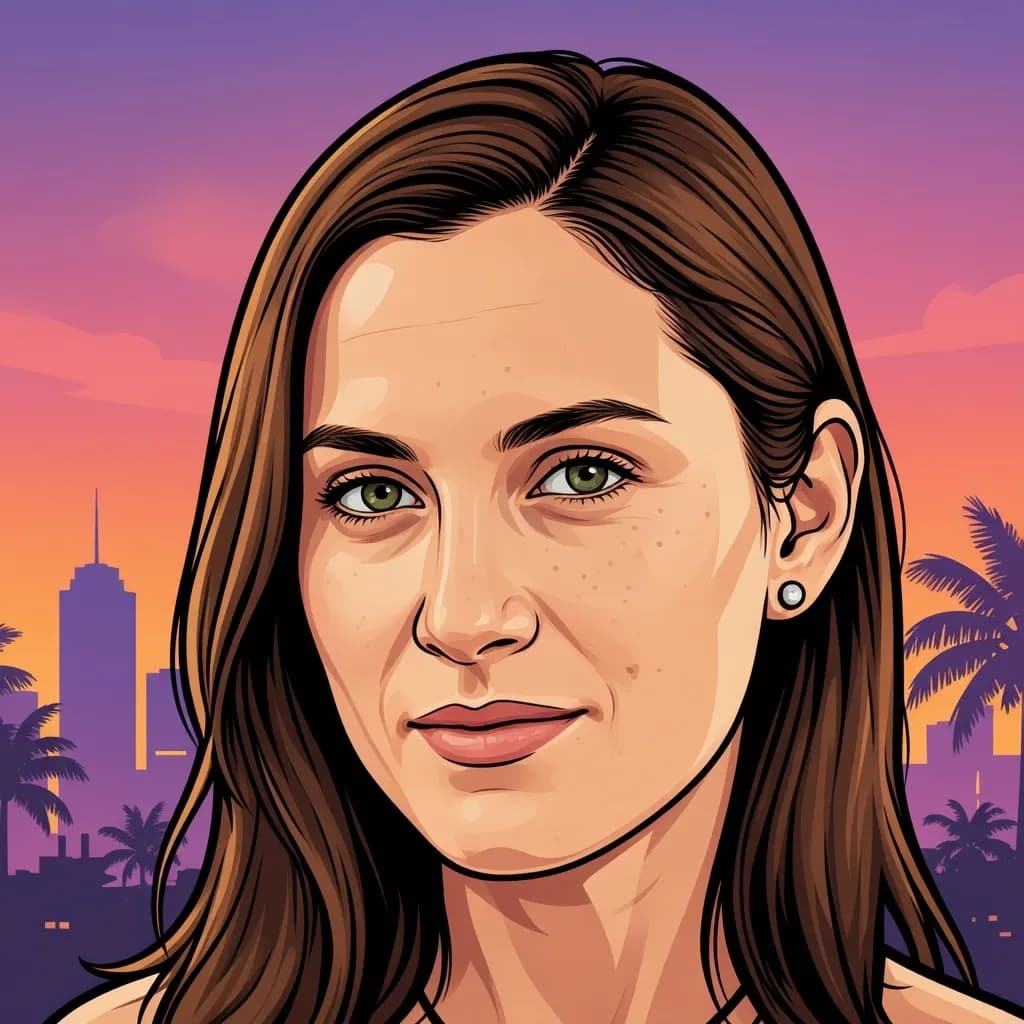
This Vice City AI filter helps you create a close-up cover-style shot with a glowing sunset skyline behind the subject, styled like classic Vice City box art.
Try the Skyline hero cover Prompt ✍🏻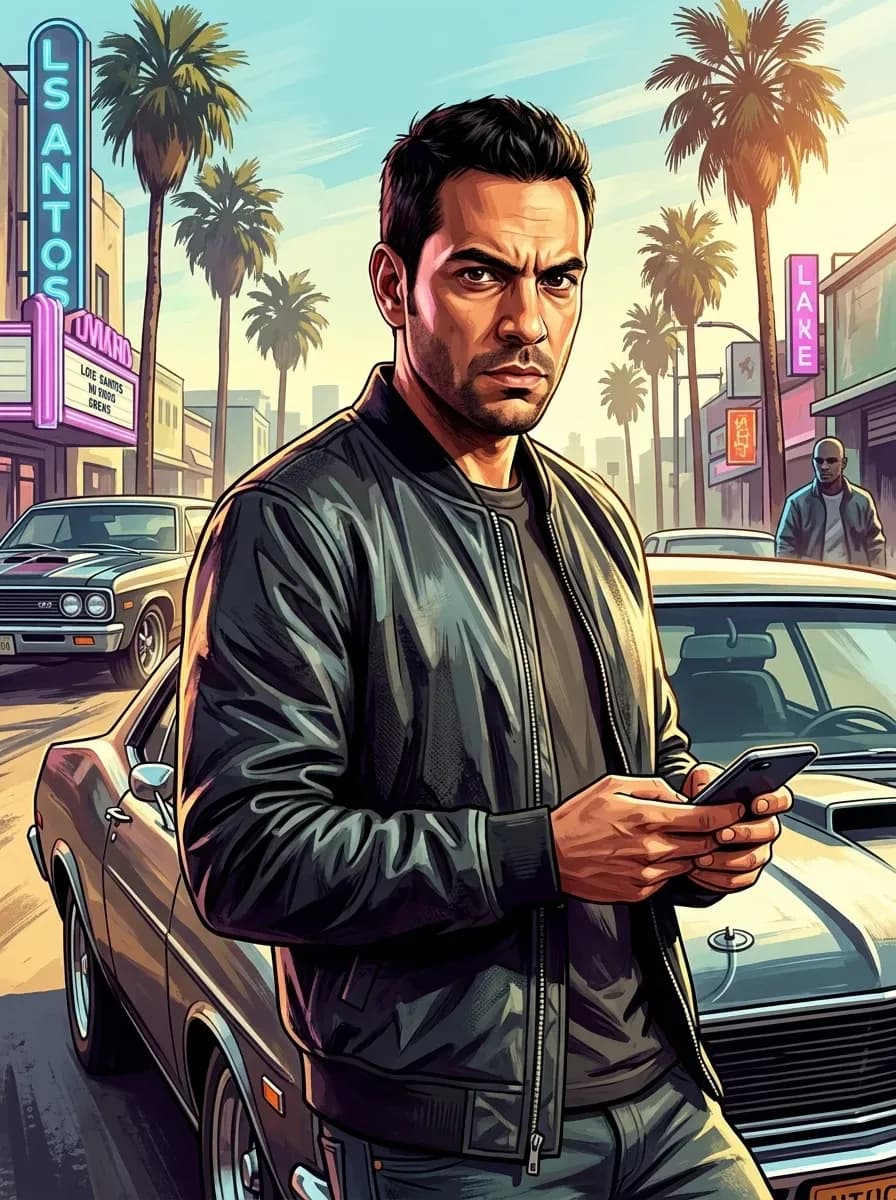
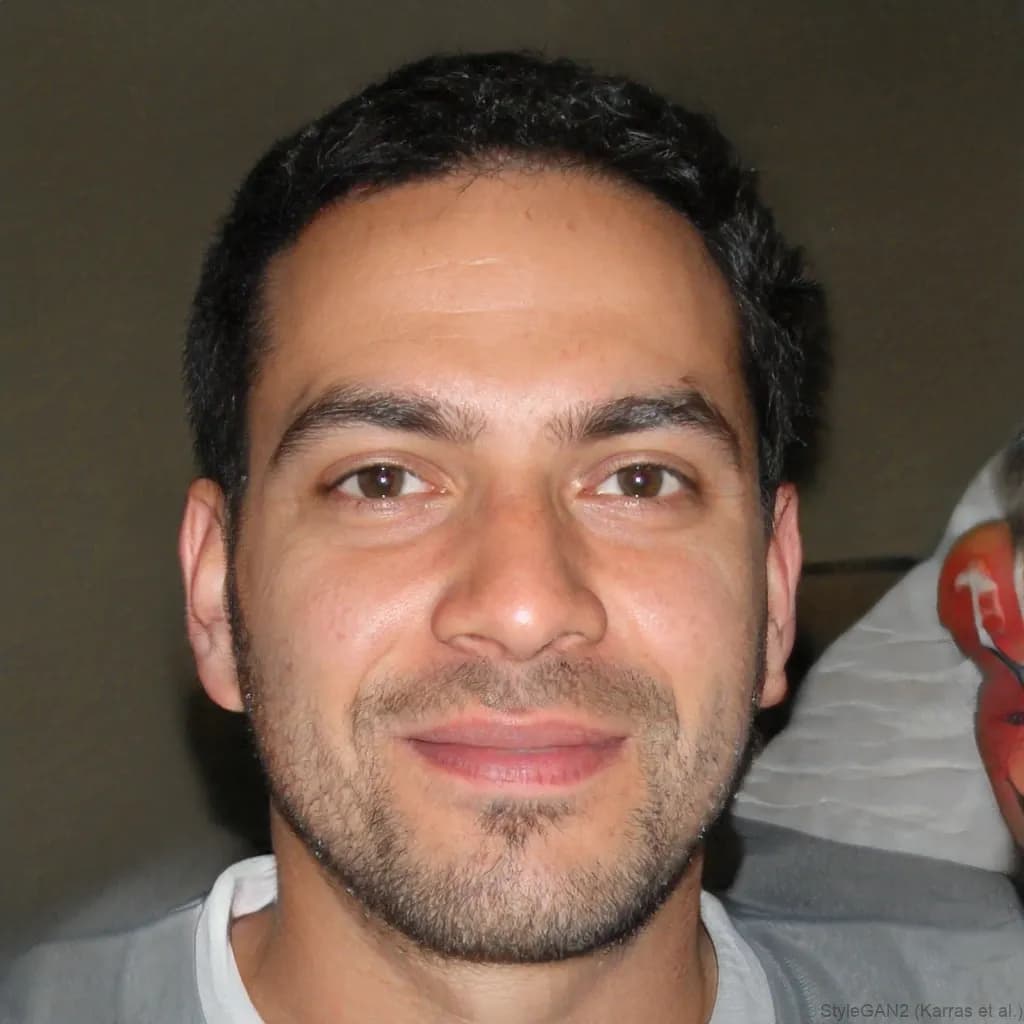
Los Santos streets
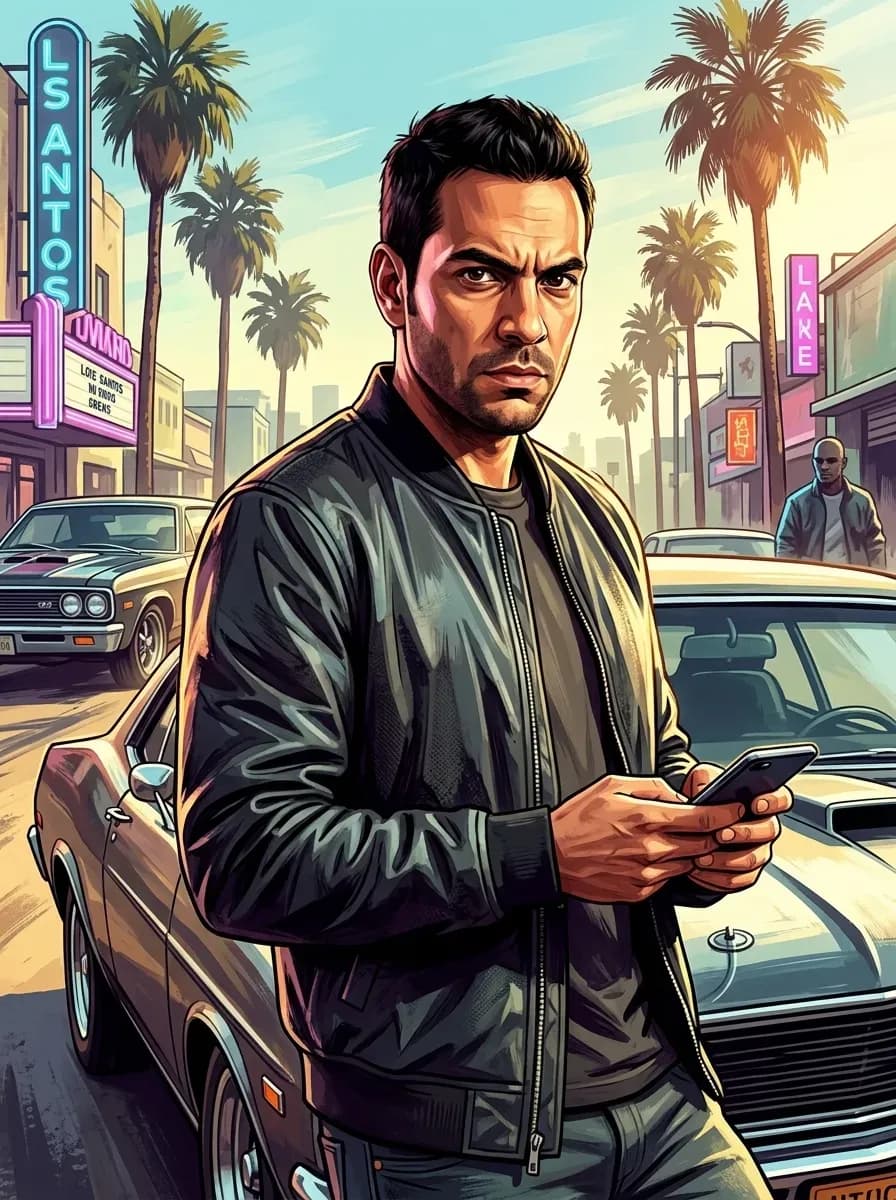
The subject stands in a black bomber jacket holding a phone, positioned in front of a red muscle car on a sun-drenched city street lined with palm trees and signs.
Try the Los Santos streets Prompt ✍🏻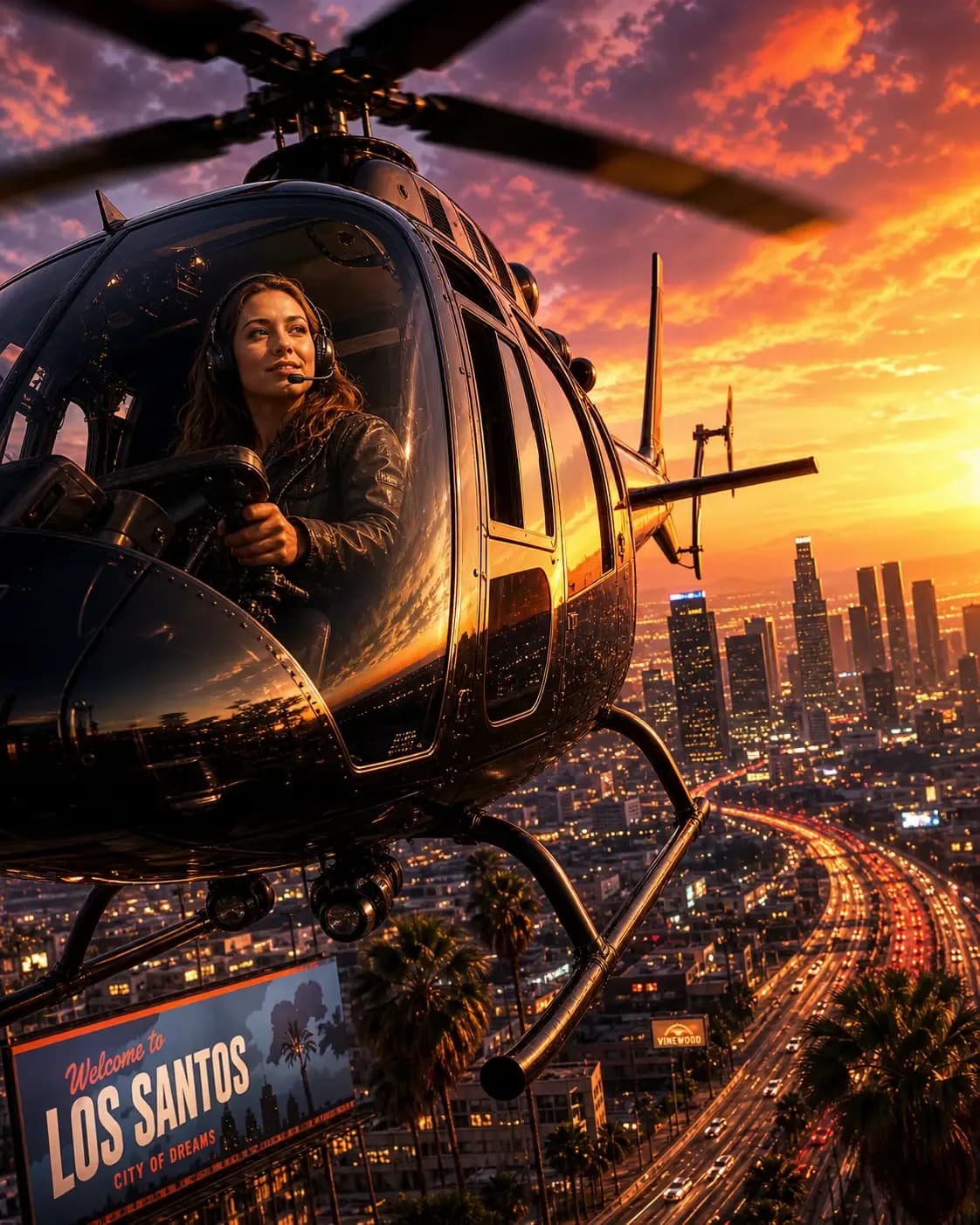
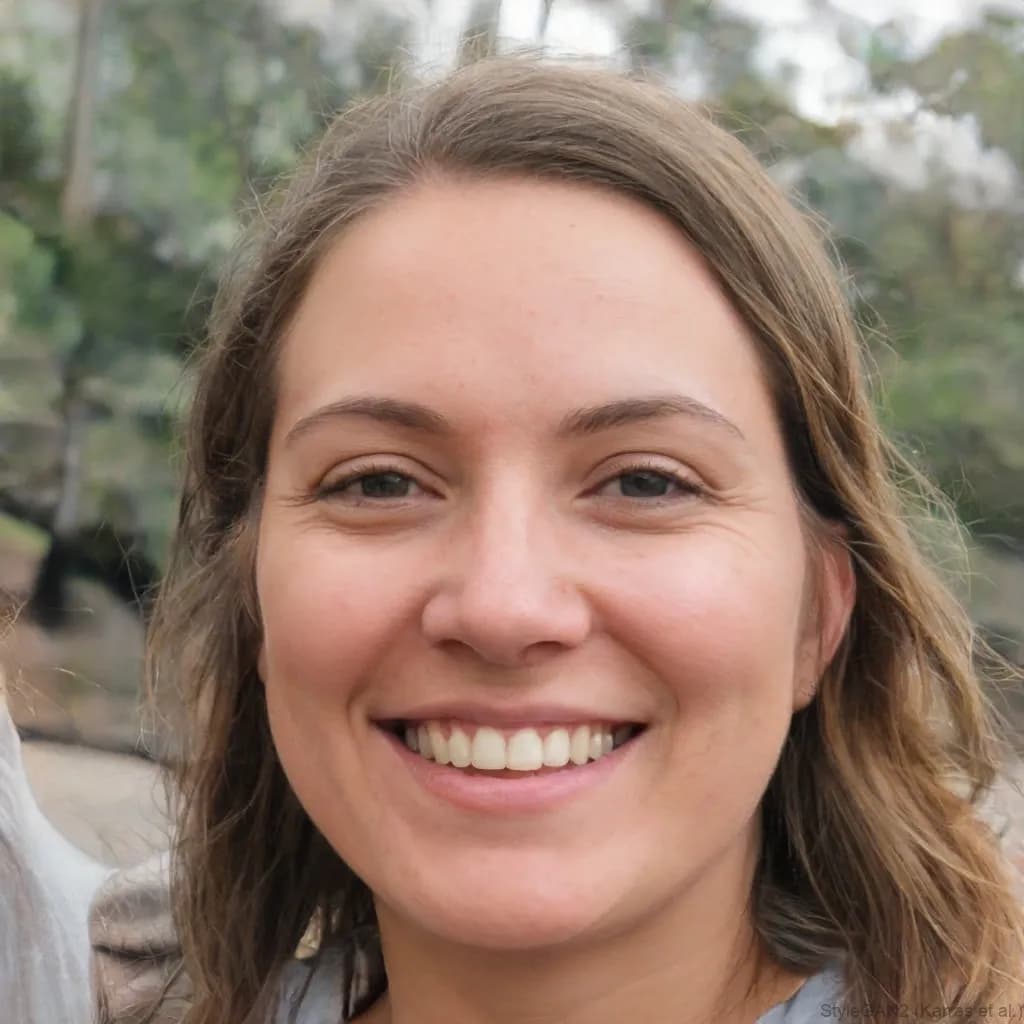
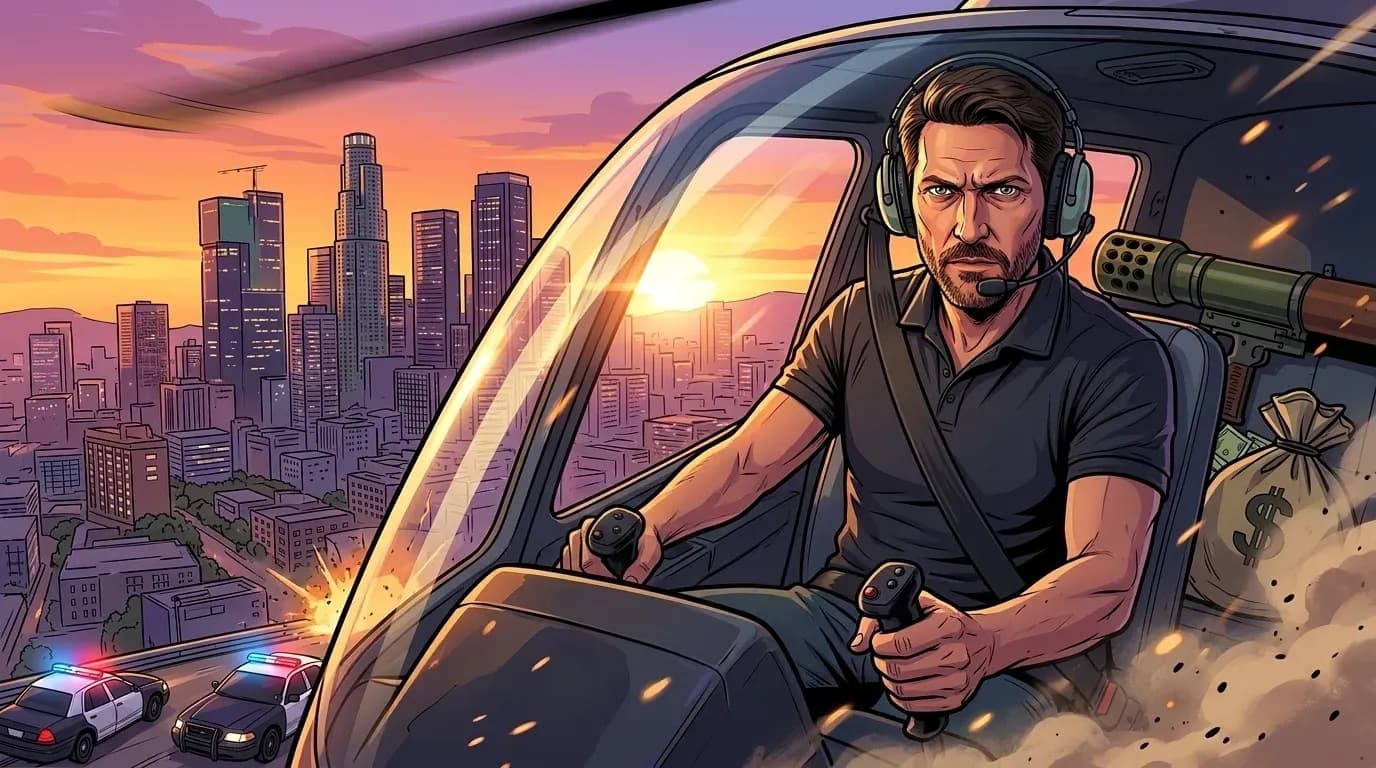
Helicopter over city
Here’s an aerial-style shot placing the subject aboard a helicopter above a neon-lit skyline at dusk.
Try the Helicopter over city Prompt ✍🏻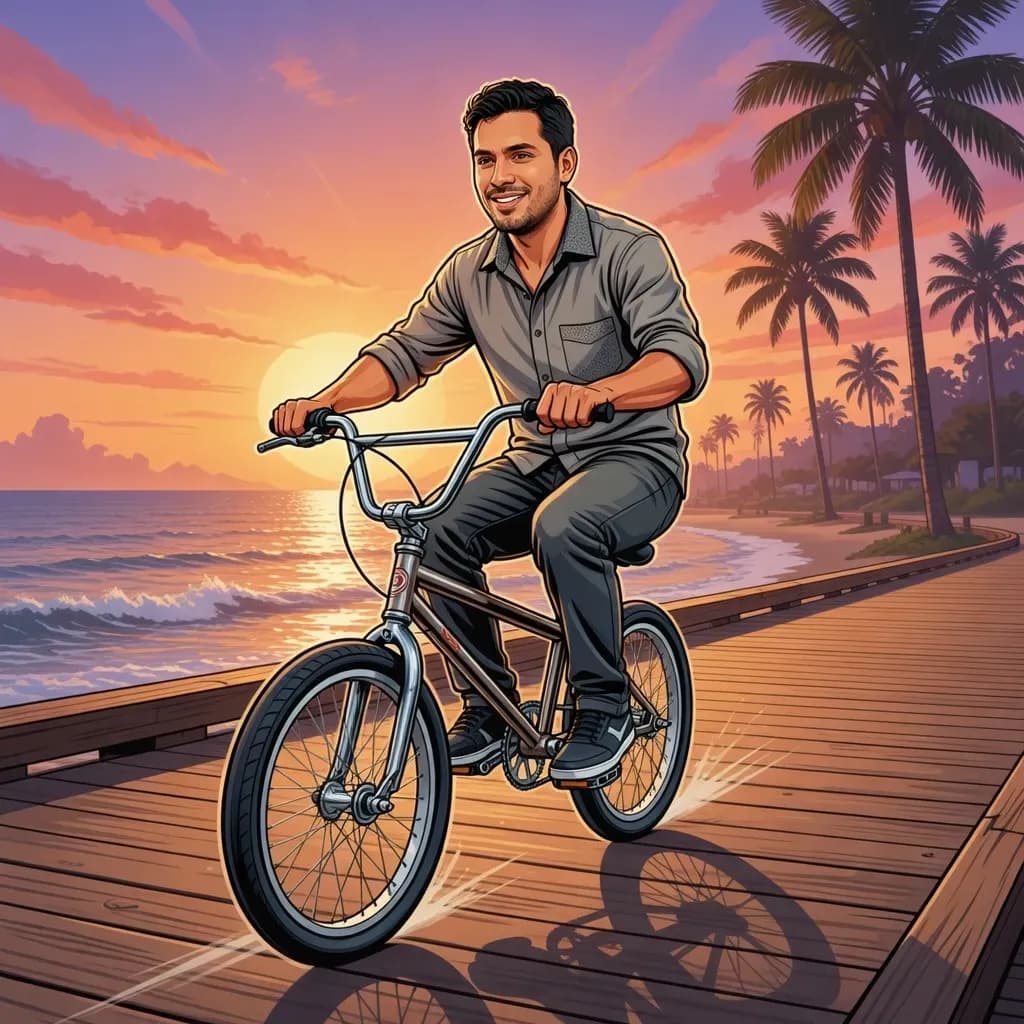
BMX at sunset
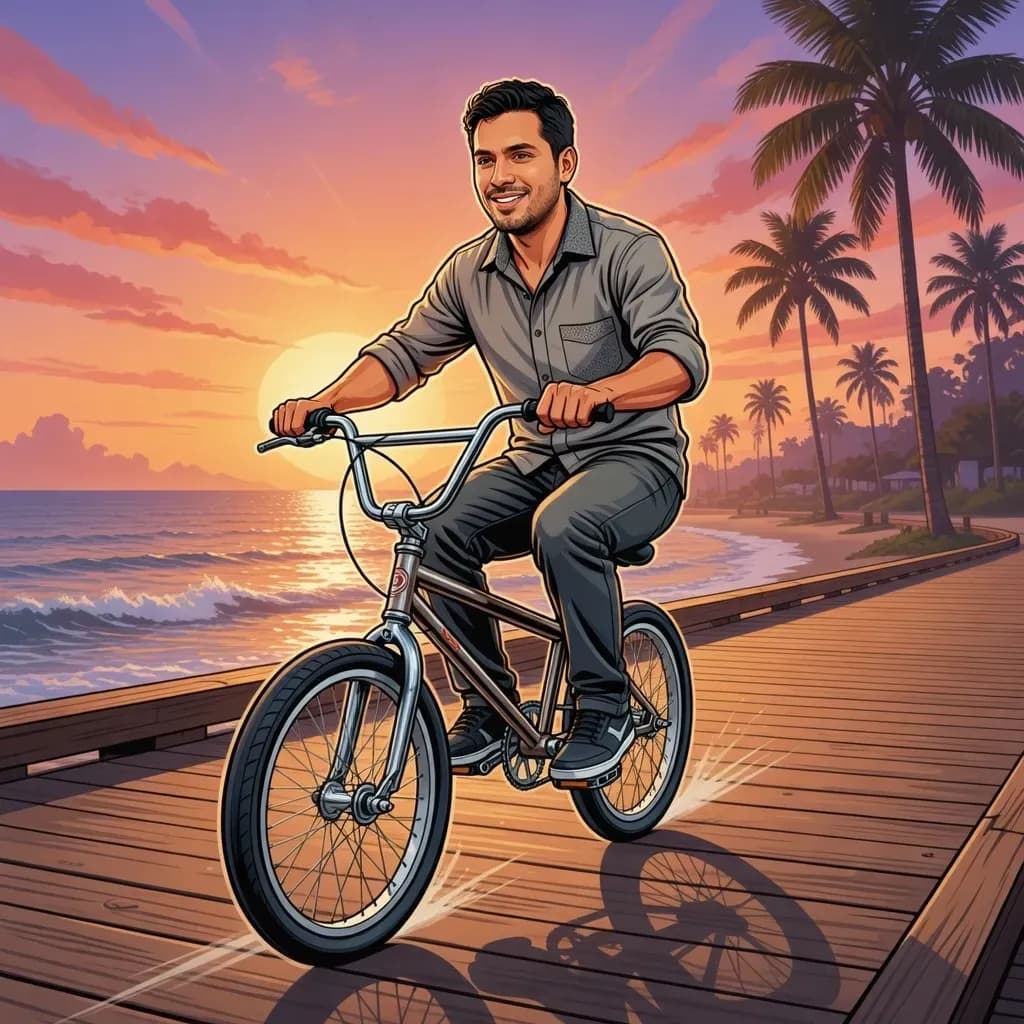
A full-body beach boardwalk scene with the subject riding a BMX bike as the sun sets behind palm trees.
Try the BMX at sunset Prompt ✍🏻Mission passed !
Respect +99
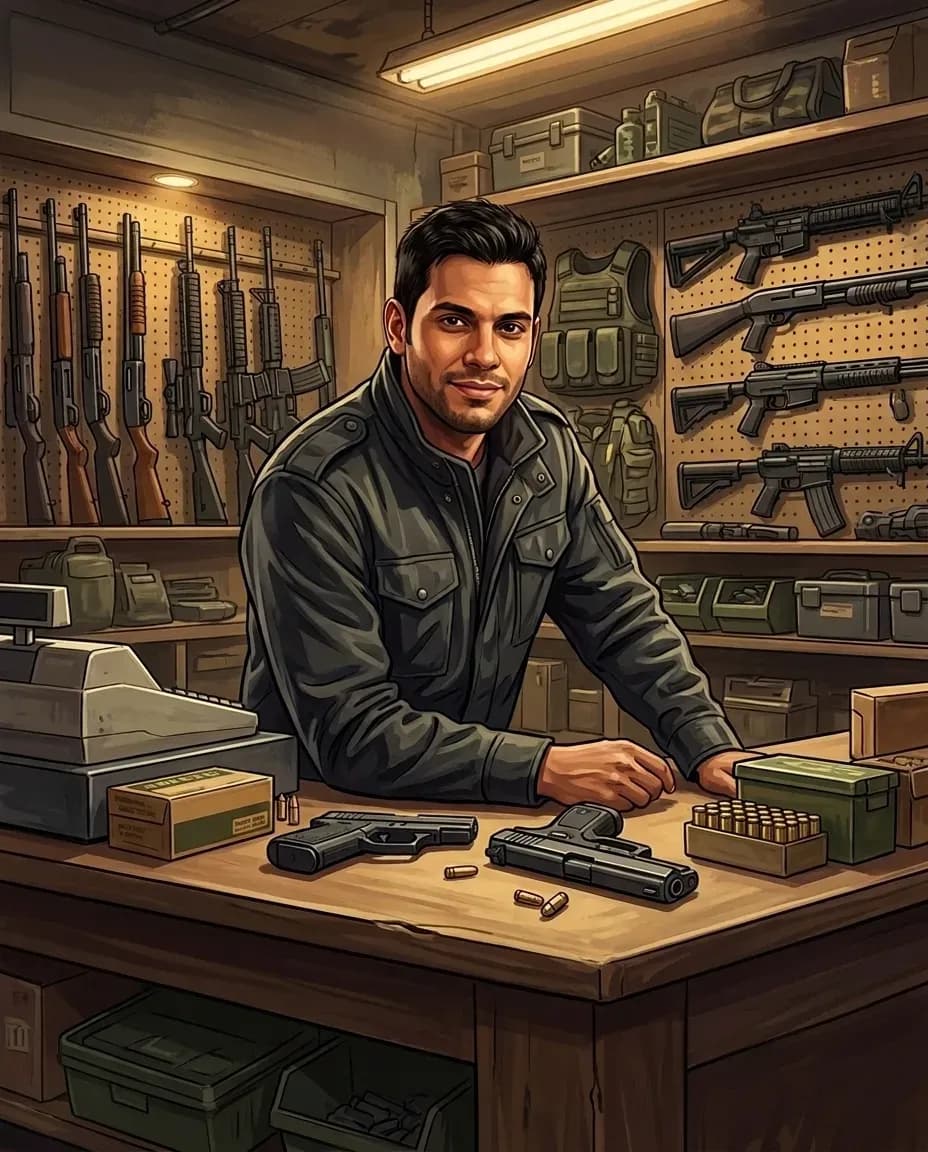
Underground shop scene
This GTA-style scene is a low-lit interior shot with neon signage and shadowed detail in the background.
Try the Underground shop scene Prompt ✍🏻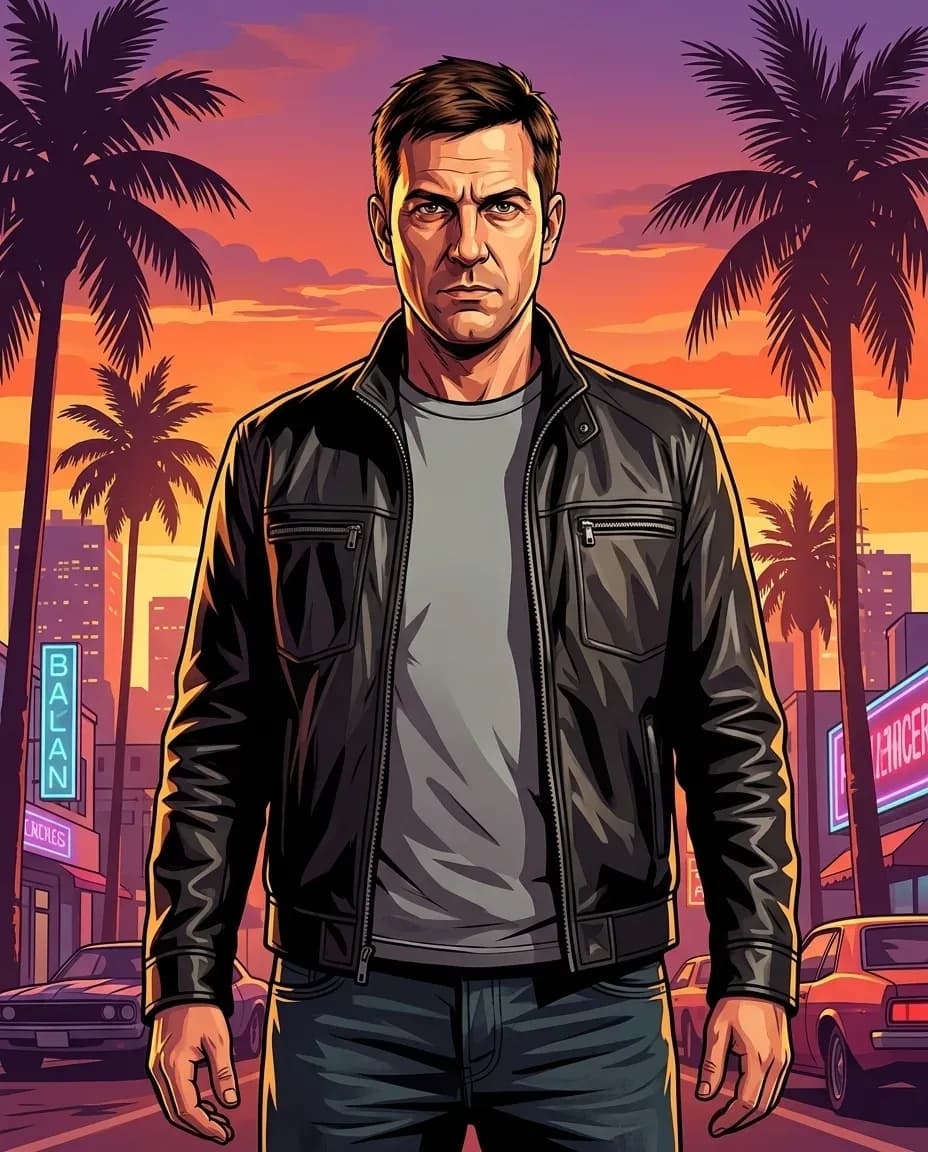
Final poster/victory shot
A bold, standout pose framed like a movie poster, ideal as a profile picture or social share.
Try the Final poster/victory shot Prompt ✍🏻How to Get Better GTA-Style Results
Image and cinematic prompts that are focused and specific tend to outperform overstuffed prompts, since a simpler prompt gives the AI clear priorities rather than competing instructions.
| Focus on | Why it matters |
|---|---|
| Clear identity cues | Naming specific features, such as hair, face shape, or expression, helps preserve your likeness rather than producing a generic character. |
| One camera angle | Choosing a single angle, such as a close-up or wide shot, keeps the framing intentional rather than chaotic. |
| A clear mood | A simple mood word, such as confident, tense, or relaxed, shapes the pose and expression throughout the scene. |
| Background and lighting | Specifying a setting and light source, like a neon skyline or golden-hour sunset, gives the image its GTA-style atmosphere. |
Use a Grand Theft Auto Filter on Lorka AI for Creative Outputs in Seconds
Lorka AI makes it easy to go from a single photo to a polished, GTA-inspired result without jumping between different tools to get there.
- Use multiple LLMs for prompt creation: Use multiple AI models on Lorka, like GPT-5.6 and Sonnet 5, to draft prompts and edit them until the scene is exactly what you had in mind.
- Generate multiple versions at once: Compare different angles or scenes side by side instead of settling for the first image that you get.
- Stay organized in a single space: Save and revisit all your images in a single space, so your best GTA-style outputs are never buried in a camera roll or chat history.
- One workspace for every format: Move quickly between portraits, posters, loading-screen art, and other AI image styles, all within the same platform.
Combine different AI models and an image generator in our all-in-one platform to help you create photos in minutes for your socials, a project, or just for fun.
Try Lorka AI with the GTA Filter
Combine different AI models and an image generator in our all-in-one platform
Try LorkaGTA AI Filter FAQs
A GTA AI filter turns a photo, such as a selfie, into artwork inspired by the bold and cinematic look of the Grand Theft Auto franchise. You can use it to add open-world crime-game loading screens with sharp outlines, dramatic lighting, and stylized character details to your photos.