

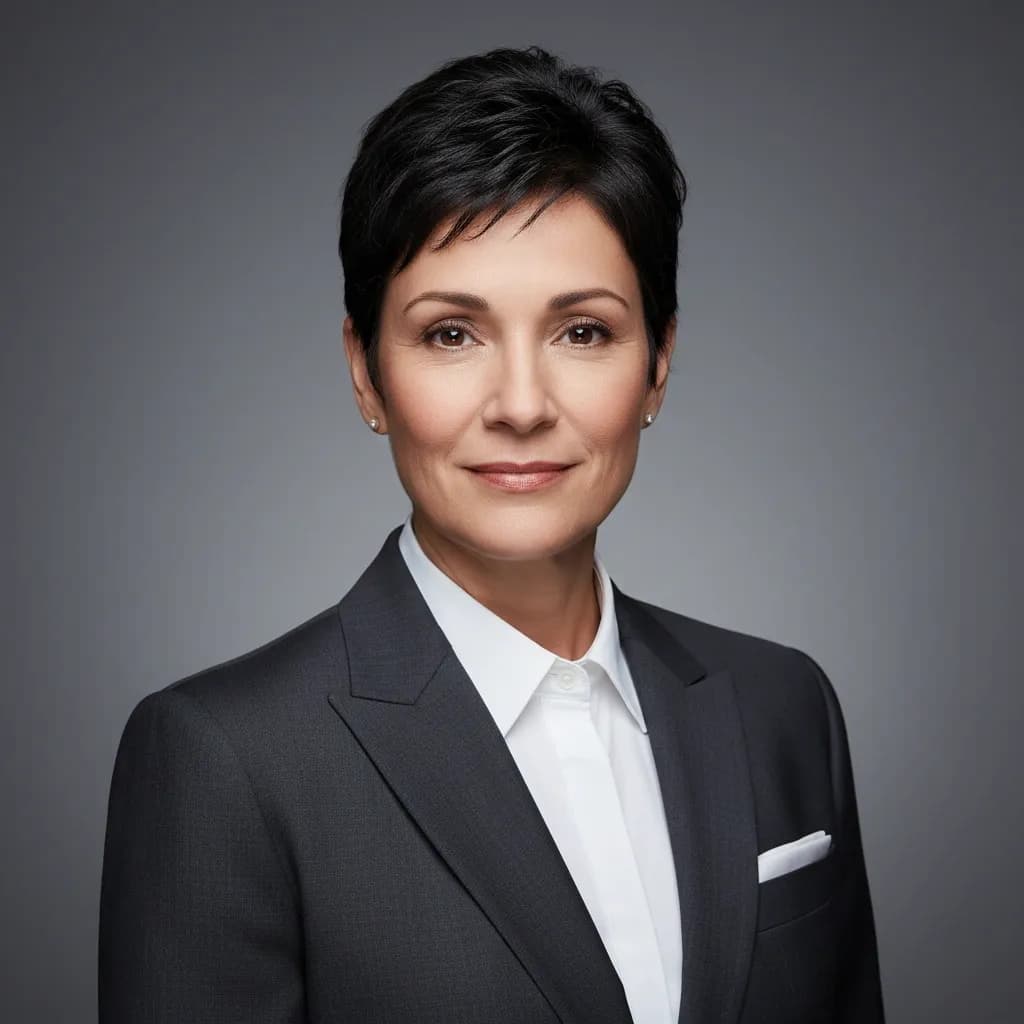
What Makes a Good LinkedIn Profile Picture Prompt?
A strong AI prompt for a professional LinkedIn photo follows a simple formula:
- Subject: Who you are and how you should look (e.g., “confident professional, business attire, slight smile”).
- Lighting: Use terms such as soft studio lighting or natural window light to convey more realism.
- Background: Keep it clean and relevant with an office, neutral gray, blurred workspace.
- Camera style/lens: Try an 85mm lens, shallow depth of field, and a 1:1 aspect ratio to add some polish.
This structure works across tools, whether you’re using an image generator or even adapting it into a ChatGPT or Gemini prompt for a LinkedIn profile picture to use in those LLMs.
With Lorka, you can use all of these tools in one plan without having to switch tabs.


Create a Free LinkedIn Profile Photo with Lorka
Generate a professional LinkedIn-ready photo in seconds using Lorka AI
Try Lorka Image GeneratorThe 10 Best Prompts for a LinkedIn Headshot (Copy & Paste)
Below are ready-to-use LinkedIn profile photo prompts you can copy directly into Lorka’s image generator, along with a selfie, for a specific professional-style image with the right mix of lighting, background, and camera details to help you get an effective result.
AI LinkedIn headshot prompt by industry
| Industry | AI LinkedIn headshot prompt |
|---|---|
| Finance | Corporate executive prompt (Studio lighting, formal suit) |
| Tech | Startup founder prompt (Modern office background, approachable) |
| Healthcare | Healthcare professional prompt (Neutral backdrop, professional attire) |
| Academia | Academic/professor prompt (Library or office setting, formal attire) |
| Creative | Creative director prompt (Studio background, confident expression) |
| Remote work/tech | Remote worker/tech professional prompt (Neutral home office background) |
| Consulting | Approachable consultant prompt (Soft window light, coffee shop background) |
| Legal | Legal professional prompt (Clean backdrop, professional attire) |
| Marketing | Marketing professional prompt (Natural lighting, blurred background) |
| Sales | Sales professional prompt (Bright office background, confident smile) |
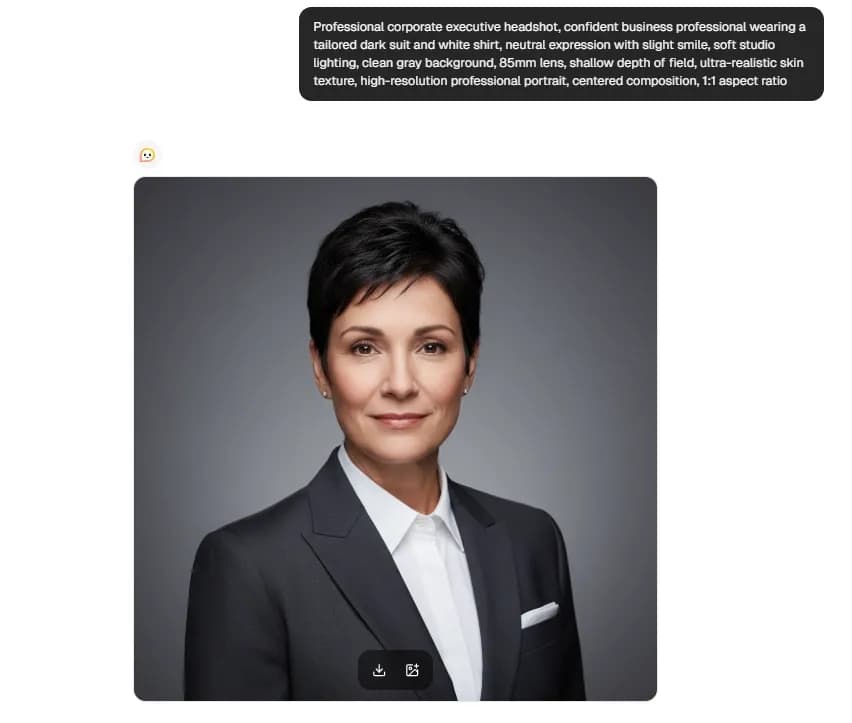
1. The corporate executive (Studio lighting, formal suit)
This style is ideal for managers and executives who want a high-authority presence. The combination of studio lighting and a formal outfit creates a sharp, trustworthy look that works well in corporate industries like finance, law, or tech leadership.
🤖🎨 Prompt Sample
Professional corporate executive headshot, confident business professional wearing a tailored dark suit and white shirt, neutral expression with slight smile, soft studio lighting, clean gray background, 85mm lens, shallow depth of field, ultra-realistic skin texture, high-resolution professional portrait, centered composition, 1:1 aspect ratio
➡️TRY THIS PROMPT⬅️
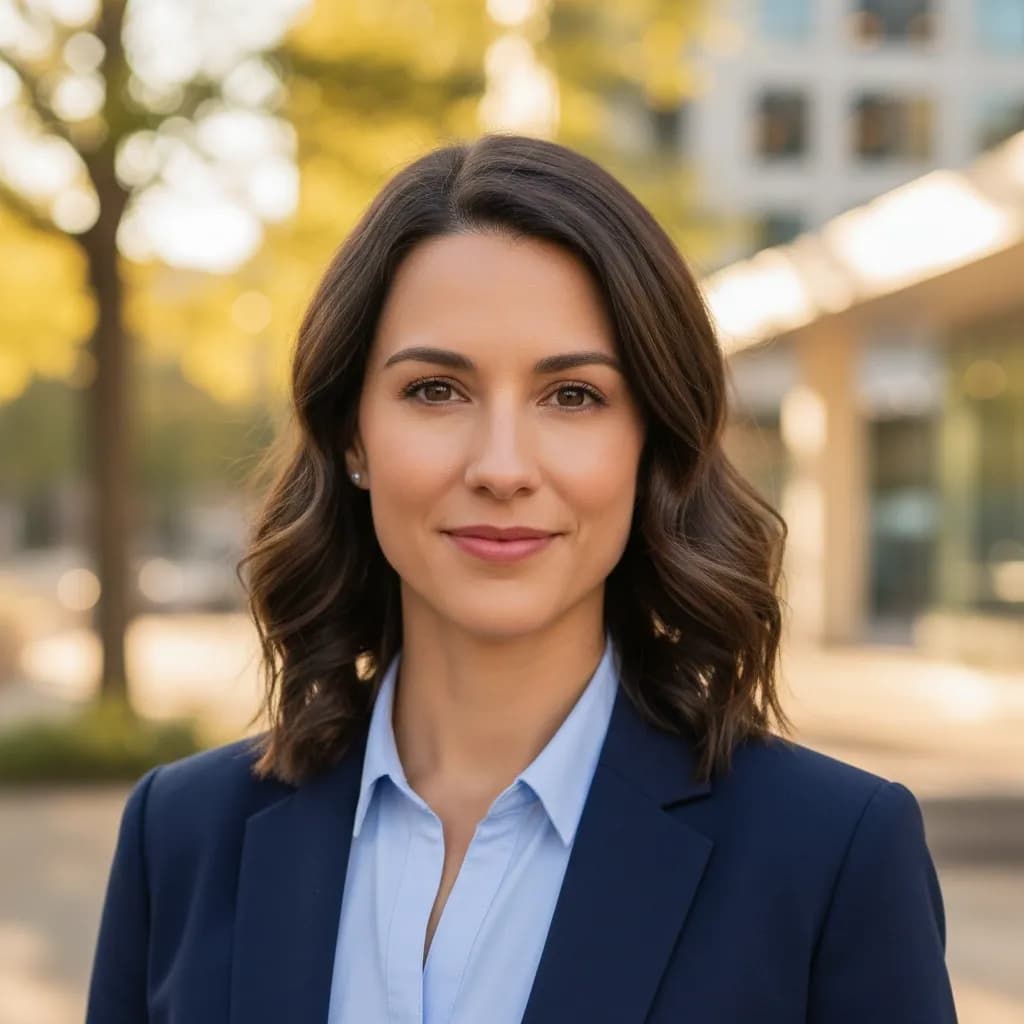
2. The creative professional (Natural outdoor lighting, blurred background)
This prompt can work well for you if you are a designer or marketer who wants to look professional yet not too corporate. With natural outdoor lighting and a blurred background, you can create a more relaxed, modern, and approachable feel.
🤖🎨 Prompt sample
Professional LinkedIn headshot of a creative professional, chest-up portrait, looking directly at the camera, confident and approachable expression, subtle natural smile, smart casual outfit such as a fitted blazer or clean modern shirt, well-groomed hair, realistic facial features, natural skin texture, soft natural outdoor lighting during golden hour or bright overcast daylight, even light across the face, blurred outdoor background with greenery or an urban creative setting, strong subject separation, shallow depth of field, realistic bokeh, photographed with an 85mm portrait lens, ultra-realistic photography style, high detail, sharp focus on the eyes, natural color tones, clean composition, centered framing, professional quality, no heavy retouching, no exaggerated facial symmetry, no plastic skin, no distorted hands or features, 1:1 aspect ratio
➡️TRY THIS PROMPT⬅️
3. The tech startup founder (Modern office background, approachable)
If you are a startup founder or a product manager who wants to look credible but still approachable. A modern office setting combined with a relaxed expression signals both leadership and openness, which is recommended for tech and innovation-driven roles.

🤖🎨 Prompt sample
Professional LinkedIn headshot of a tech startup founder, chest-up portrait, looking directly at the camera, confident yet approachable expression, slight natural smile, smart casual outfit (minimalist blazer, t-shirt or open-collar shirt), modern office background with soft blur, clean workspace or glass office elements, natural window lighting mixed with soft indoor lighting, even illumination on face, realistic skin texture, sharp focus on the eyes, shallow depth of field, subtle bokeh, photographed with an 85mm lens, ultra-realistic photography style, high-resolution image, natural color tones, centered composition, professional but relaxed vibe, no heavy retouching, no plastic skin, no distortion, 1:1 aspect ratio
➡️TRY THIS PROMPT⬅️
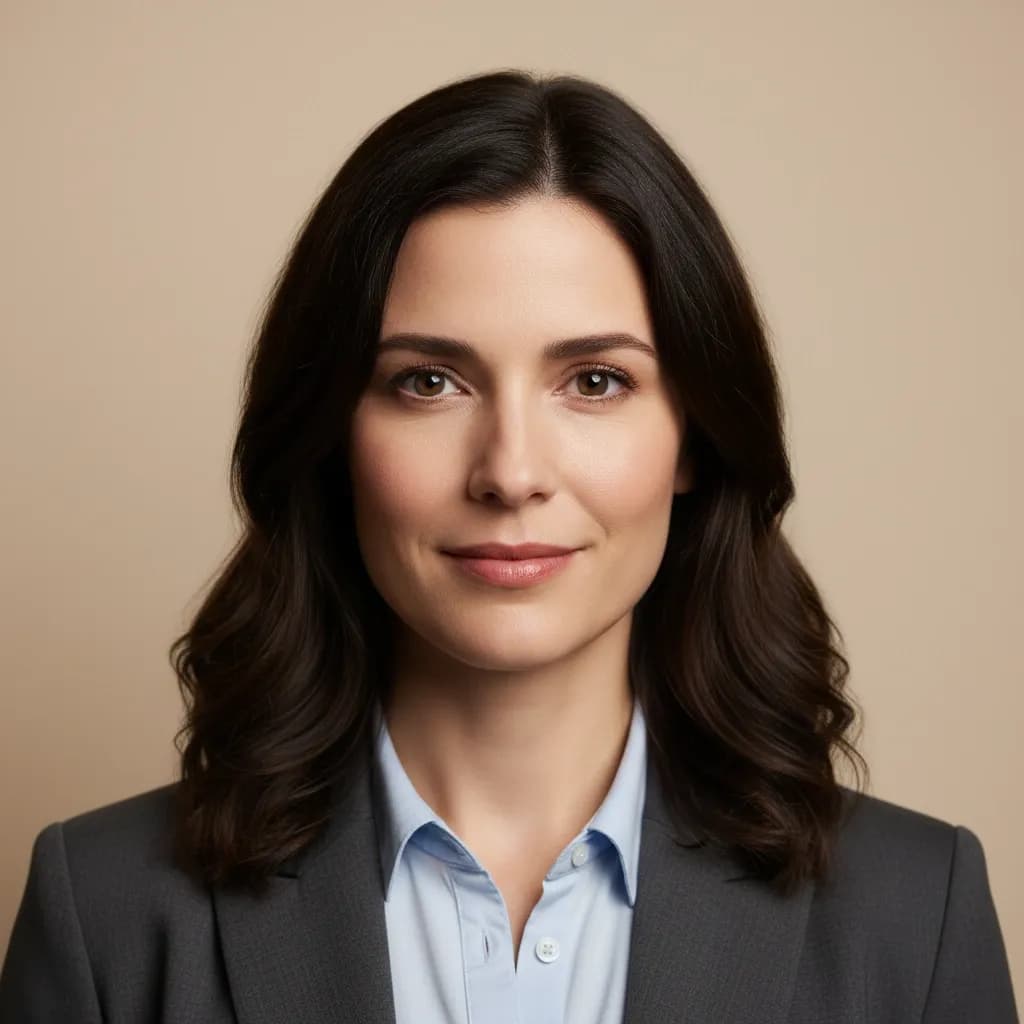
4. The minimalist (Clean solid-color backdrop, high contrast)
This modern, clean aesthetic is ideal for consultants and creatives who prefer a minimalist, distraction-free look. The style uses high-contrast lighting to add definition and impact, ensuring the focus remains entirely on your face, which is excellent for job seekers.
🤖🎨 Prompt sample:
Professional LinkedIn headshot, minimalist style, chest-up portrait, subject centered and looking directly at the camera, confident neutral expression with slight smile, simple modern outfit (solid color shirt or blazer), clean solid color background (white, gray, or soft beige), high contrast lighting with soft shadows to define facial features, studio-quality lighting, sharp focus on the eyes, ultra-realistic skin texture, no heavy retouching, natural tones, photographed with an 85mm lens, shallow depth of field, crisp and clean composition, high-resolution professional portrait, no distractions, no clutter, 1:1 aspect ratio
➡️TRY THIS PROMPT⬅️
5. The approachable consultant (Soft window light, coffee shop background)
This look can be useful for consultants, coaches, client-facing roles, and similar roles, as it conveys warmth and reliability. The use of soft window light within a coffee shop setting creates a friendly, approachable mood, which is excellent for quickly establishing a personal rapport with viewers.

🤖🎨 Prompt sample:
Professional LinkedIn headshot of a consultant, chest-up portrait, looking directly at the camera, warm and approachable expression, natural friendly smile, business casual outfit (blazer, knit top, or open-collar shirt), soft window lighting illuminating the face, cozy coffee shop background with gentle blur, warm tones, natural light falloff, realistic skin texture, sharp focus on the eyes, shallow depth of field, soft bokeh, photographed with an 85mm lens, high-resolution, natural color grading, clean composition, professional yet relaxed atmosphere, no heavy retouching, no plastic skin, no distortion, 1:1 aspect ratio
➡️TRY THIS PROMPT⬅️
6. The startup founder (Modern office background, approachable)
This prompt is ideal for startup founders who want to appear credible yet approachable. A modern office setting combined with a relaxed expression signals both leadership and openness, which is recommended for tech and innovation-driven roles.

🤖🎨 Prompt sample:
Professional LinkedIn headshot of a tech startup founder, chest-up portrait, looking directly at the camera, confident yet approachable expression, slight natural smile, smart casual outfit (minimalist blazer, t-shirt or open-collar shirt), modern office background with soft blur, clean workspace or glass office elements, natural window lighting mixed with soft indoor lighting, even illumination on face, realistic skin texture, sharp focus on the eyes, shallow depth of field, subtle bokeh, photographed with an 85mm lens, ultra-realistic photography style, high-resolution image, natural color tones, centered composition, professional but relaxed vibe, no heavy retouching, no plastic skin, no distortion, 1:1 aspect ratio.
➡️TRY THIS PROMPT⬅️
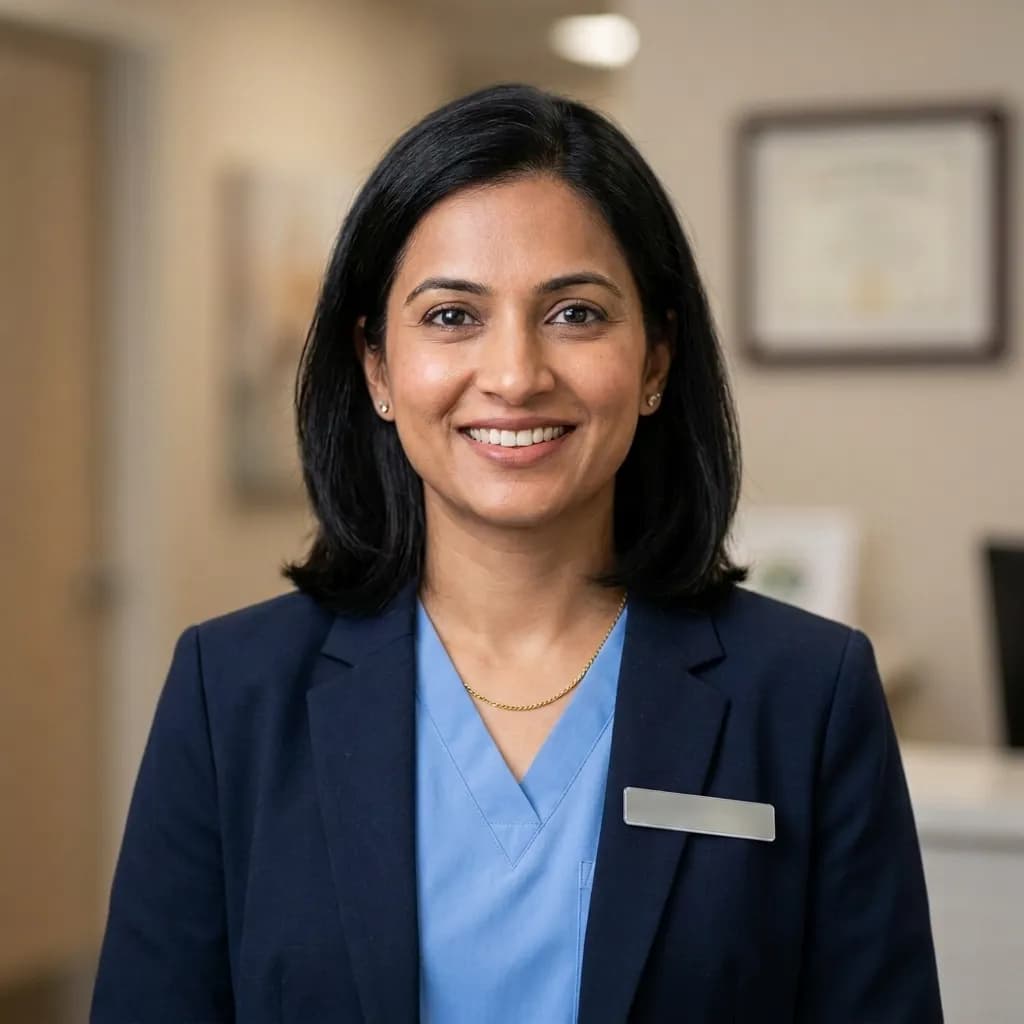
7. The healthcare professional (Neutral backdrop, professional attire)
This style works well if you are a healthcare professional who wants to demonstrate your trustworthiness and professionalism. A neutral background and a confident yet calm expression communicate competence and care.
🤖🎨 Prompt sample:
Professional LinkedIn headshot of a healthcare professional, chest-up portrait, looking directly at the camera, calm and confident expression, wearing a professional suit or healthcare attire, neutral background, soft studio lighting with minimal shadows, sharp focus on the eyes, ultra-realistic skin texture, realistic facial features, photographed with an 85mm lens, shallow depth of field, clean and polished composition, high-resolution image, no heavy retouching, no distortion, 1:1 aspect ratio.
➡️TRY THIS PROMPT⬅️
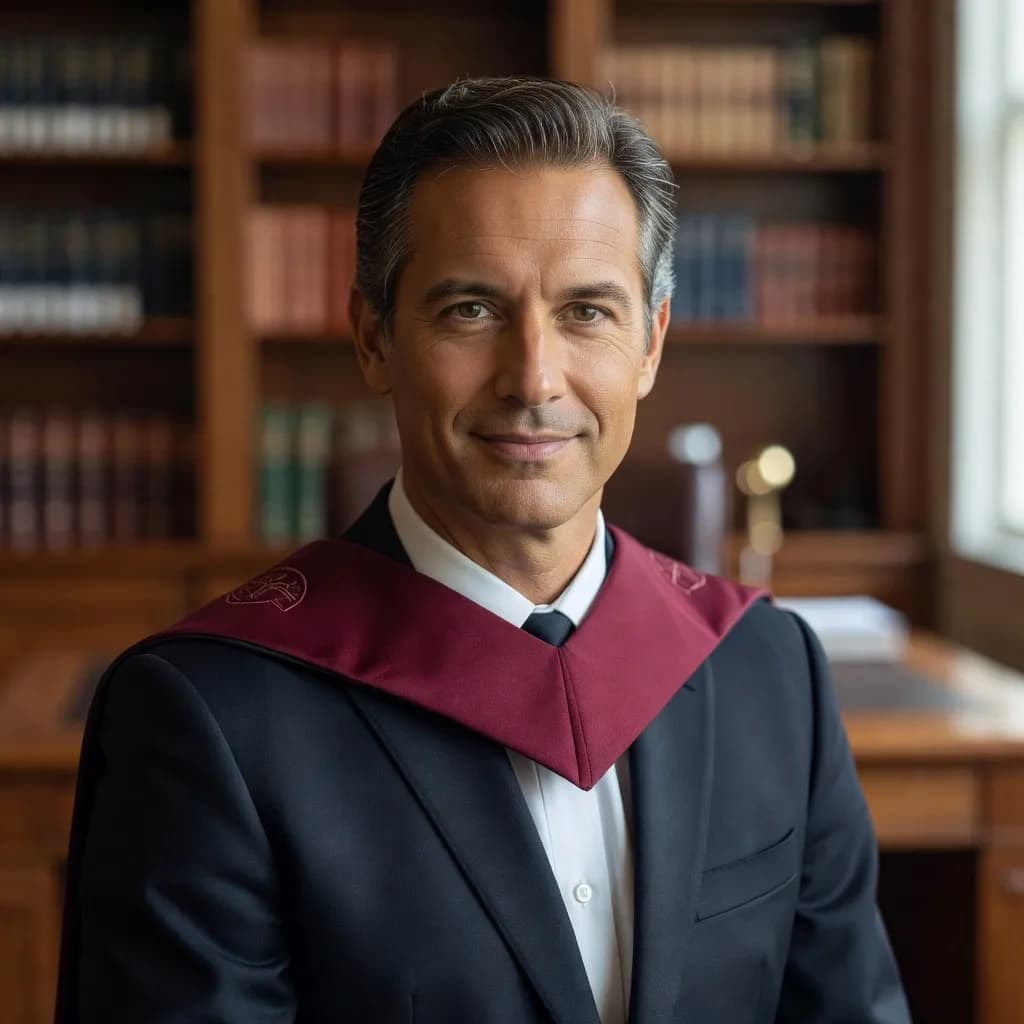
8. The academic/professor (Library or office setting, formal attire)
This headshot prompt is ideal for professors or other academics who want to project authority and approachability. It helps create an academic setting, combined with formal attire that shows expertise and reliability.
🤖🎨 Prompt sample:
Professional LinkedIn headshot of an academic/professor, chest-up portrait, looking directly at the camera, intelligent and approachable expression, wearing a formal outfit (suit or academic robe), library or office background with soft blur, natural or soft studio lighting illuminating the face, sharp focus on the eyes, realistic skin texture, high-resolution image, subtle bokeh, photographed with an 85mm lens, shallow depth of field, centered composition, clean professional look, no heavy retouching, no plastic skin, no distortion, 1:1 aspect ratio.
➡️TRY THIS PROMPT⬅️
9. The creative director (Studio background, confident expression)
If you want your LinkedIn profile to stand out as a creative director, try this AI headshot prompt with a studio background and natural lighting, which adds a modern, creative flair.

🤖🎨 Prompt sample:
Professional LinkedIn headshot of a creative director, chest-up portrait, looking directly at the camera, confident and creative expression, wearing a stylish but professional outfit (blazer or trendy shirt), clean studio background with soft light, natural or soft studio lighting, sharp focus on the eyes, ultra-realistic skin texture, high-resolution image, subtle bokeh, photographed with an 85mm lens, shallow depth of field, centered composition, professional but modern vibe, no heavy retouching, no plastic skin, no distortion, 1:1 aspect ratio.
➡️TRY THIS PROMPT⬅️
10. The remote worker/tech professional (Neutral home office background)
If you work from home or in the tech field, and want to highlight your professionalism from the comfort of your home office. A neutral background with relaxed lighting creates an approachable yet professional look.

🤖🎨 Prompt sample:
Professional LinkedIn headshot of a remote worker or tech professional, chest-up portrait, looking directly at the camera, friendly yet professional expression, wearing a smart casual outfit (collared shirt or relaxed sweater), neutral home office background with soft blur, natural window lighting or soft indoor lighting, realistic skin texture, sharp focus on the eyes, shallow depth of field, high-resolution image, subtle bokeh, photographed with an 85mm lens, clean and minimal composition, no heavy retouching, no plastic skin, no distortion, 1:1 aspect ratio.
➡️TRY THIS PROMPT⬅️
Common Professional Headshot AI Prompt Mistakes to Avoid
Even the best photo prompts can produce awkward results if you miss a few details, so it’s important to watch out for these common issues:
- Overly smooth or plastic skin ➡️ Always include “natural skin texture” and “no heavy retouching”
- Distorted features (hands, eyes, teeth) ➡️ Add “no distortion” and keep framing chest-up
- Busy or distracting backgrounds ➡️ Stick to blurred or clean environments
- Bad lighting ➡️ Avoid harsh shadows; use “soft studio” or “natural window light”
- Wrong aspect ratio ➡️ Always specify 1:1 aspect ratio for LinkedIn
These small fixes can help your profile look more complete and effective with a clean image.
How to Generate Your LinkedIn Headshot on Lorka AI
Create profile pictures in minutes with our image generator by following the steps below.
- Open Lorka’s AI generator ➡️ Go to the Image Generator in your workspace without having to switch tabs and choose Nano Banana 2, Grok Imagine Image, or another model.
- Upload a selfie ➡️ Attach a file of a clear, front-facing photo with good lighting so that you can generate a professional image with your face.
- Paste your prompt ➡️ Choose a prompt for a LinkedIn profile picture or create your own with a model like GPT or Gemini in Lorka’s AI chat.
- Adjust variables ➡️ Fine-tune details like gender, clothing color, or overall style to match your professional image.
- Generate and download ➡️ Review the result, regenerate if needed, and download the best version for LinkedIn.
Generate Your LinkedIn Headshot with Lorka
Follow these steps to create a polished, professional profile photo in minutes.
Generate with Lorka AIFAQs
A ChatGPT prompt for a LinkedIn profile picture can help you give the image generator a strong command. However, using an OpenAI model alone is mainly a text tool unless image generation is enabled in your version. For direct image creation, Lorka AI’s tool is simpler because it handles prompts and images in one place.