

What Makes a Prompt “Cinematic”?
The best AI image commands tell the image generator how to “shoot” it like a film still. Making sure to mention how the camera, lighting, textures, and colors should help you generate a realistic, movie-like look without any hassle.
To draft a cinematic photography prompt that will give you results, you should include:
- Subject: Clearly state who or what the image is focused on.
- Lighting: Set the atmosphere with detailed lighting and contrast.
- Lens type: Mention the mm lens to control depth of field and compression.
- Film stock/texture: Add film grain or stock references to avoid a rigid output.
- Color palette: Make sure the color palette is detailed to get a more cinematic tone.
- Mood: Describe how you want the viewer to feel when they’re looking at the image.
Here are examples of how instructions for the AI tool should and shouldn’t look:
Weak example:
“Woman standing in the rain at night.”Strong example:
“Cinematic portrait of a woman standing in heavy rain at night, illuminated by pink and blue neon signs,
shot on an 85mm f/1.8 lens, shallow depth of field, anamorphic lens flare, wet pavement reflections,
teal and magenta color grading, subtle film grain, moody atmosphere.”
With our AI models, you can generate instructions with the latest versions of Claude, Gemini, and more and then create your image without switching tabs.


Create Cinematic Images With Lorka
Turn these prompts into film-quality visuals in seconds using Lorka’s AI image generator.
Generate Cinematic AI Images15 Cinematic Photography Prompts to Create Stunning Visuals
Below are 15 ready-to-copy AI image prompts designed for instant results inside Lorka AI’s image generator. Paste, generate, and edit as needed.
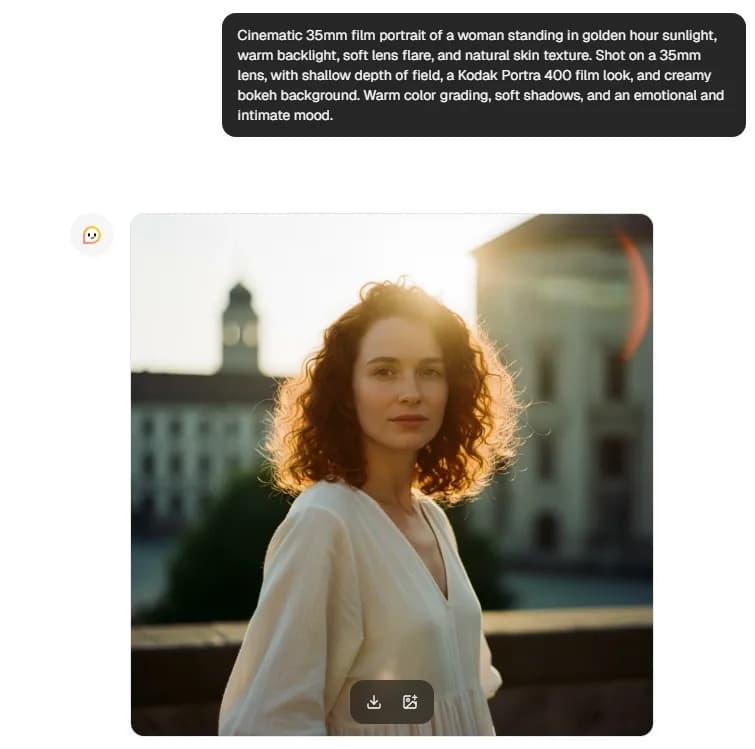
1. Golden Hour Portrait: 35mm film
Prompt:
"Cinematic 35mm film portrait of a woman standing in golden hour sunlight, warm backlight, soft lens flare, and natural skin texture. Shot on a 35mm lens, with shallow depth of field, a Kodak Portra 400 film look, and a creamy bokeh background. Warm color grading, soft shadows, and an emotional and intimate mood."
Best for: Portraits
Cool edit: Change 'golden hour' to 'sunrise,' or change the wardrobe color to a different tone.
2. Rainy Street Noir: Anamorphic lens
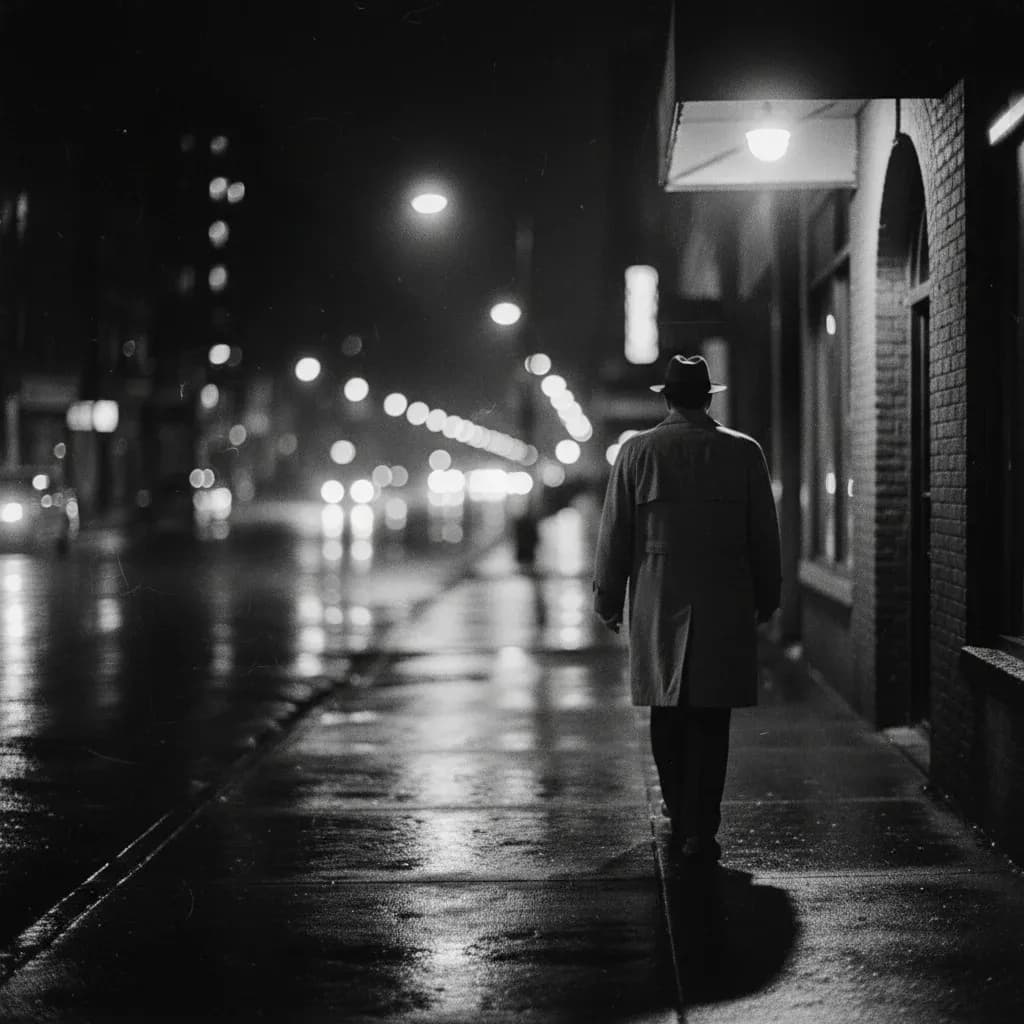
Prompt:
"Film noir scene of a man walking alone on a rainy city street at night, reflections on wet pavement. Shot on an anamorphic lens with dramatic side lighting, deep shadows, and cinematic bokeh. High contrast, subtle film grain, and a moody black-and-white color grade."
Best for: Editorial/street
Cool edit: Add a neon sign for a modern cyber-noir style.
3. Cold Blue Morning: RAW photography
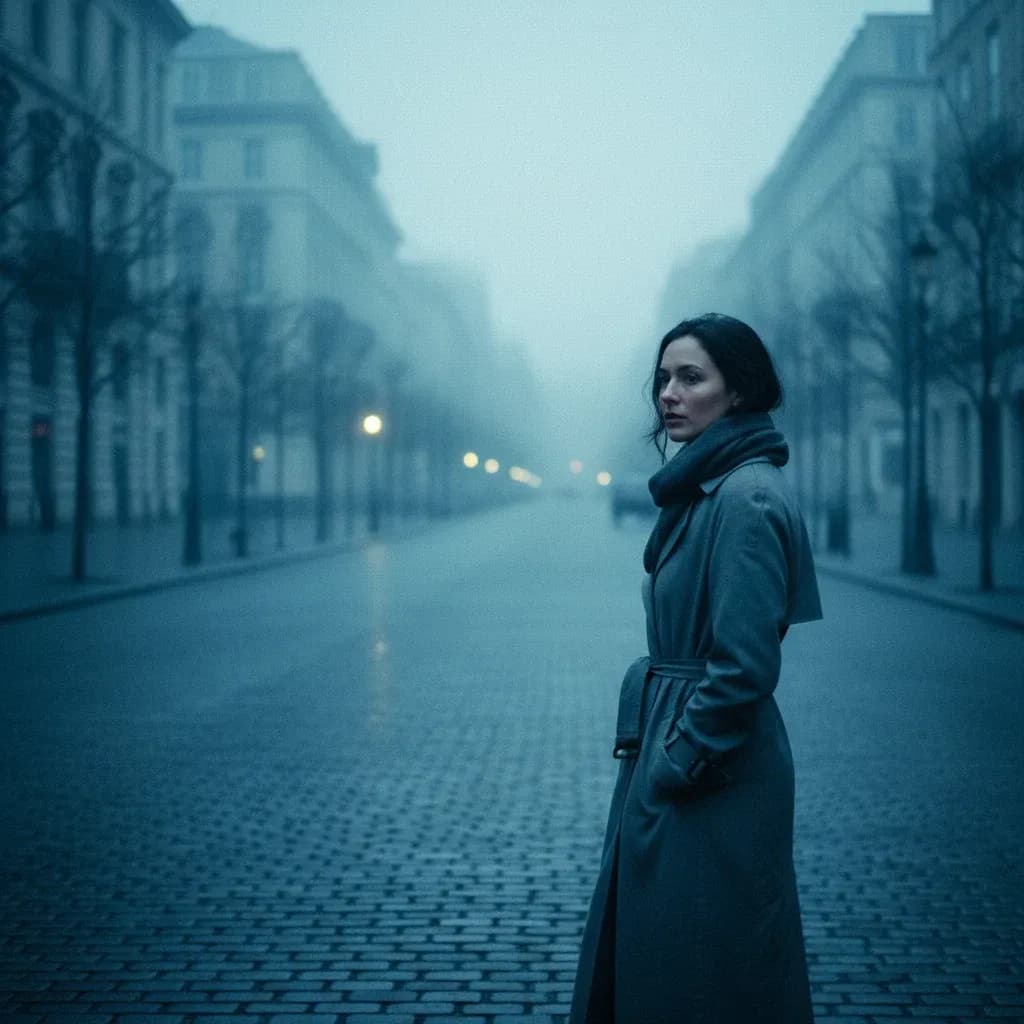
Prompt:
"RAW-style cinematic photo of a woman standing on a quiet city street at dawn, cool blue ambient light. 85mm lens, sharp focus, natural skin tones, no retouching, realistic texture. Cold color grade, soft background fog, minimalist composition."
Best for: Portraits/lifestyle
Cool edit: Add visible condensation from the mouth for a colder atmosphere.
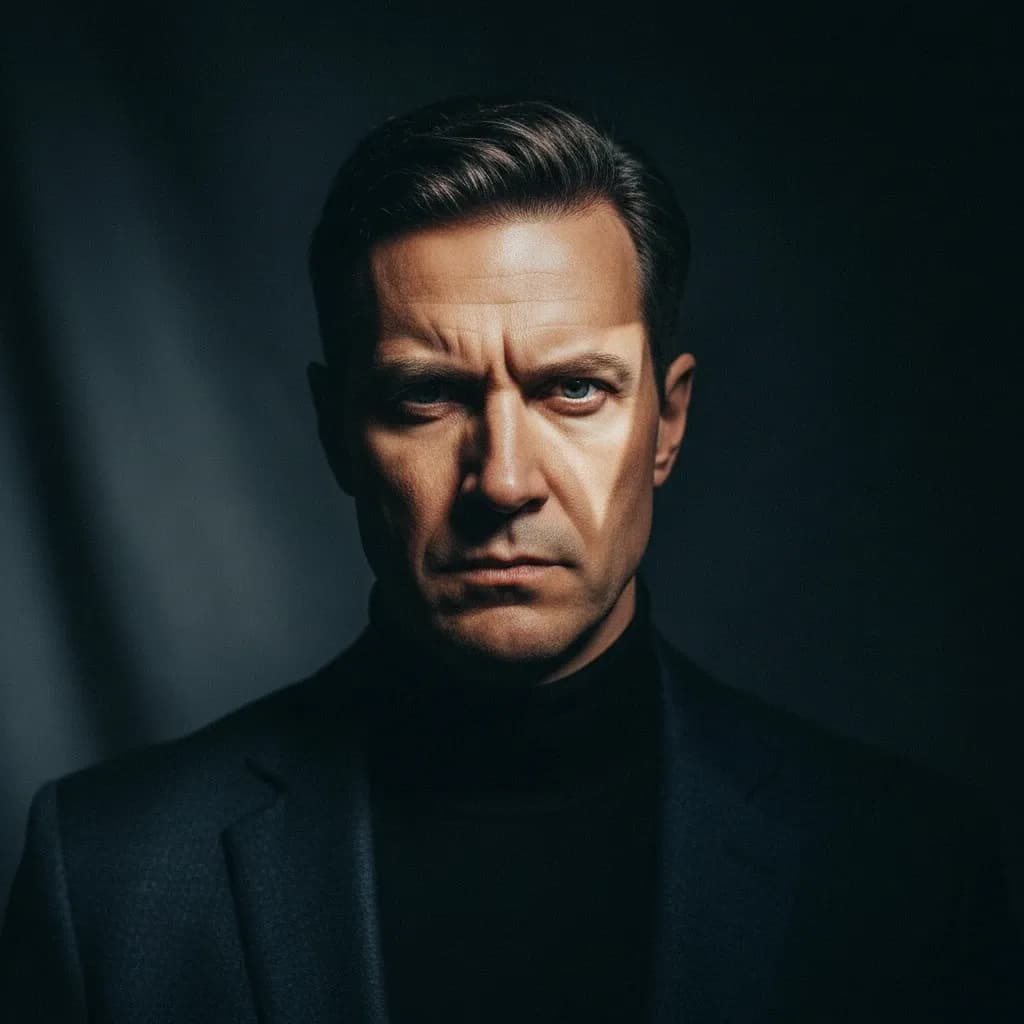
4. Dramatic Studio Light: Film still
Prompt:
"Cinematic studio portrait of a man against a dark backdrop, with an intense expression. Rembrandt lighting setup, 85mm f/1.8 lens, shallow depth of field, sharp eyes. Film still aesthetic, strong contrast, subtle grain, rich shadows."
Best for: Portraits/branding
Cool edit: Change to colored gel lighting for a more modern editorial look.
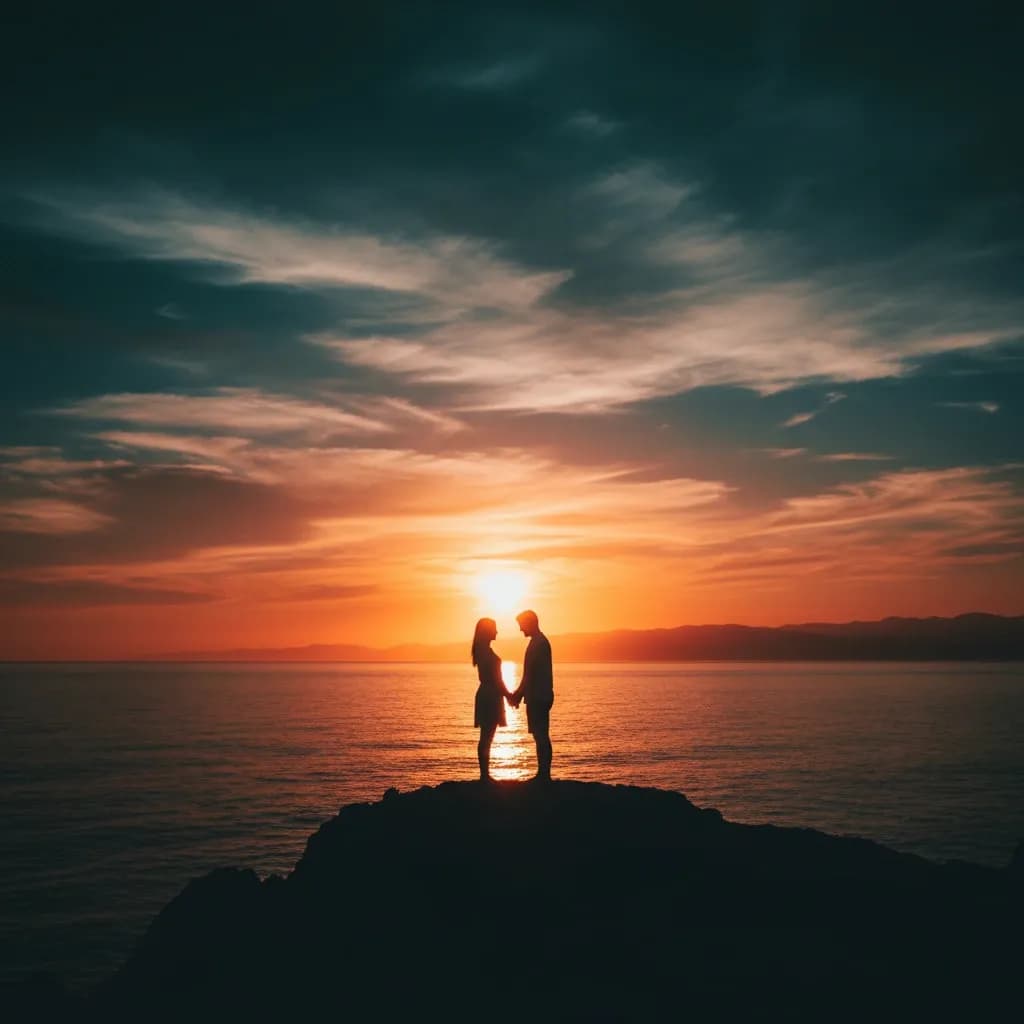
5. Sunset Silhouette: Color graded
Prompt:
"Wide cinematic shot of a couple standing against a glowing sunset horizon. Backlit silhouette, 35mm lens, soft haze, dramatic sky detail. Teal and orange color grading, high dynamic range, and emotional tone."
Best for: Landscapes/couples
Cool edit: Replace 'sunset' with 'sunrise' for a warmer tint.
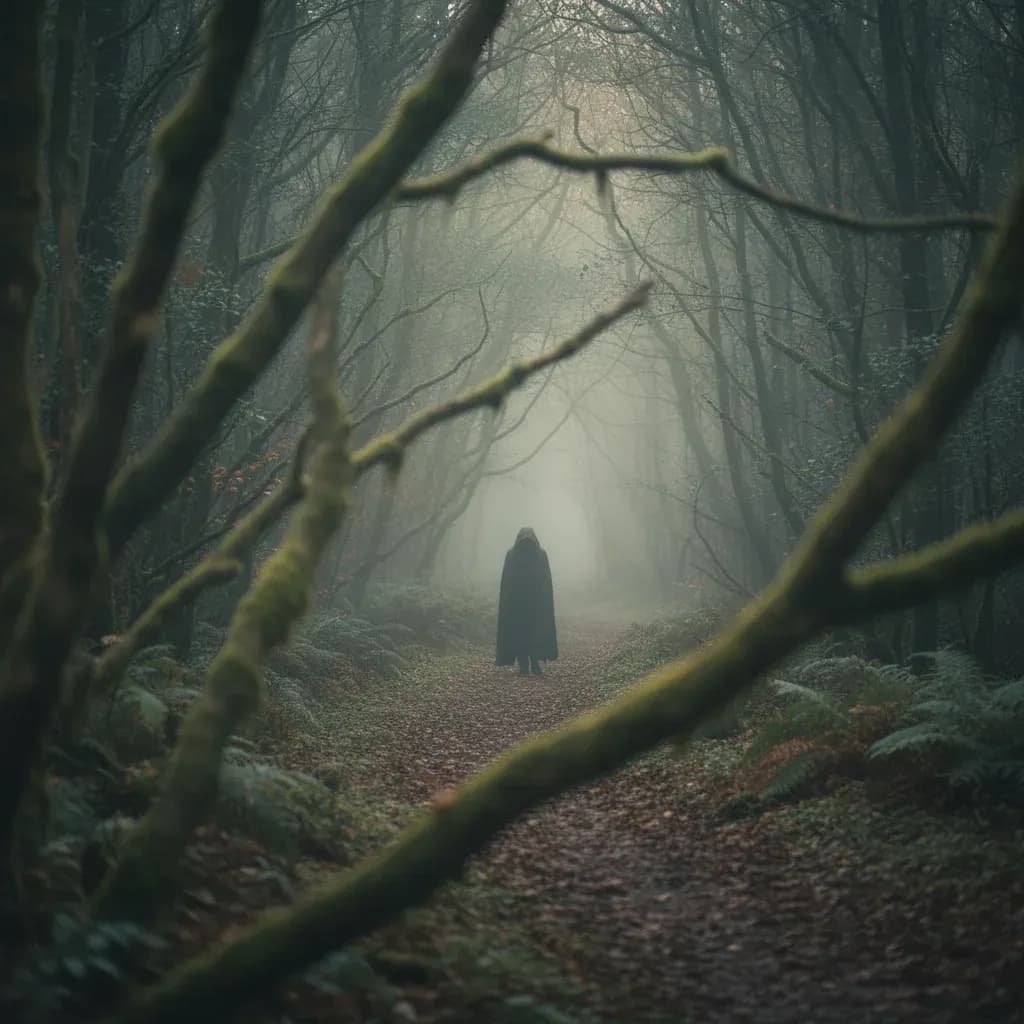
6. Foggy Forest: Depth of field
Prompt:
"Cinematic photo of a lone figure walking through a dense foggy forest. Shot on an 85mm lens, shallow depth of field, foreground blur framing the subject. Muted green tones, soft diffused light, and an atmospheric mood."
Best for: Editorial/conceptual images
Cool edit: Add border lighting to separate the subject from the fog.
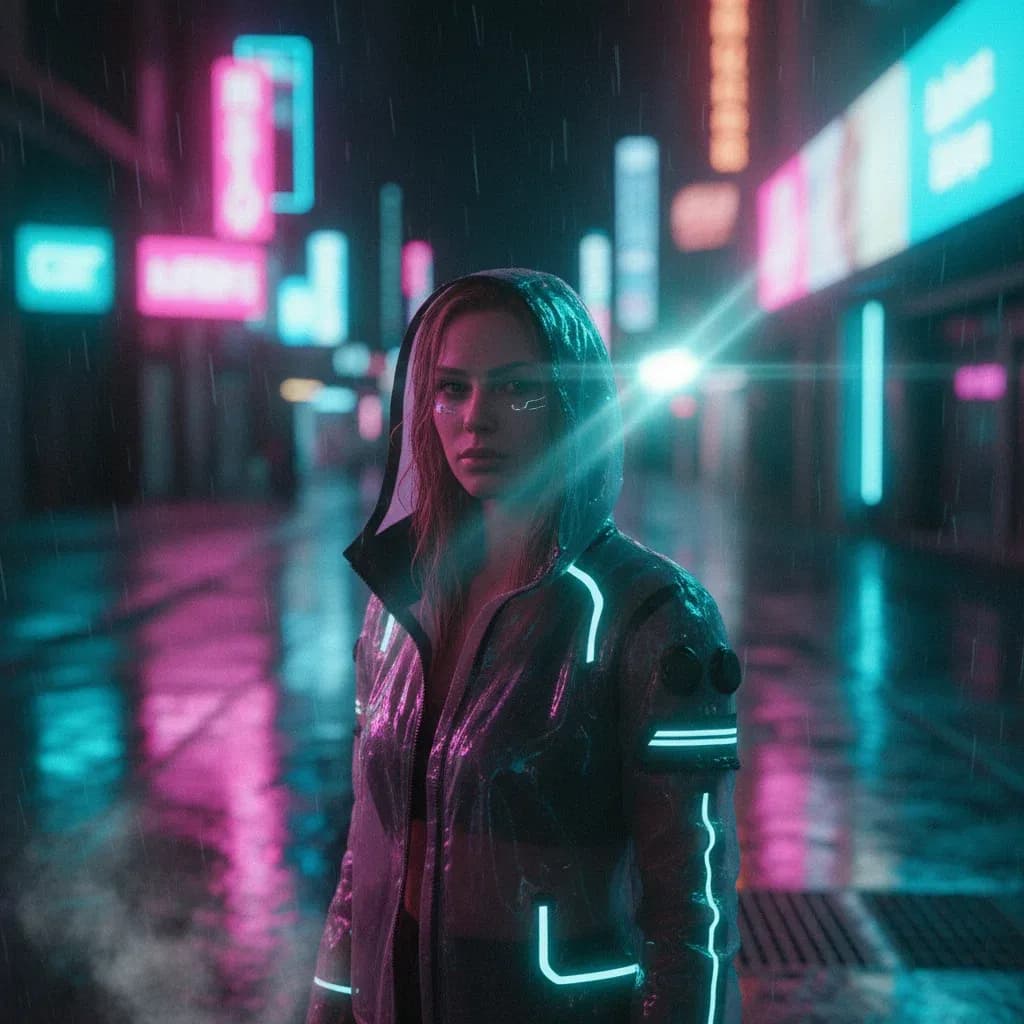
7. Urban Night Scene: Neon color grade
Prompt:
"Cinematic portrait of a woman under neon city lights at night, rain-soaked pavement. Anamorphic lens flare, shallow depth of field, and glowing signage reflections. Magenta and teal color grading, film grain, and a moody cyberpunk vibe."
Best for: Social/fashion
Cool edit: Switch to red and blue lighting for a bigger contrast.
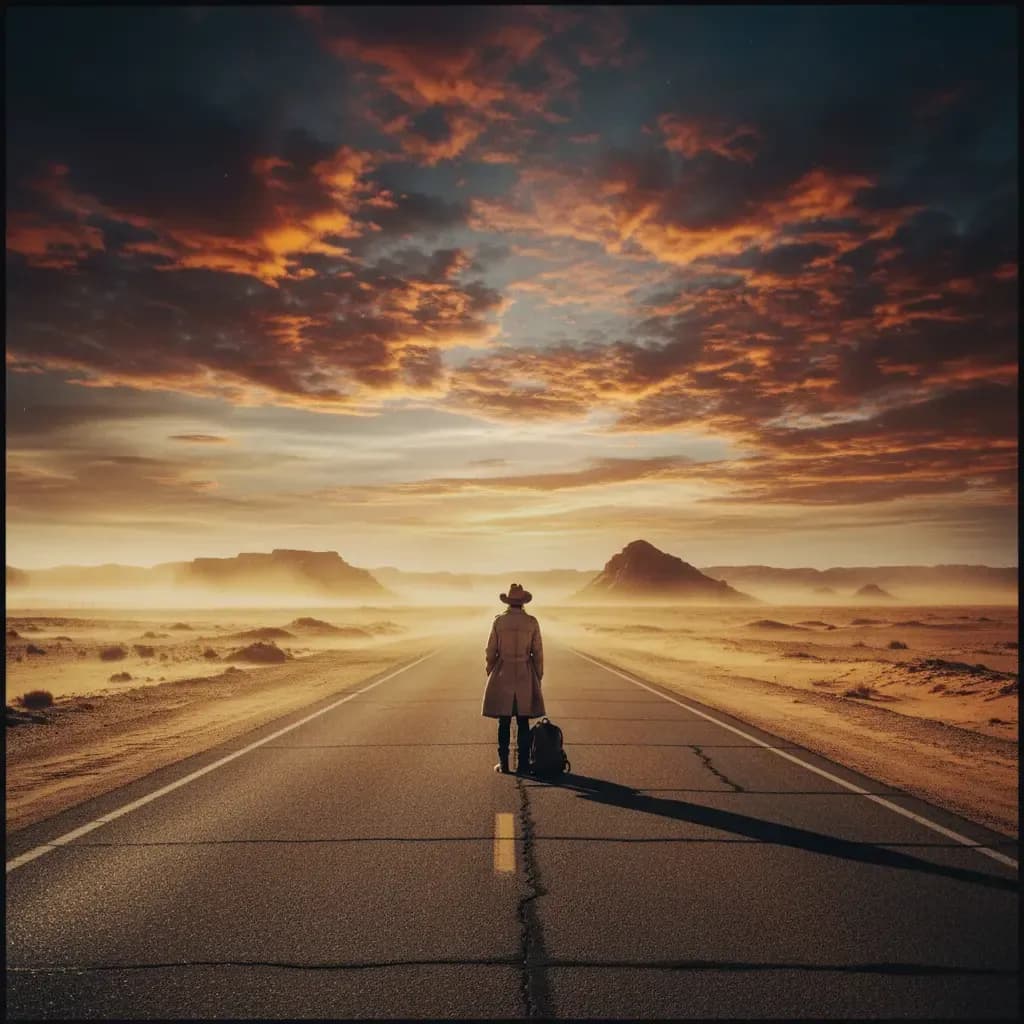
8. Desert Road: Cinematic wide shot
Prompt:
"Wide cinematic shot of a lone traveler standing on an empty desert highway. 24mm lens, expansive landscape, golden dust in the air. Warm, faded film tones, dramatic sky, and high-contrast sunlight."
Best for: Landscapes/travel
Cool edit: Change time of day to twilight for cooler tones.
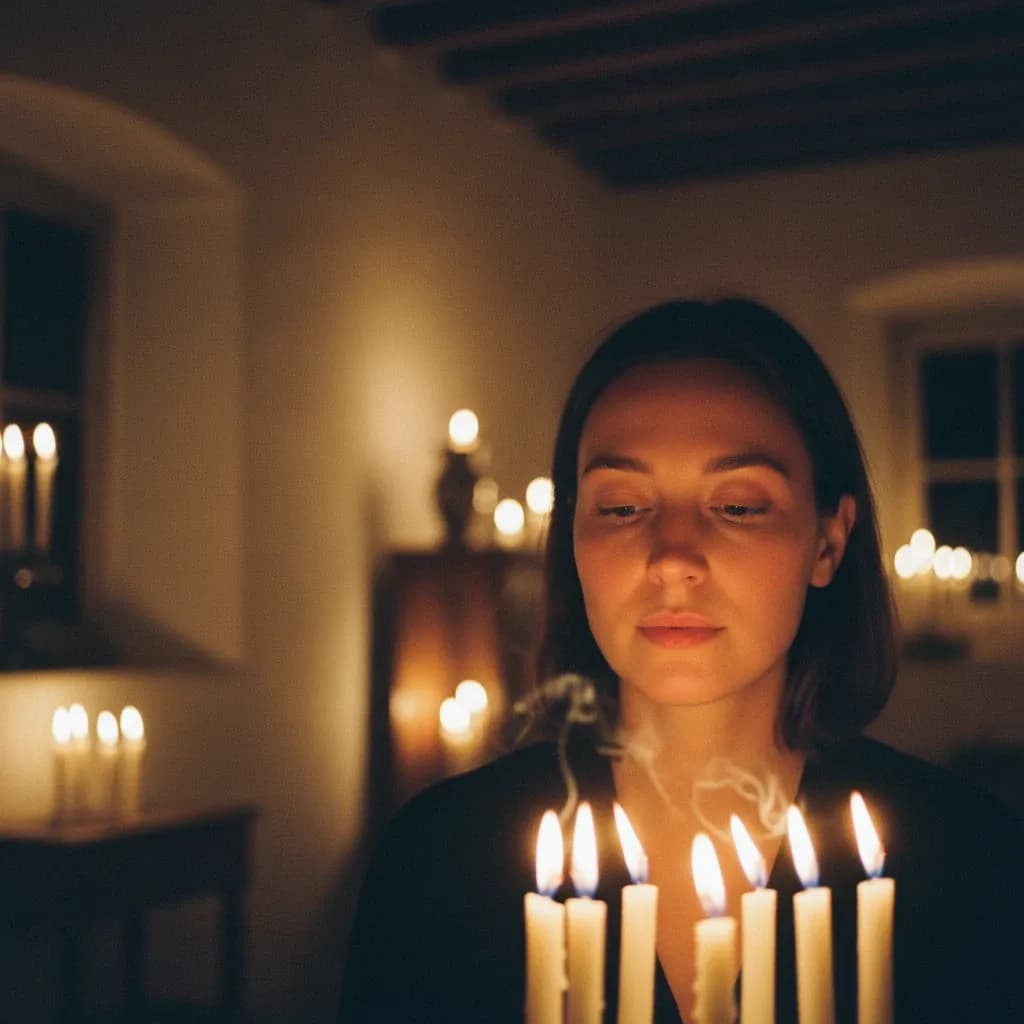
9. Indoor Moody Candlelight: 35mm
Prompt:
"Cinematic indoor portrait lit only by candles, soft shadows dancing on walls. 35mm lens, shallow depth of field, warm skin tones. Low-light film look, subtle grain, intimate, quiet mood."
Best for: Portraits/editorial
Cool edit: Add window rain for added atmosphere.
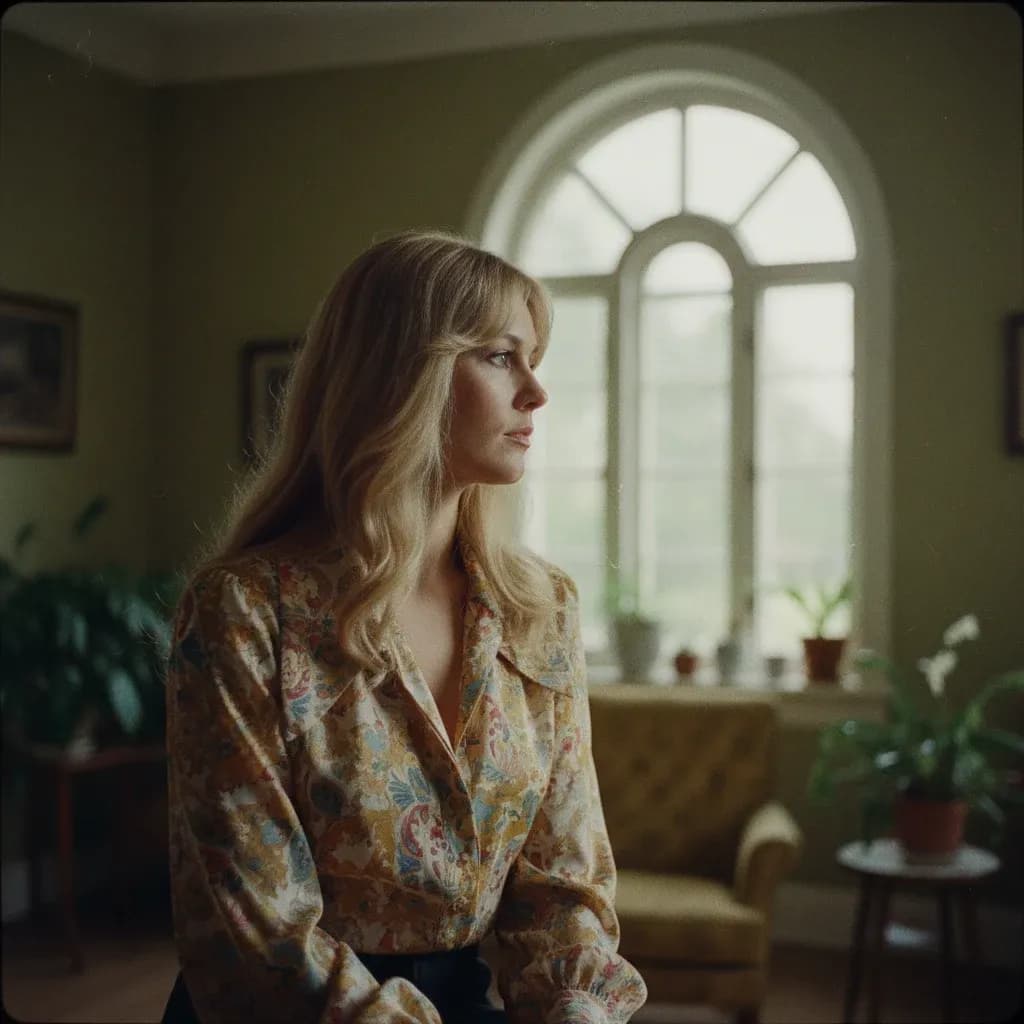
10. Vintage Film Portrait: Grain and faded tones
Prompt:
"1970s-inspired cinematic portrait with soft focus and visible film grain. Medium-format film look, muted color palette, natural window light. Faded tones, subtle vignette, nostalgic atmosphere."
Best for: Portraits/retro content
Cool edit: Add vintage wardrobe styling for authenticity.
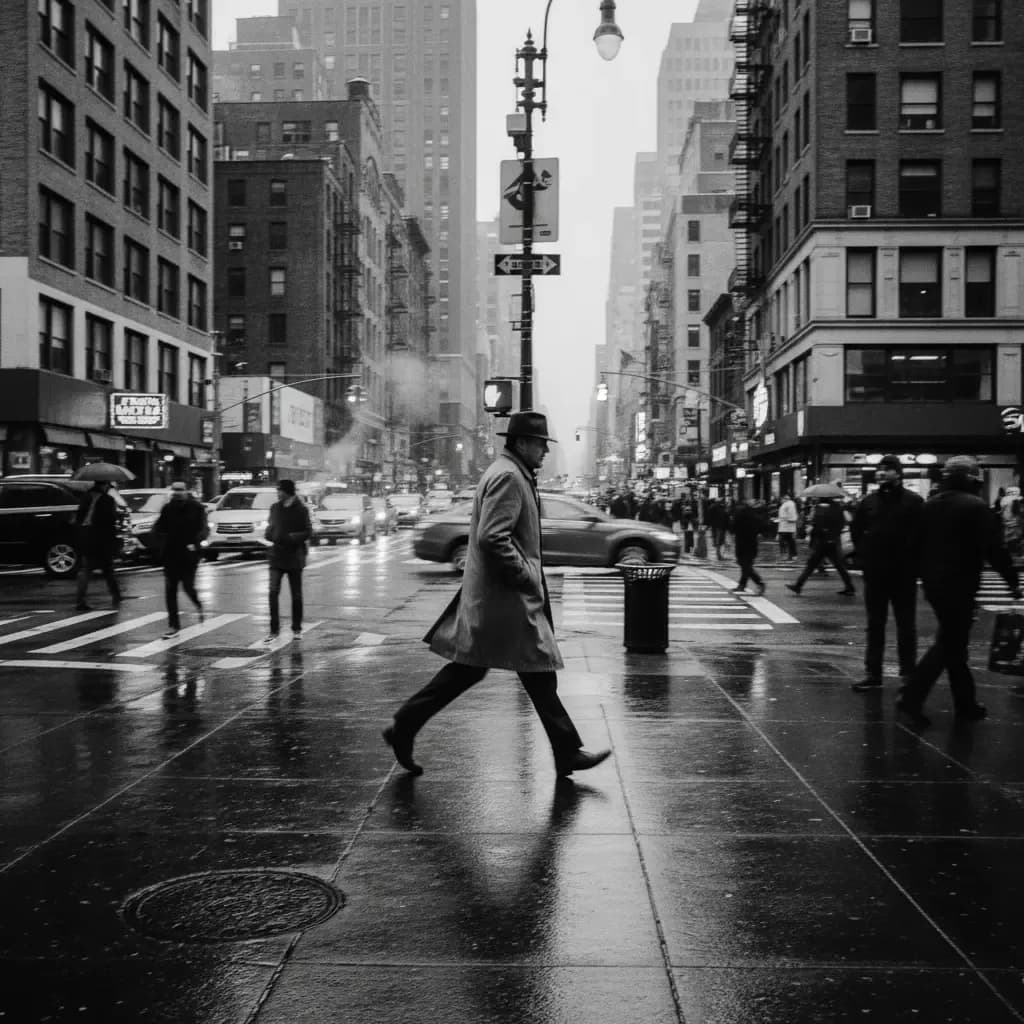
11. High Contrast B&W Street: Documentary style
Prompt:
"Black-and-white cinematic street photograph of a man crossing a busy intersection. 35mm lens, sharp focus, dramatic shadows, documentary framing. High-contrast monochrome, gritty texture, raw urban energy."
Best for: Street/documentary
Cool edit: Add light rainfall to increase ground reflection.
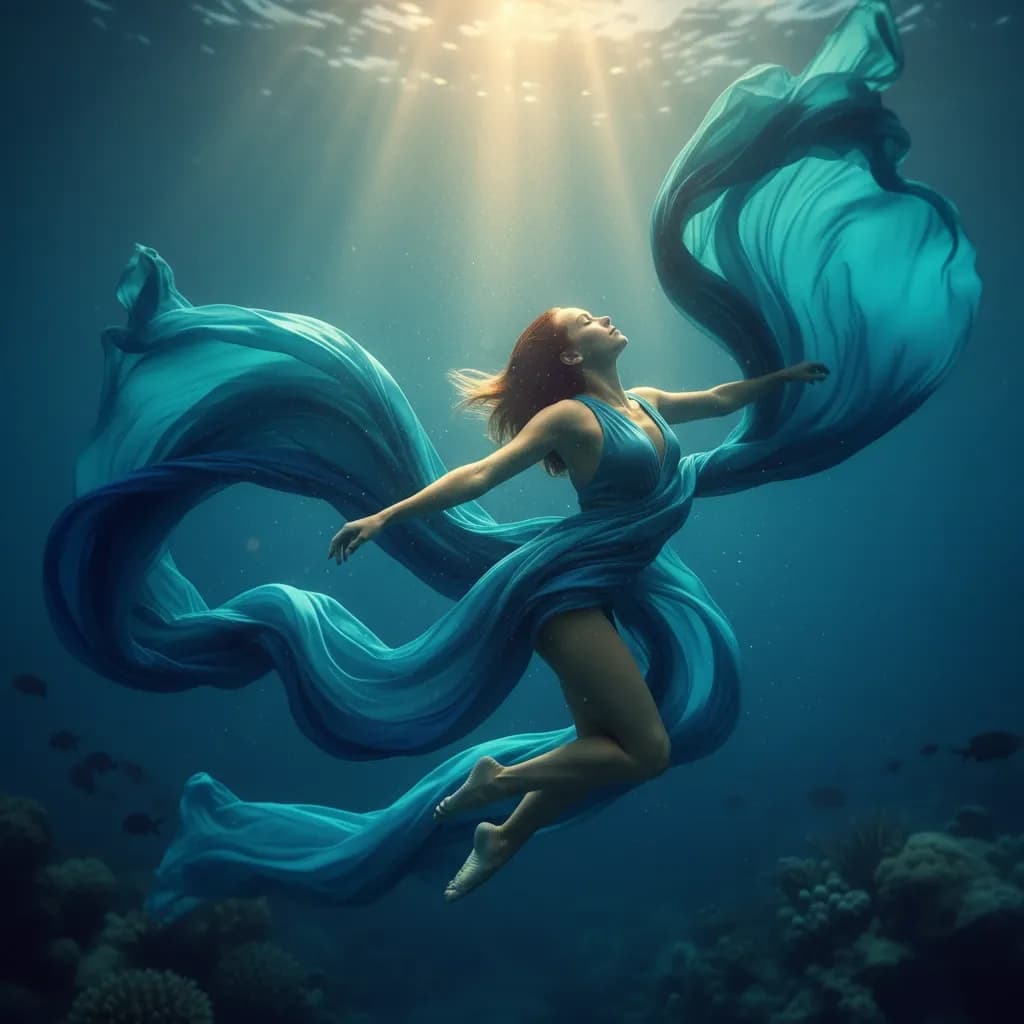
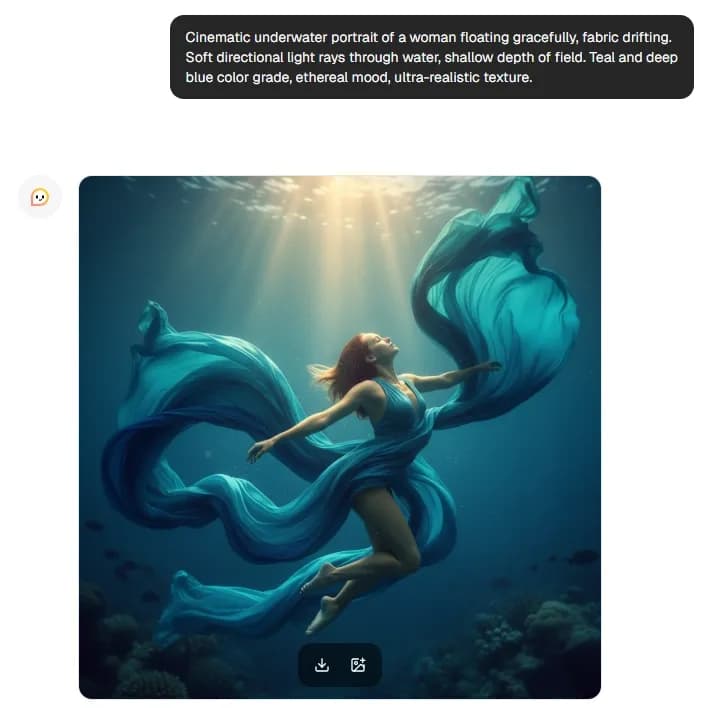
12. Underwater Cinematic: Teal/blue grade
Prompt:
"Cinematic underwater portrait of a woman floating gracefully, fabric drifting. Soft directional light rays through water, shallow depth of field. Teal and deep blue color grade, ethereal mood, ultra-realistic texture."
Best for: Conceptual/editorial
Cool edit: Add bubbles or flowing hair to emphasize motion.
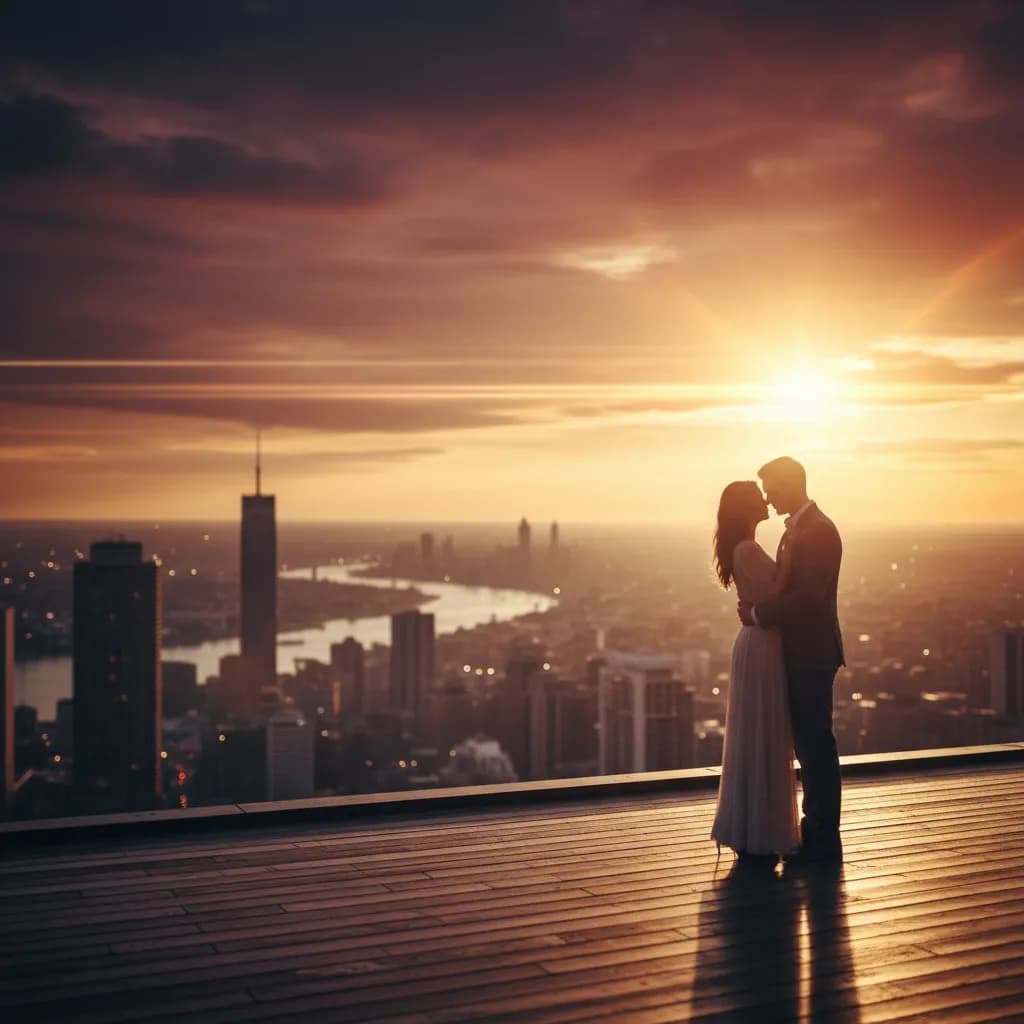
13. Rooftop Golden City: Anamorphic flare
Prompt:
"Cinematic rooftop scene at golden hour overlooking a city skyline. Shot on an anamorphic lens, with horizontal lens flare and shallow depth of field. Warm glow, dramatic sky, polished film still aesthetic."
Best for: Branding/social
Cool edit: Switch to a nighttime skyline with city lights for a visual contrast.
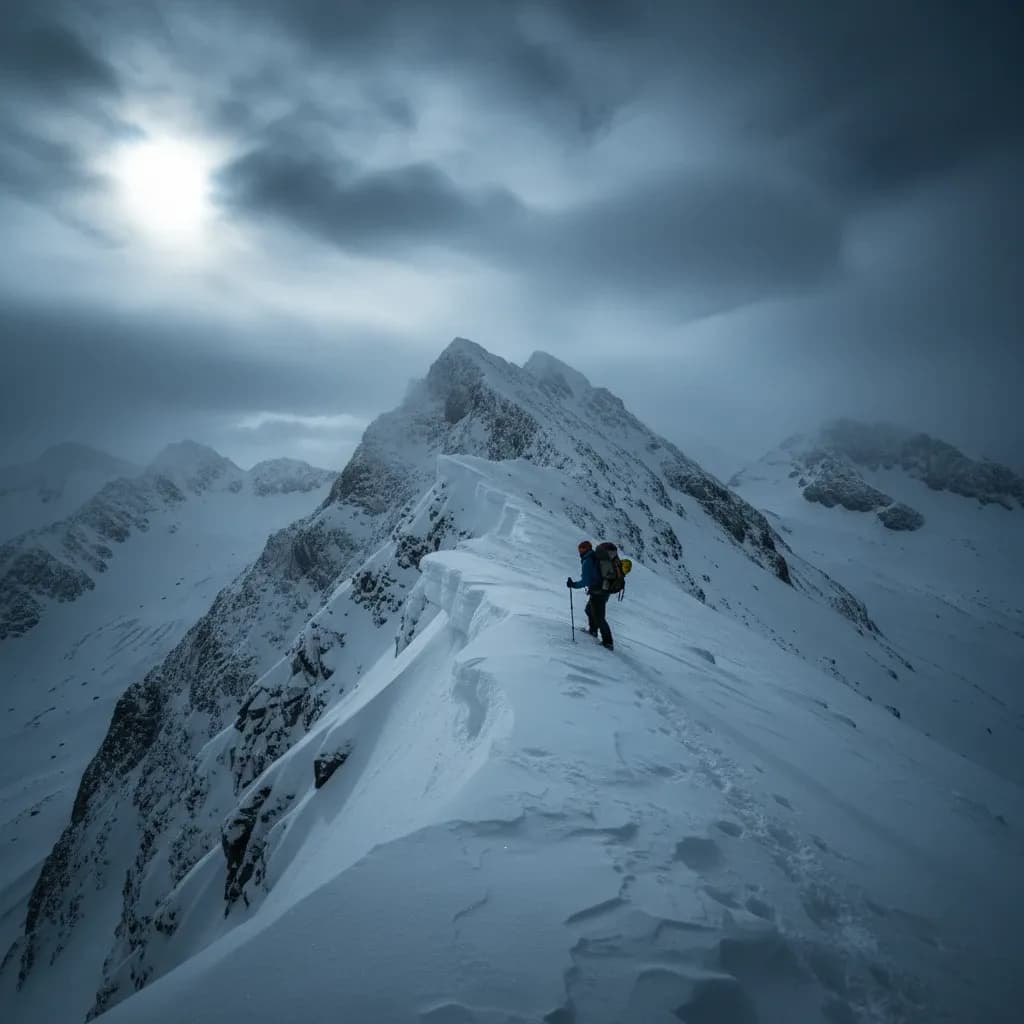
14. Snowy Mountain: RAW cold grade
Prompt:
"RAW cinematic landscape of a lone hiker on a snowy mountain ridge. Wide-angle lens, crisp detail, natural texture, no digital smoothing. Cold blue color grade, dramatic clouds, high-altitude atmosphere."
Best for: Travel/adventure
Cool edit: Add blowing snow for more dynamic movement.
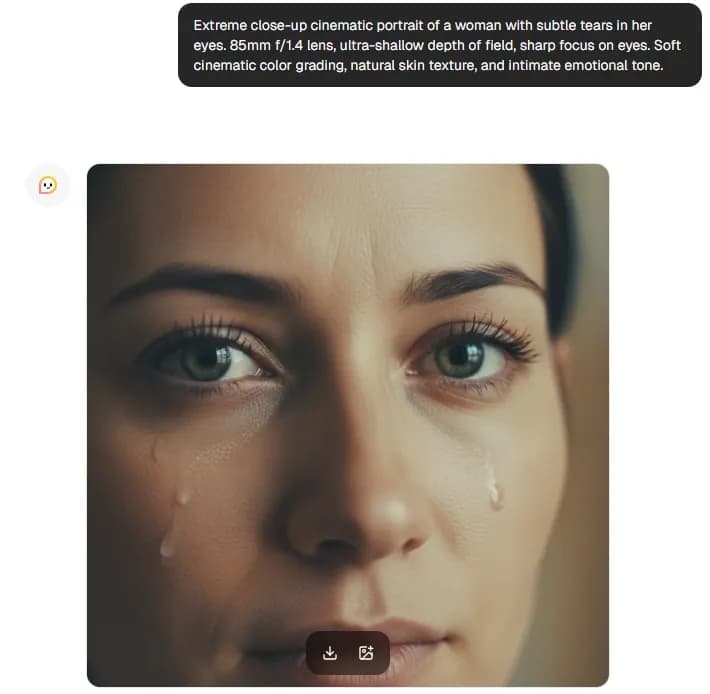
15. Close-Up Emotional Portrait: Shallow depth of field
Prompt:
"Extreme close-up cinematic portrait of a woman with subtle tears in her eyes. 85mm f/1.4 lens, ultra-shallow depth of field, sharp focus on eyes. Soft cinematic color grading, natural skin texture, and intimate emotional tone."
Best for: Portraits/storytelling
Cool edit: Adjust lighting to side-lit for stronger shadow drama.
Cinematic Prompt Template for You to Steal
Take advantage of our fill-in template to create the AI photo prompt that works best for the image you’re trying to capture.
[Subject + action], [environment], [lighting direction + type], [lens/camera feel], [depth of field], [film still reference], [color grade], [texture/grain], [mood], [composition notes]How to Use These Prompts in Lorka AI
Follow the steps below to use these AI image prompts inside Lorka’s all-in-one AI platform:
- Open our AI Image Editor.
- Copy and paste any command from the examples above directly into the Image Editor prompt field.
- Change the subject, color palette, or another element to personalize your prompt.
- Generate 3 to 5 versions to analyze lighting and overall mood between photos.
- Re-run the best version with one small adjustment, such as the lighting style or aspect ratio, to get a better result.
There’s also no need to pick a model, as our Image Editor automatically handles the technical optimization behind the scenes.
Common Mistakes and How to Fix Them
If your commands are not structured clearly and concisely, you’ll have issues creating your photos. Here’s how to fix and avoid some of the common problems when creating AI images:
- Too vague ➡️ Add camera feel, lighting direction, and mood. Instead of just adding “man in a city,” mention the specific focal length and emotional tone.
- Overstuffed prompt ➡️ Prioritize 5 to 7 strong details max, as too many conflicting instructions can make the result worse.
- Plastic skin ➡️ Add “natural skin texture, visible pores, no digital smoothing” to avoid the over-retouched AI look.
- Generic composition ➡️ Include “rule of thirds, leading lines, and negative space” for a more cinematic frame.
- Weird hands ➡️ Add “hands partially out of frame” or “gloved hands” to reduce problems with distortion.
Create Prompts and Cinematic AI Images Without Hopping Tabs on Lorka
If you’re tired of generating instructions in one tab with ChatGPT or Gemini and then going back to an AI image tool in the other, our all-in-one workspace is the answer.
No more juggling between tabs, accounts, or multiple subscriptions; you get all the tools you need in our platform.
- Image generation + top LLMs: Write and generate in the same platform.
- $29.99/month flat pricing: Get a number of AI tools and top AI models all in one subscription.
- Faster iteration: Paste the AI command, customize the variables, and then generate instantly.
Lorka gives you everything you need to generate dramatic AI images in one place.
Create a prompt
Access Claude, GPT, Gemini, and more AI models in one platform.
Create a prompt with Lorka AICinematic AI Image Prompts FAQs
The best AI image prompts are structured with subject, lens type, lighting direction, film texture, and color grade.
The 15 commands in this article are optimized specifically for Lorka AI’s image generator to produce film-quality, cinematic results without complicated prompt engineering.