

What Is Kling AI Used For?
If you’re interested in making short AI-generated videos, Kling 3.0 can be a great tool to use. It can help you, as a casual user or part of a creative team, produce visual content without filming, editing software, or a production crew.
Kling has three primary functions that make it possible to create visual content.
Text-to-video generation
Kling’s main purpose is to allow users to describe a scene in plain English and generate a short video clip from that description. This is what the text-to-video generation tool offers:
- Scene creation: By typing a sentence into the tool like “a futuristic city at sunset with flying cars,” the generator will create the scene.
- Concept visualization: You can turn marketing concepts or creative scripts into visual proposals before investing in full production.
- Rapid prototyping: It’s possible to quickly test different versions of the same idea without having to edit content.
Image-to-video animation
With consistent lighting and texture, you can animate a still image into a brief clip. Here’s what this function does:
- Product animation: By uploading a product image, it’s possible to generate subtle camera movement or environmental effects for ads.
- Character animation: It’s possible to add motion to illustrated or AI-generated characters.
- Depth and camera movement: Imitate zooms or cinematic movement from a still image.
Social media and marketing content
Kling is also used to create short video content for platforms such as TikTok and Instagram, allowing you to do the following:
- Bulk creation: You can quickly produce multiple short clips to post consistently.
- Creative testing: It’s possible to make different versions of promotional videos to test messaging and visuals before launching paid campaigns.
- Branded storytelling: Use multi-shot to create more unified narrative-style content.
Kling 3.0 Features: What the AI Video Generator Can Do
The latest model of Kling features several effective tools to help you create more realistic, longer AI-generated videos.
1080p+ and extended duration
Kling 3.0 can generate 4K videos with fluid motion and supports clips of around 15 seconds via video continuation tools.
Physics-aware motion & camera control
The built-in physics engine provides more natural movement, and you can direct scenes with professional-style camera controls like tilt and zoom.
Kolors & image-based input:
Within the Kling platform, you can use the Kolors image generation tool to create dynamic videos with multiple shots.
Understanding Kling AI API Capabilities
The API acts as a way for users, especially developers, to automate and scale high-end video production by providing:
- Programmatic access: Developers can plug the engine directly into custom workflows.
- Advanced features: Provides access to the latest breakthroughs, including multi-shot cinematic sequences and native audio synchronization.
- Greater precision: Uses Kling’s 3D body reconstruction engines to guarantee up to 94% accuracy in human movement for specialized applications.
- Scalable tiers: Offered in Standard and Pro versions to support everything from rapid social media prototyping to 4K commercial deployment.
Kling AI pricing
The video generator uses a credit-based pricing model. This means that each time you generate a video, it consumes credits based on the resolution, duration, and whether you use Professional Mode.
Here’s a breakdown of Kling’s prices and how they compare with Lorka’s AI image generator.
| Plan | Description |
|---|---|
| Free plan | Includes around 60+ limited daily credits and watermarked videos |
| Paid plans | Start at roughly $7/month for the standard plan, with higher tiers like Pro |
| Extra credits | Can be purchased separately and are valid for a limited time |
| Lorka’s all-in-one subscription | Provides an AI image generator that you can pair with LLMs and other tools under one subscription ($29.99/month) |
How Different Users Can Generate Videos With Kling 3.0
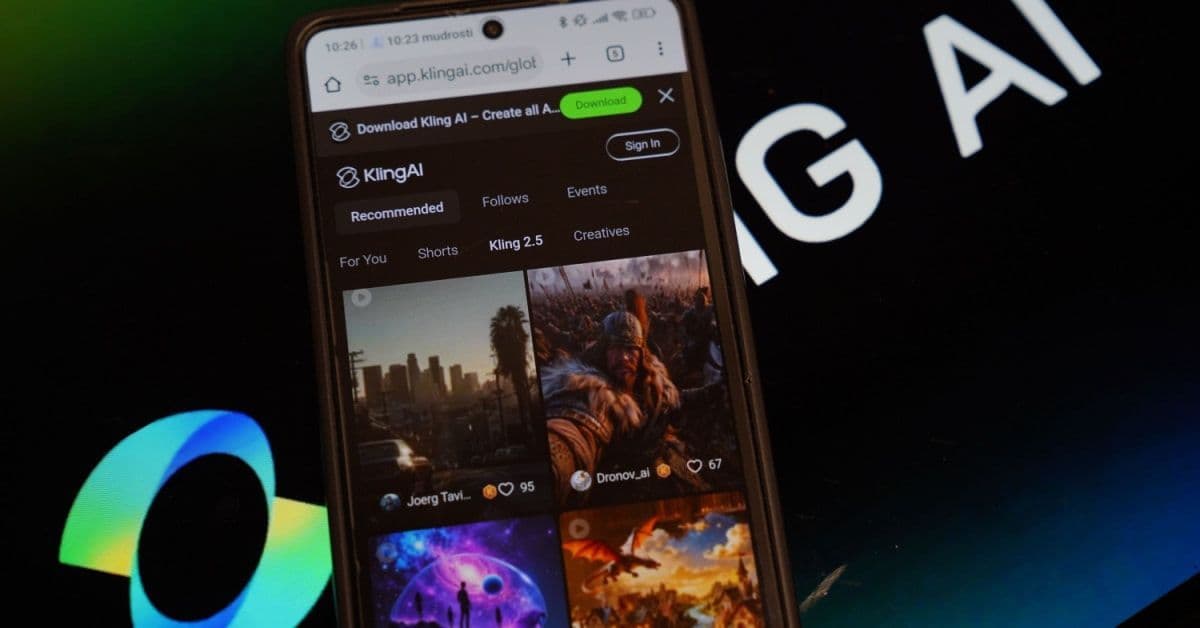
Both casual and professional video creators can use Kling AI to create videos for various purposes.
- Casual users: Can experiment with text-to-video and image-to-video features using daily credits to learn how prompts work or create simple social clips.
- Content creators: If you are a social media manager or marketer, you can use paid plans for higher resolution and longer videos.
- Designers and artists: It’s possible to animate still images or product designs into short motion clips.
- Developers: If you are a developer, you can integrate the API into your apps or creative workflows.
Should you try Kling AI?
If you want to create quick AI-generated videos without filming or editing software, Kling AI is worth testing.
To combine an AI image generator with other useful tools and large language models such as ChatGPT or Claude, Lorka offers all of these features in a single subscription.
Kling AI Use Cases: How the Tool Is Applied for E-commerce, Training Visuals, and More
With text-to-video and image-to-video creation at scale, Kling 3.0 can be used in a number of different professional fields and for personal and creative uses, such as the examples below:
Ecommerce product showcases
Helps turn a product photo into a short “hero clip” with camera motion, lighting consistency, and a clean background for product pages and Amazon-style listings.
YouTube Shorts / Reels ad variations
Generate multiple 10–20-second versions of the same concept to test which version achieves higher retention without reshooting the video.
Pre-visualization for filmmakers
Convert a script idea into rough “pre-viz” shots to communicate pacing, mood, and camera direction before spending time or money on production.
Training or explainer visuals
Animate complex ideas into short clips that can be reused in lessons or internal updates.
Game and concept prototyping
Quickly develop character movement or environment “mood clips” to come up with ideas for cutscenes or world-building without a full animation process.
Limitations of Kling AI
Before creating Kling 3.0 can produce impressive results, anyone interested in the AI tool should understand a few practical downsides up front:
- Credits and variable costs: The AI generator uses a credit system, and the credit cost can change based on resolution, duration, and “Professional Mode.”
- Queues and slowdowns: Higher tiers include a priority queue, so free plans may experience longer wait times.
- “99% stuck” rendering issue: A common stall has been noted where renders can hang at the final stage, with generation time stretching from 6 minutes to over an hour.
- Regional access limits: Some locations may require a VPN, which can be frustrating, especially for teams.
- Audio workflows: Many creators still need to add or fine-tune audio in post for precise music and sound design.
Kling 3.0 vs. Runway Gen-4.5, Sora 2, and Luma
Apart from Kling, there are other well-known text-to-video and image-to-video generators. Review the table below to see how each compares.
| Model | Best for | Strengths | Typical use cases |
|---|---|---|---|
| Kling AI 3.0 | Budget-friendly pro video and strong motion management | Multi-shot workflows and native audio/lip-sync | Social ads and story-driven scenes |
| Runway Gen-4.5 | Cinematic control and high-end creative workflows | Strong motion quality, prompt conformity, and “creative control” across generation modes | Short-form cinematic shots and creative processes for teams |
| Sora 2 | High-end realism, physics, video, and audio together | Built for physical realism and controllability | Premium concept videos and cinematic tests |
| Luma | Fast brainstorming and casual storytelling | Web-based workflow for creating images and videos | Quick storyboarding, creative exploration, short clips, and variations |
FAQs About Kling AI
Kling AI offers a free tier with limited daily credits, so you can try out basic video generation features.
Paid models offer many more capabilities but can get much more expensive.
If you want an all-in-one option, Lorka’s image generator costs $29.99/month and includes other tools like an AI translator plus access to large language models under one subscription.