
ChatGPT Image 2 Trend Prompts for MS Paint Photos
The trend started thanks to Korean Threads, where user @withgrdnrush used GPT Image2 to create a doodle-style image called "The World's Most Trivial Question." The original images were never included, but the result looks like something an artist could create in MS Paint in a minute.
The thread quickly went viral, and more people started creating these kinds of images, spreading the trend almost worldwide!
Well, something so simple that I could have done it without AI. Oh well, it doesn't matter.
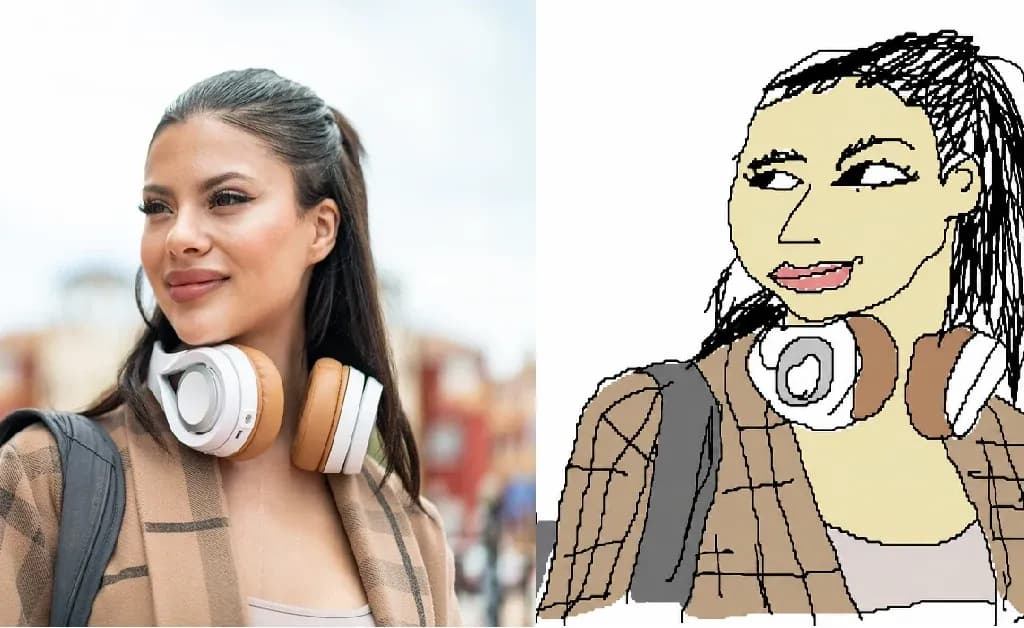
The surprising thing is that the results are exactly what you'd expect: photo recreations based on existing images, but with the distinct style of a 6-year-old's drawing (or younger). Now, since we like to keep up with trends, let's see exactly how to do it.
MS Paint AI prompt for ChatGPT Image 2
Obviously, I had to test all of this to understand exactly if I was capable of replicating a drawing that I might have made, or rather, my 30-year-old self. And the result? Amazing.
Let me explain how I did it.
GPT Image 2 MS Paint Step-by-Step Guide
First, I chose a photo, uploaded it to Lorka AI Images, and used the following prompt:
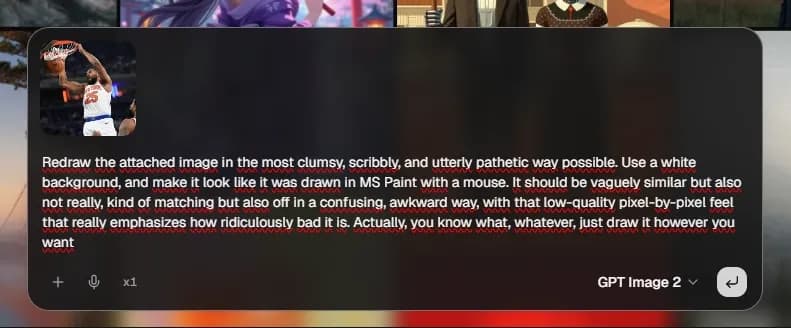
Simply copy and paste (and steal) this ChaGPT prompt:
MS Paint Prompt 🪄
“Redraw the attached image in the most clumsy, scribbly, and utterly pathetic way possible. Use a white background, and make it look like it was drawn in MS Paint with a mouse. It should be vaguely similar but also not really, kind of matching but also off in a confusing, awkward way, with that low-quality pixel-by-pixel feel that really emphasizes how ridiculously bad it is. Actually, you know what? Whatever, just draw it however you want."
➡️TRY THIS PROMPT⬅️
The result was incredibly normal, just like a child's. But I like it, you know.
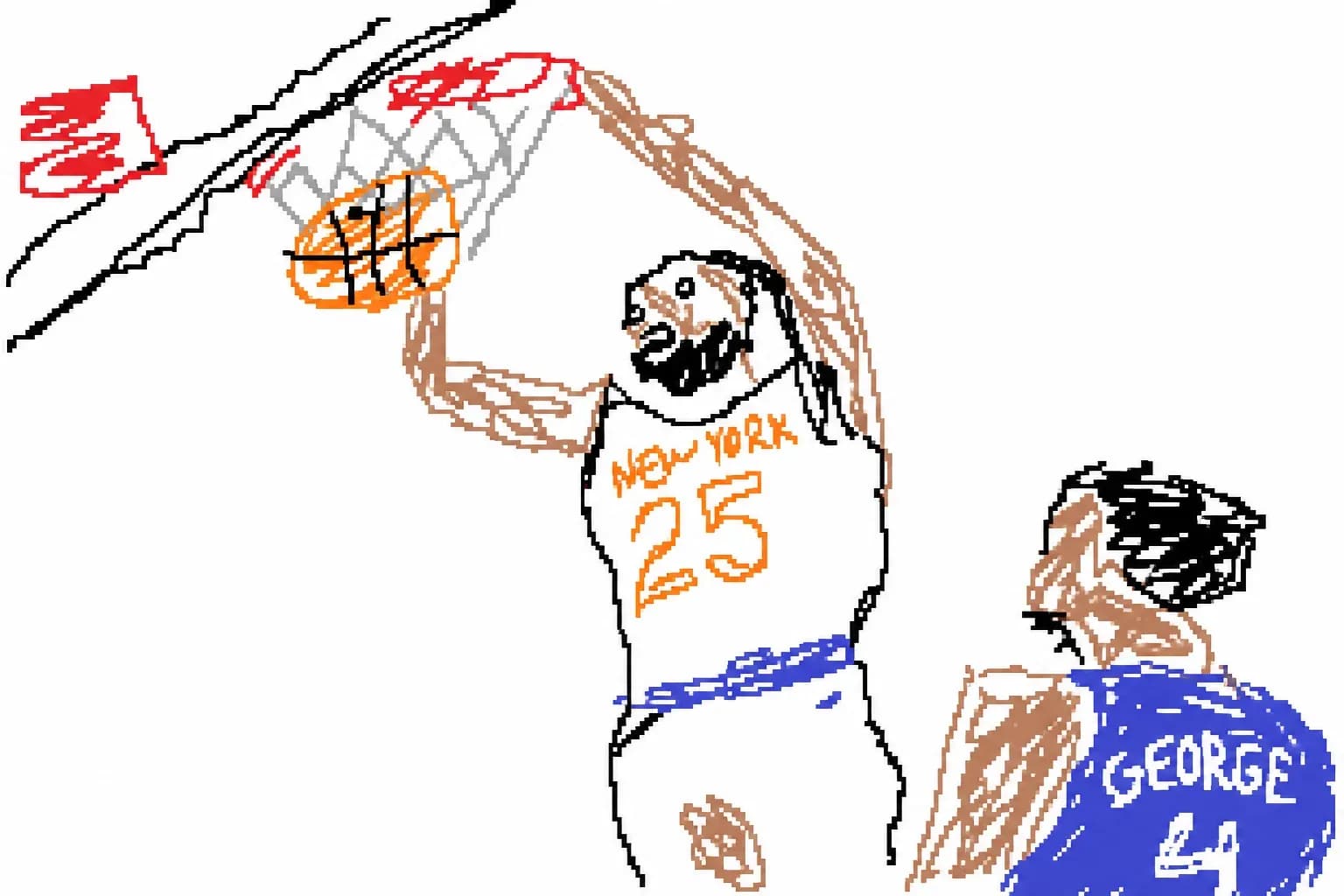
This is the easiest way to create your photo in MS Paint style.
Obviously, you can do this with any photo you want. Your photo, your brothers' photos (to make them look bad), or your ex's. The choice is entirely yours.
Simply:
1. Choose the photo
2. Use the prompt
3. Get the result.
How to Use the ChatGPT Prompt to Draw in MS Paint Style in Lorka
First, log in to your Lorka.ai account (create one if you haven't already).
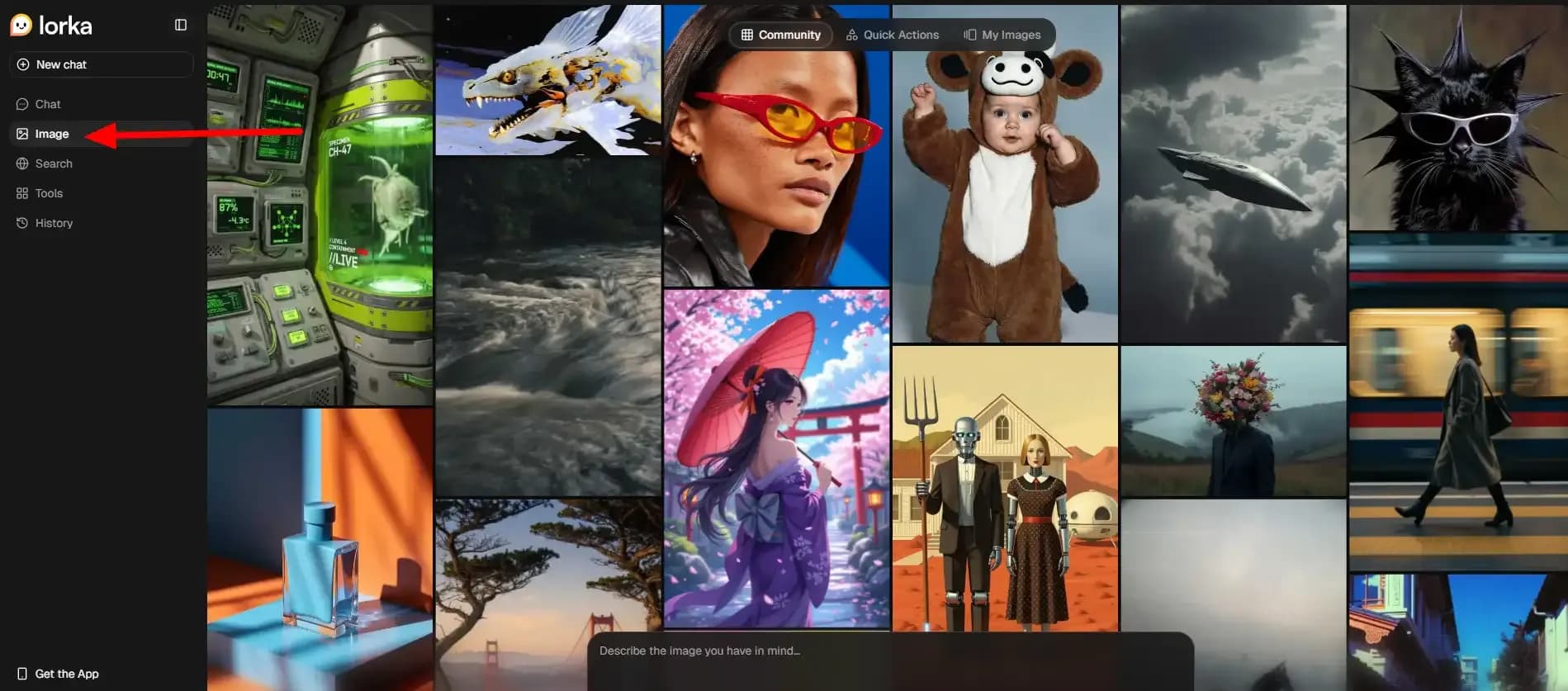
Then go to the images section on the left (it's in the menu; it's big, and you'll see it!).
Choose the GPT Image 2 template and upload your photo along with the prompt. That's it.
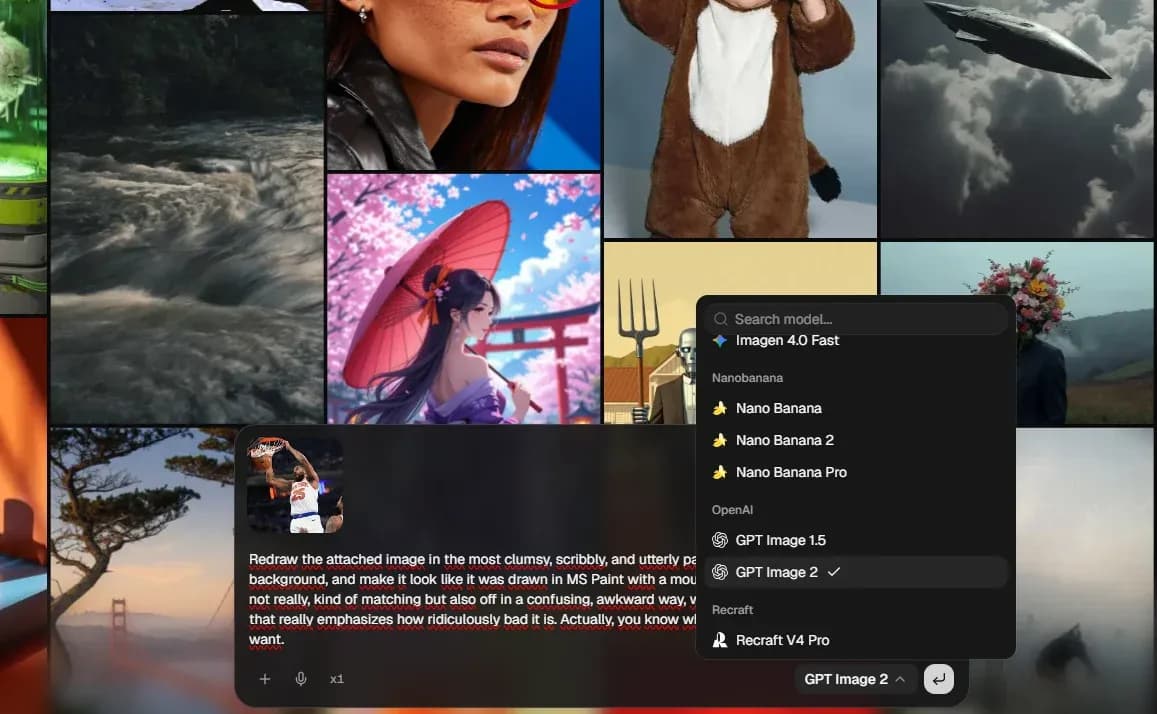
That's it, no more secrets. If you create an interesting photo, you can share it on social media and tag Lorka AI; it'll be fun.


Try the Viral MS Paint Prompt in Lorka AI
Upload any photo, paste the viral ChatGPT MS Paint prompt, and turn your image into a funny, messy AI doodle with GPT Image 2.
Try the MS Paint Trend in Lorka AI