

AI Background Remover: Eliminate Photo Backgrounds in One Click
Avoid tedious tracing and erase an image background with a single click to help you create presentations, social media content, and more.
Turn Photos Into Ready-to-Use Visuals With Our Instant Background Remover
Remove distracting backgrounds in seconds and generate polished visuals for your store, campaigns, marketplace listings, or brand content.
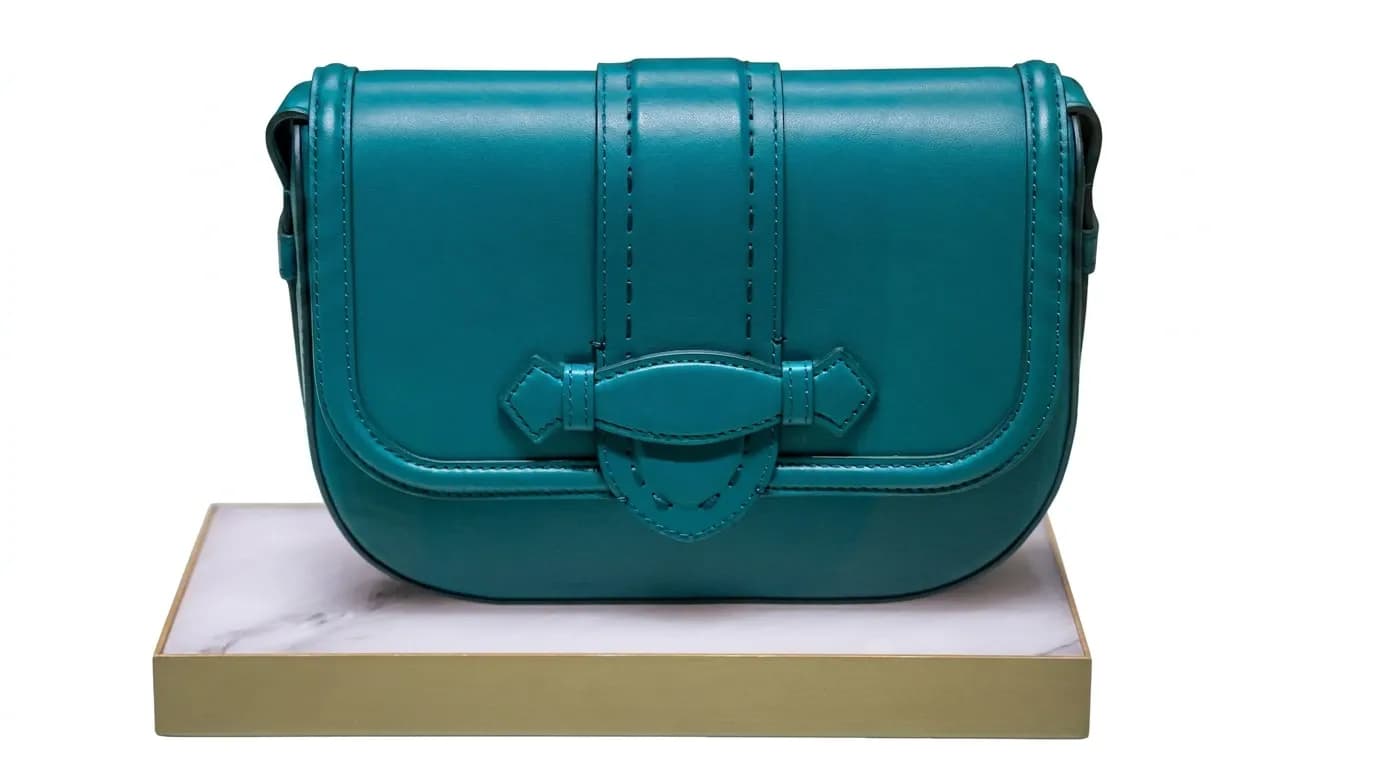
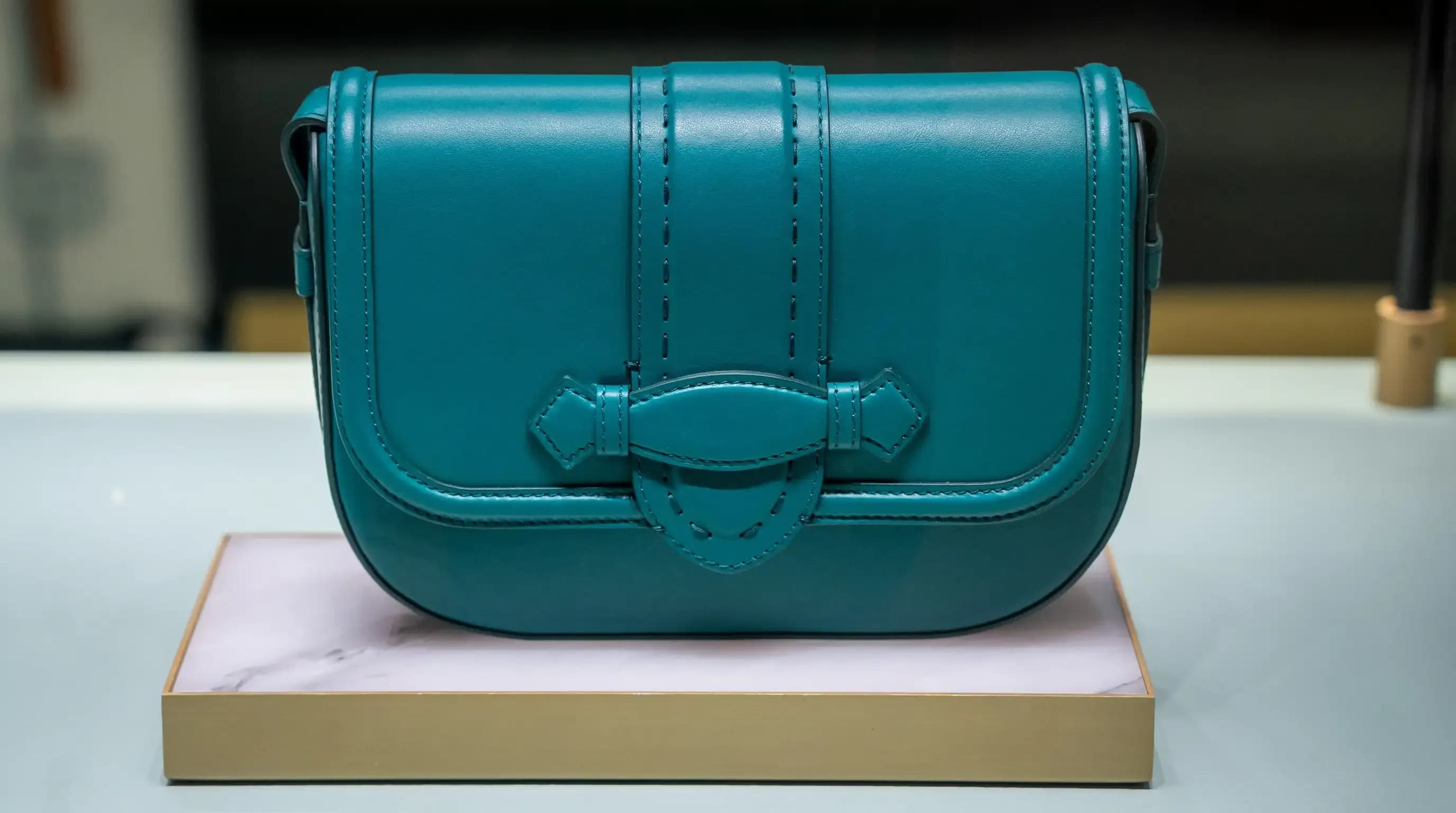
Create store-ready product photos in seconds
Present products with clean backgrounds that build trust and help your small business or e-commerce brand look more professional.
Clean Up Product Photos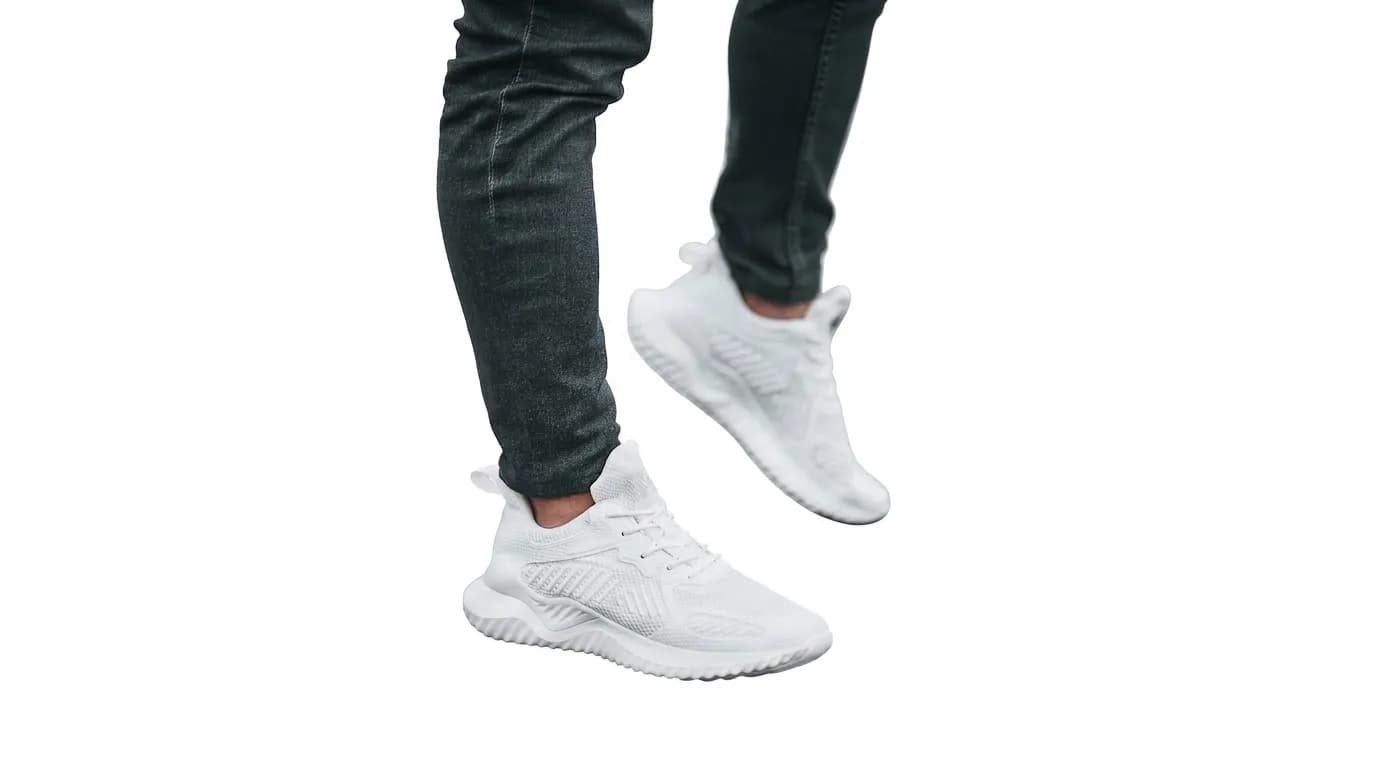

Repurpose one Photo across multiple projects
Use the same image for product pages, ads, social posts, catalogs, and banners without reshooting or redesigning from scratch.
Reuse Your Image Anywhere

Save hours on repetitive editing
Edit faster and keep visuals consistent across your store, campaigns, and sales channels.
Erase and Edit FasterFast, Flawless Background Removal for Every Skill Level
From selfies to product shots, Lorka makes it easy to erase backgrounds online and get polished results without advanced editing skills.
Precision cutouts
Remove shadows and fine edges with a single click to erase the image background.
Instant background removal
Delete backgrounds online from photos in seconds, no matter your Photoshop skill level.
Ready-to-use images
Get clean cutouts ready for presentations, avatars, online content, and product shots.
Batch-ready results
Get high-quality results for selfies and catalog photos, even across large batches.
How to Remove a Background With Lorka A I in 4 Simple Steps
Upload your image
- Drag and drop or upload any JPG, HEIC, or PNG image, preferably an image that’s high resolution
Instantly detect the object
- Our AI automatically detects the main subject (people, products, logos) so you don’t have to trace anything by hand
Background is erased instantly
- Instantly, the tool erases the background and gives you a clean, transparent cutout you can use online or in a project
Download or continue editing with Lorka
- Download your image and place it where you want
- You can even use our AI image editor to add a new background, text, or extra edits
Delete Backgrounds With AI as a Professional, Student, or a Casual Creator
Whether you’re editing your first photo or managing thousands of assets for work, Lorka helps you erase image backgrounds quickly and confidently.


Effortless edits for casual users
Clean up selfies, photos, and avatars in seconds for aesthetic profile images. Make your resume, gaming profiles, or personal and school projects stand out without any design skills.
Remove Background

Polished shots for photographers
Turn raw shots into client-ready images fast with our AI removal tool to isolate subjects or deliver clean previews without spending hours in manual masking.
Clear Background

Simple cutouts for students
Create cutouts for class presentations, reports, and creative assignments with AI whether you’re a graphic design student or creating a slide show for any subject.
Erase Background

On-brand visuals for marketers
Create on-brand visuals for any type of landing page or ad. Instantly delete the background online to drop products, people, or logos onto any creative concept you’re testing.
Isolate Your Image

Cleaner product photos for e-commerce sellers
Get consistent product photos for your shop or catalog. Eliminate backgrounds with AI to match platform guidelines and speed up listing new items with better visuals.
Delete Image Background

Professional visuals for businesses
Whether you have a small or large business, use our AI background eraser to help you standardize team headshots, presentation images, and brand materials with a professional look.
Start Removing BackgroundsExplore More of Lorka's AI Tools
Generate images, translate text, humanize AI content, summarize documents, and more, all in one place. Discover powerful tools designed to boost your productivity, creativity, and learning.
FAQs
AI background removal uses machine learning to detect the main object in an image and automatically separate it from the background to generate a clean cutout.
For example, Lorka uses this AI to replace manual tools like erasing or masking, making it fast for professionals and friendly for beginners, which can be used for profile images, presentations, marketing, and more.
Erase Backgrounds With AI Now
Instantly erase image backgrounds, download, and make unique projects and visuals.