
TL;DR: The Best AI Disney Portrait Generator
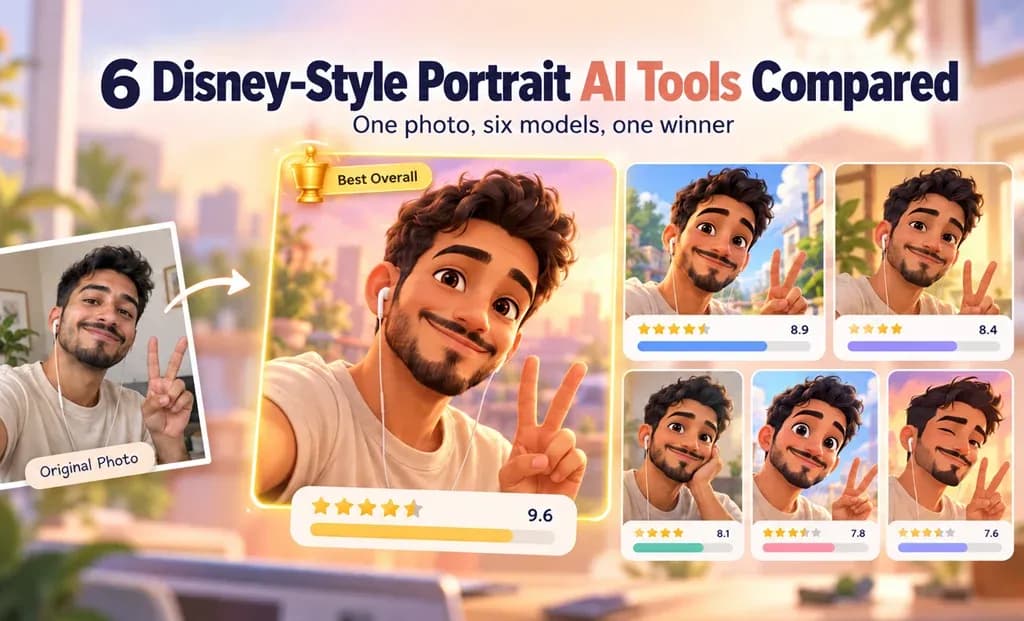
GPT Image 2 is our overall pick for this test. It balances recognizable facial details with animated styling and follows the requested pastel-background direction. Its glossy, realistic skin texture is the main trade-off.
| Pick | Result |
|---|---|
| 🥇Winner: GPT Image 2 | Best balance of likeness, detail, and prompt compliance. |
| 🥈Runner up: Seedream 5.0 Pro | Stronger cartoon styling and cinematic lightning, but retains the original setting and changes accessories. |
| ⚡Budget-minded alternative: Gemini 3.1 Flash Image | Produced a polished cartoon portrait in seconds. |
How We Tested Each AI Cartoon Portrait Tool
We used a sharp, single-person photo with a clearly visible face. Its directional sunlight and architectural background made it less controlled than an evenly lit studio portrait.
On September 16, 2026, we uploaded that same photo and entered the identical prompt in Lorka AI model options:
-
GPT Image 2
-
Gemini 3.1 Flash image
-
Muse Image 1.0
-
Seedream 5.0 Pro
Each produced one image, without rerolls or edits. We assessed likeness, animated-film look, quality, prompt adherence, and usability. Value wasn’t scored. A 4:5 composition was requested only in the prompt; other generation settings weren’t recorded.
The Exact Prompt We Used
The prompt we used to generate the Disney-style images in each model is the following:
Prompt ✍️
Use the uploaded photo as the highest-priority reference for facial identity. Transform the person into a Disney-style 3D animated character while keeping them clearly recognizable as the same person.
Preserve their face shape, skin tone, eye color, eyebrows, nose, lips, hairstyle, apparent age, and distinctive features. Add expressive eyes, softly sculpted features, and polished 3D textures characteristic of modern Disney-style animation. Keep the stylization gentle enough to preserve their individual likeness.
Maintain the expression, gaze direction, and head angle from the photo. Keep the visible clothing and accessories, including their original colors, and adapt them to the animated style.
Use warm cinematic lighting, soft shadows, and a simple, softly blurred pastel background. Create a centered, eye-level, head-and-shoulders portrait in a vertical 4:5 composition, with the entire hairstyle visible.
The result should feel like an original character from a beautifully rendered animated film. Do not copy an existing Disney character or add text, logos, or watermarks.

 TRY THIS PROMPT
-
Facial likeness: Prioritizing the reference photo and naming distinctive features helps avoid getting a generic cartoon face.
-
Animation direction: Expressive eyes, sculpted features, and 3D textures define the intended look while keeping exaggeration in check.
-
Composition and lighting: The framing, pastel background, and warm light provide concrete instructions we can check against each result.
“Disney-style” and “Pixar-inspired” describe the intended aesthetic. These are independently generated images, not official Disney or Pixar artwork.
Disney-Style Portrait Results: All 6 Tools Compared
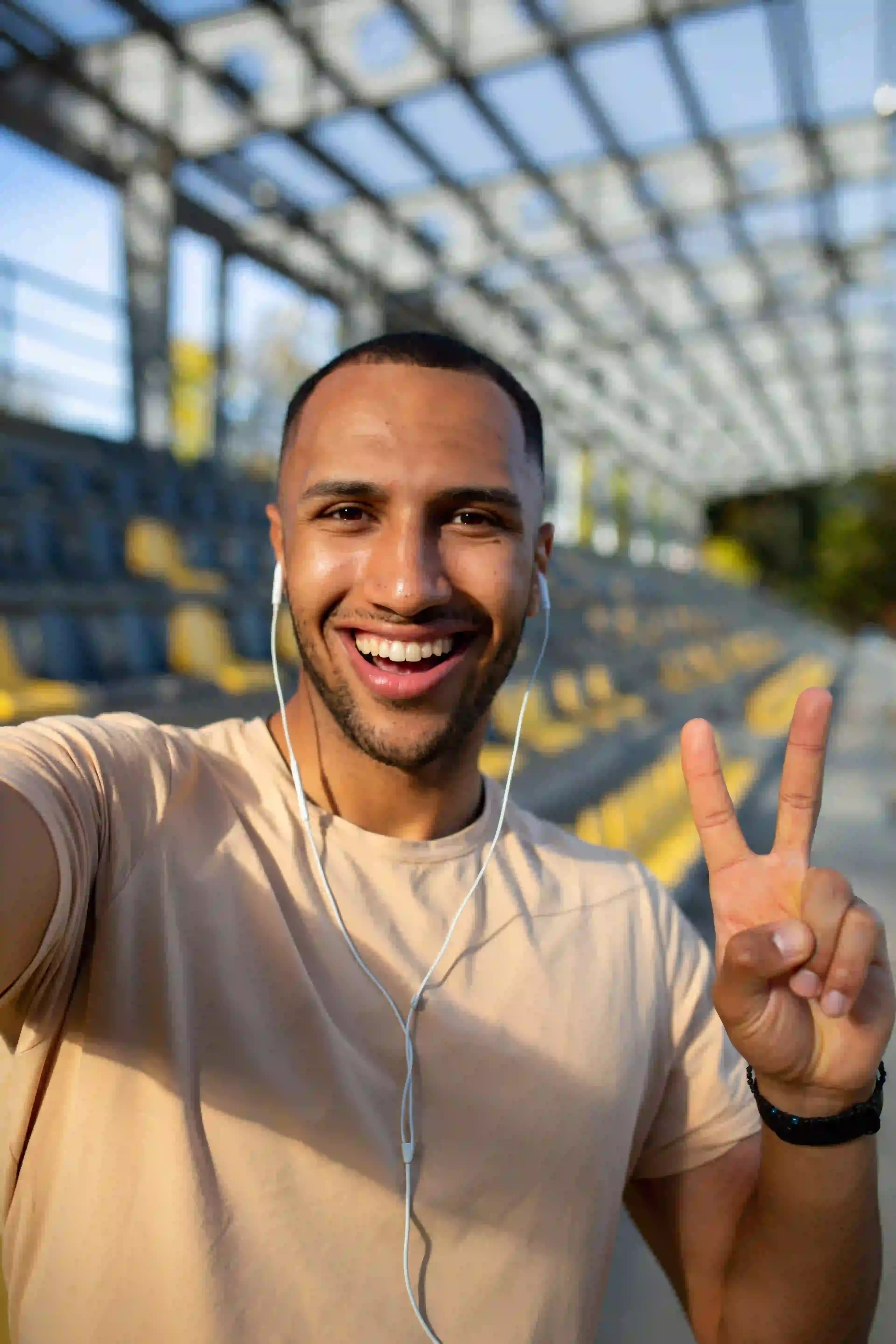
Original image
Original portrait photo used as the reference image.
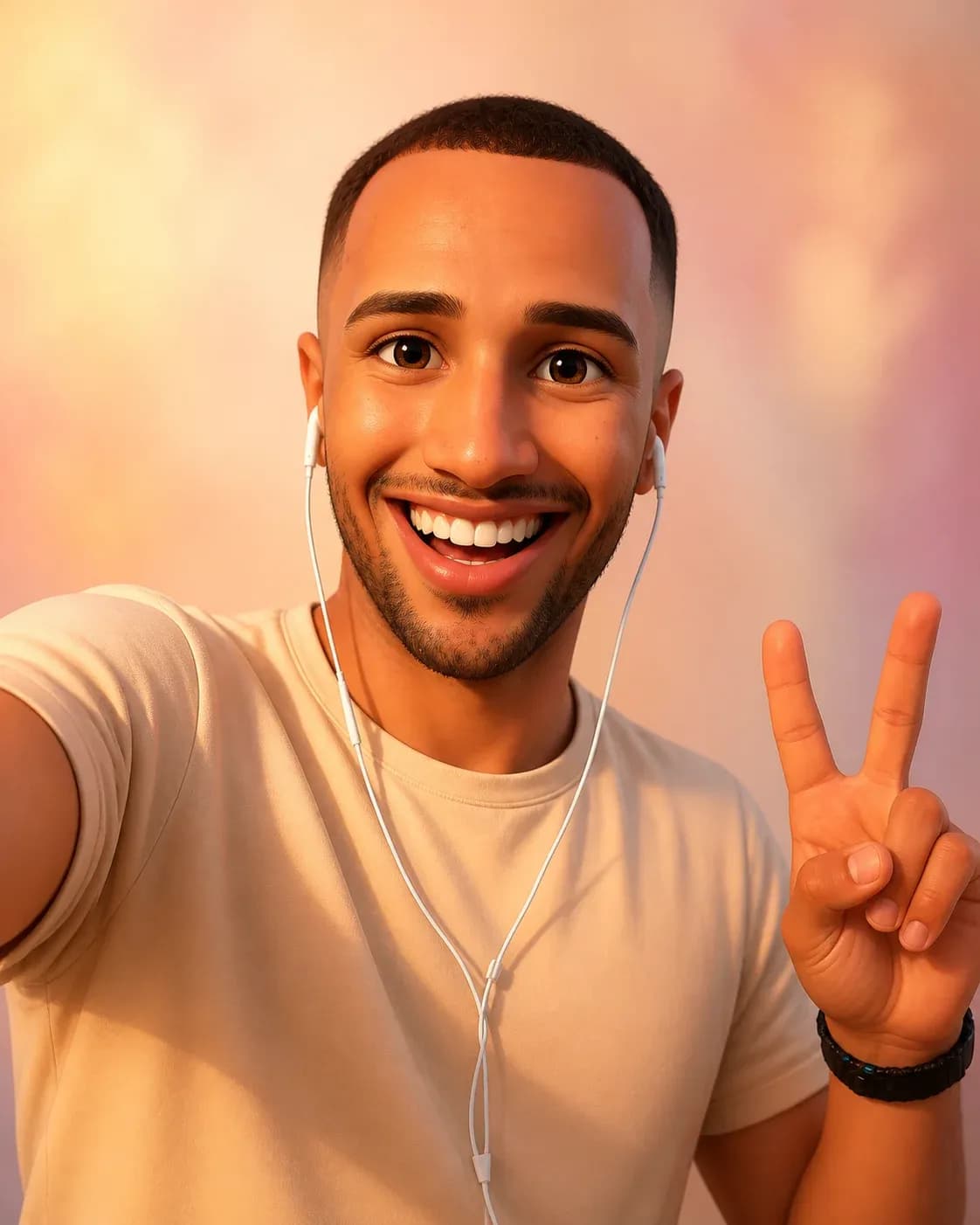
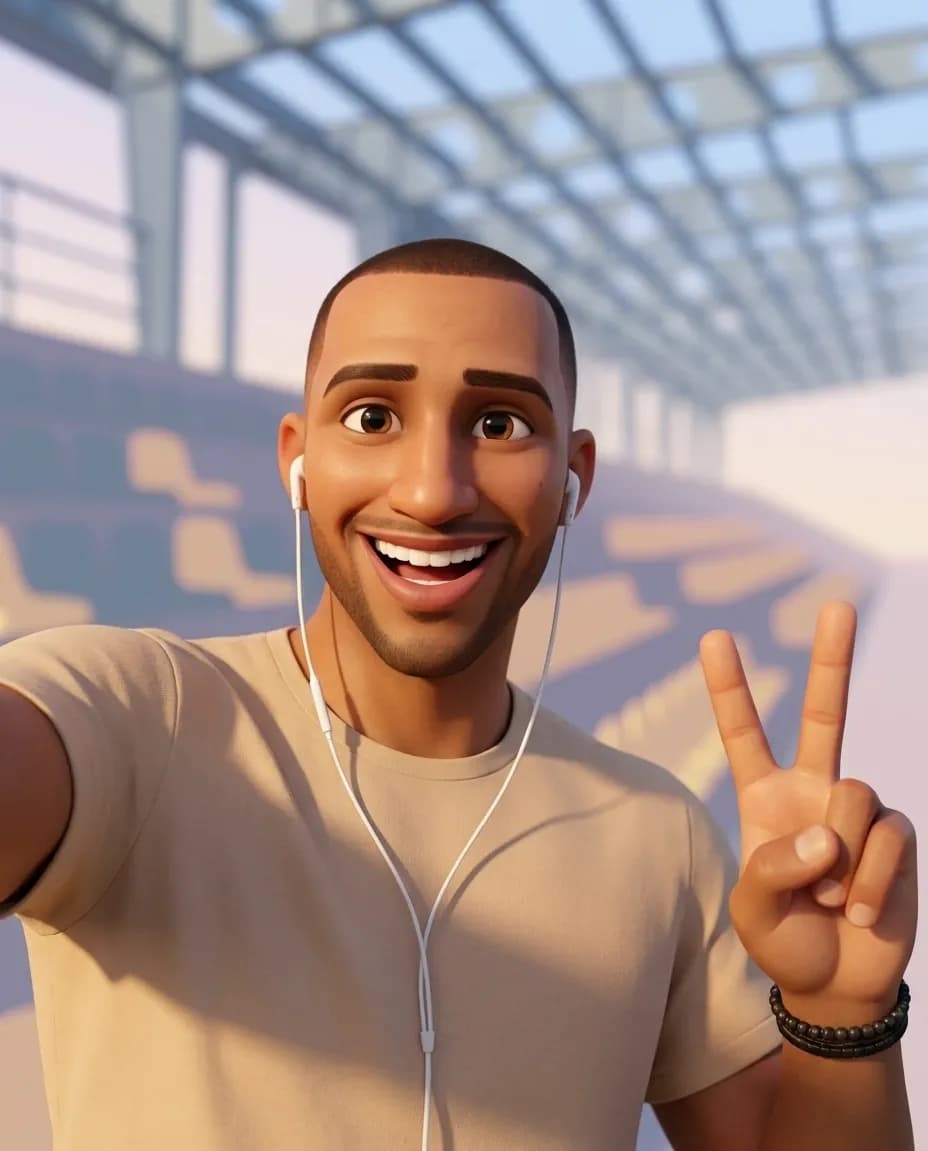
Gemini Flash Image 3.1
Disney-Style Portrait with Gemini Flash Image 3.1
Create Your Disney-Style Portrait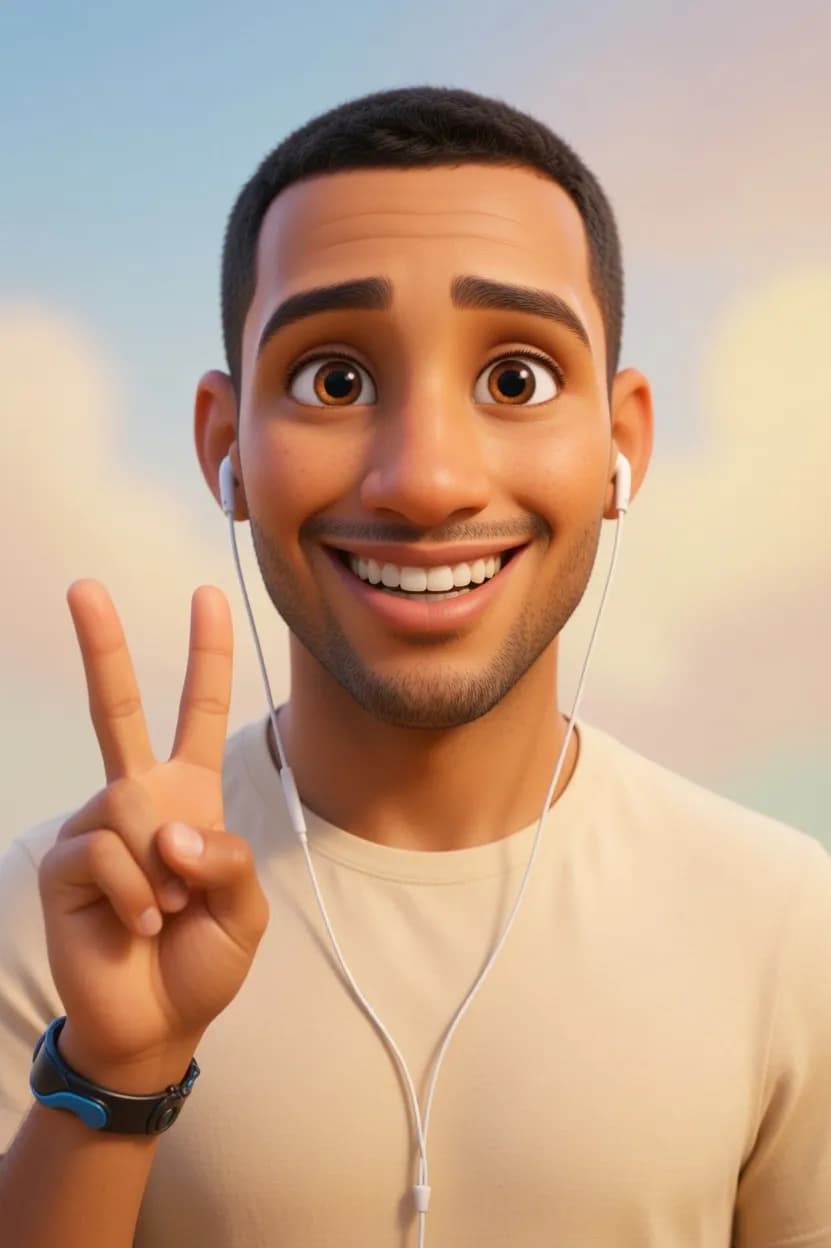
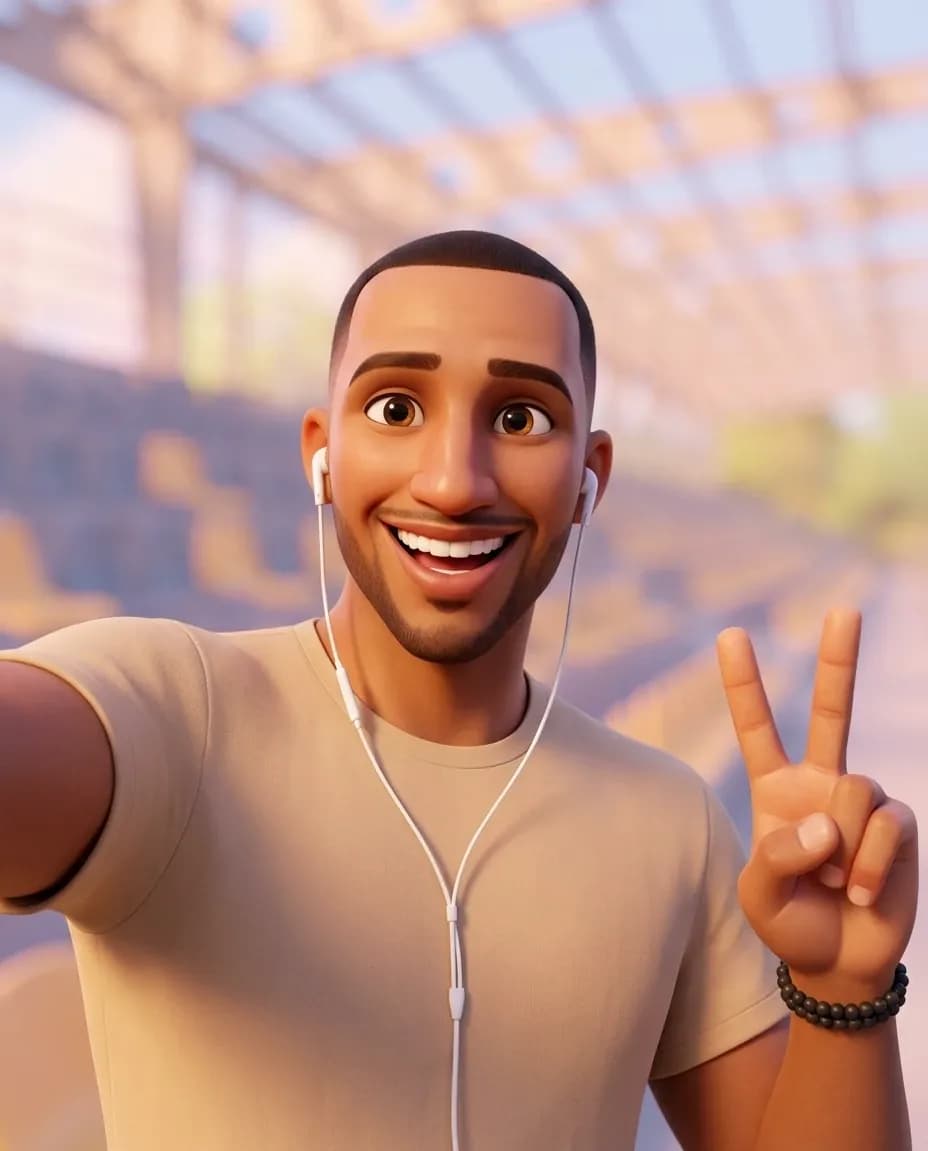
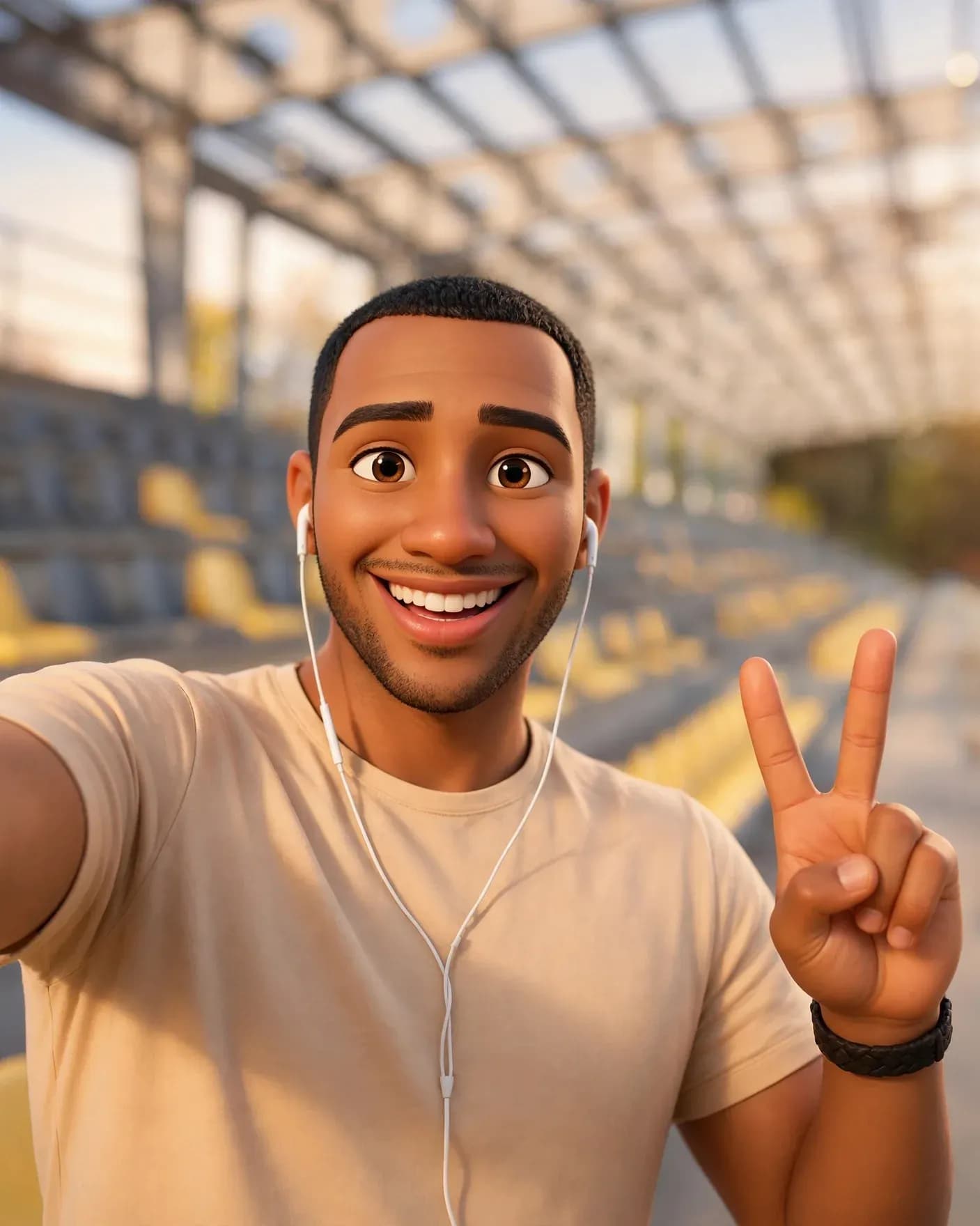
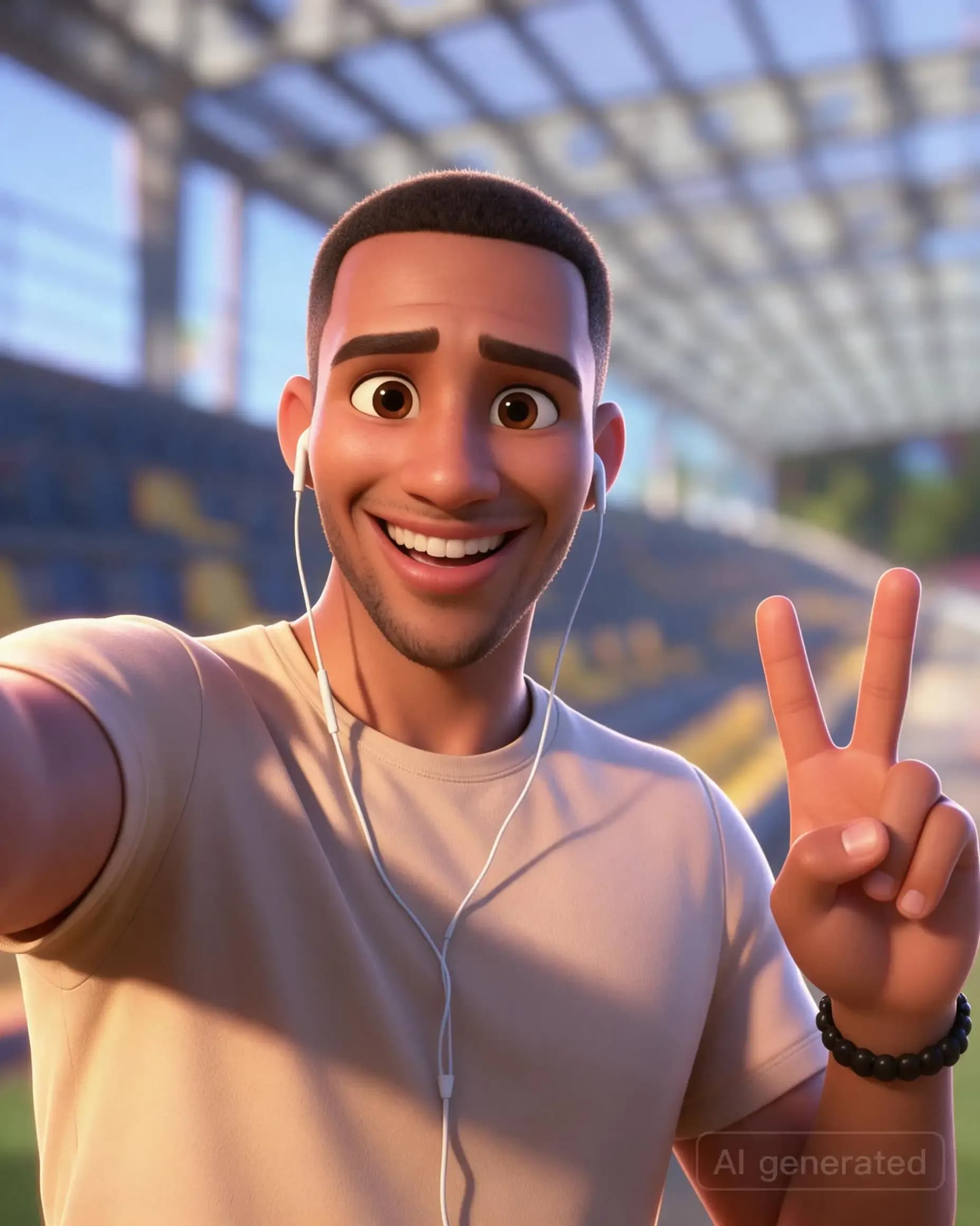
GPT Image 2 wins for balance; Seedream 5.0 Pro stands out for animation style. Seeing the results together reveals how differently each option interprets the same face, from realistic skin textures to exaggerated eyes and sculpted features.
Images use equal-sized, centered 4:5 display crops. The scores below assess the original, uncropped outputs, including their composition and background choices.
Scores: Facial Realism, Style, and Ease of Use
Facial resemblance measures likeness, not photorealism. These are subjective editorial scores out of 10.
| Lorka AI Image Generator Option | Resemblance | Style | Quality | Instructions | Ease | Overall |
|---|---|---|---|---|---|---|
| GPT Image 2 | 9 | 8 | 9 | 8 | 9 | 8.6 |
| Seedream 5.0 Pro | 7.5 | 9.5 | 9 | 6 | 9 | 8.3 |
| Nano Banana 2 | 7.5 | 9 | 8.5 | 6.5 | 9 | 8.1 |
| Muse Image 1.0 | 8.5 | 8 | 8.5 | 6 | 9 | 8.0 |
| Grok Imagine Image | 7 | 9 | 8.5 | 7 | 9 | 8.0 |
| Gemini 3.1 Flash Image | 7.5 | 8.5 | 8.5 | 6.5 | 9 | 8.0 |
Final Verdict: Which Tool Made the Best Pixar-Style AI Photo?
GPT Image 2 made the best overall portrait in this test. It preserved the broad smile, recognizable facial structure, short hair, and beard detail while adding expressive animated eyes.
Warm lighting and clean rendering gave the image polish, and the pastel backdrop followed the prompt more closely than outputs retaining the original setting.
Its composition wasn’t perfect: it kept more torso than the requested head-and-shoulders framing. The main aesthetic trade-off was glossy, relatively realistic skin; Seedream delivered a stronger cartoon look.
Create Your Own Disney-Inspired Portrait in Lorka AI
Upload a portrait to Lorka AI’s Image Generator, choose an image model, and paste the prompt above and get your image in seconds. Compare outputs from different models, then refine your favorite with follow-up instructions.
You can also use Lorka AI’s dedicated Disney AI Generator or Pixar AI Generator to instantly turn your images into animated photos.
FAQs
GPT Image 2 was our winner in this six-option Lorka AI comparison, balancing facial resemblance, animated styling, and prompt adherence. However, for a dedicated Disney-style tool, Lorka’s Disney AI generator is a great option for creating Disney-inspired portraits.